Write Smarter, Not Harder: Why Memory Is the Simple Note-Taking App You’ve Been Missing

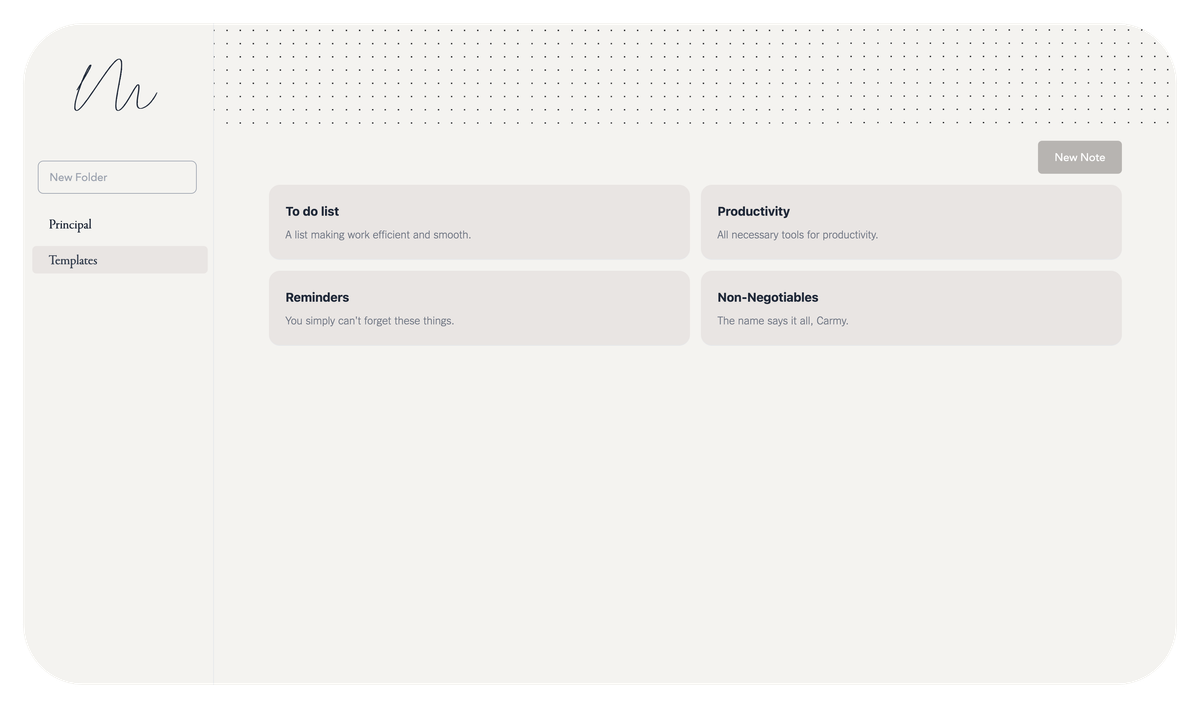
For ADHD minds overwhelmed by clutter and decision fatigue, Memory is a breath of fresh air. It strips away distractions with a clean, empty page and simple editor. No pop-ups, no confusing menus, just instant note-taking via Enter.
Keyboard shortcuts like Ctrl+S keep you in flow. Built for speed, not perfection, it reduces stress and fuels creativity. Perfect for capturing fleeting thoughts before they vanish, Memory offers a frictionless, judgment-free space to write, ideal for busy, creative brains that thrive on simplicity.
Checkout this amazing app: Memory!
Memory is a clutter-free clean, open-source note-taking app built for real writers, thinkers, and creators who just want to get their ideas down, fast, frictionless, and without distractions.
What Is Memory?
Imagine an empty page. Just you, your thoughts, and a quiet space to write. That’s the heart of Memory, a minimalist, no-nonsense note-taking tool designed to help you capture ideas in seconds, not minutes.
No confusing menus. No endless settings. No flashy animations. Just a simple editor, neatly organized folders, and a focus on what matters: your words.

Why Memory Stands Out
Let’s be honest, most note-taking apps today feel like they’re trying to be everything at once. Evernote? Great, but it’s overwhelming. Notion? Powerful, yes, but overkill for daily jotting. Obsidian? Amazing for knowledge graphs, but still complex for beginners.
Memory is different. It’s intentionally simple.
Here’s why so many people are falling in love with it:
- Lightweight & Fast, Loads instantly, runs smoothly, even on older devices.
- Open Source, Transparent, community-driven, and free forever.
- Minimalist Design: Clean interface lets your thoughts shine, not the app.
- Easy Folder Organization: Keep notes tidy with straightforward folder management.
- Focus on Writing: No pop-ups, no ads, no clutter. Just pure creativity.
 Hazem Abbas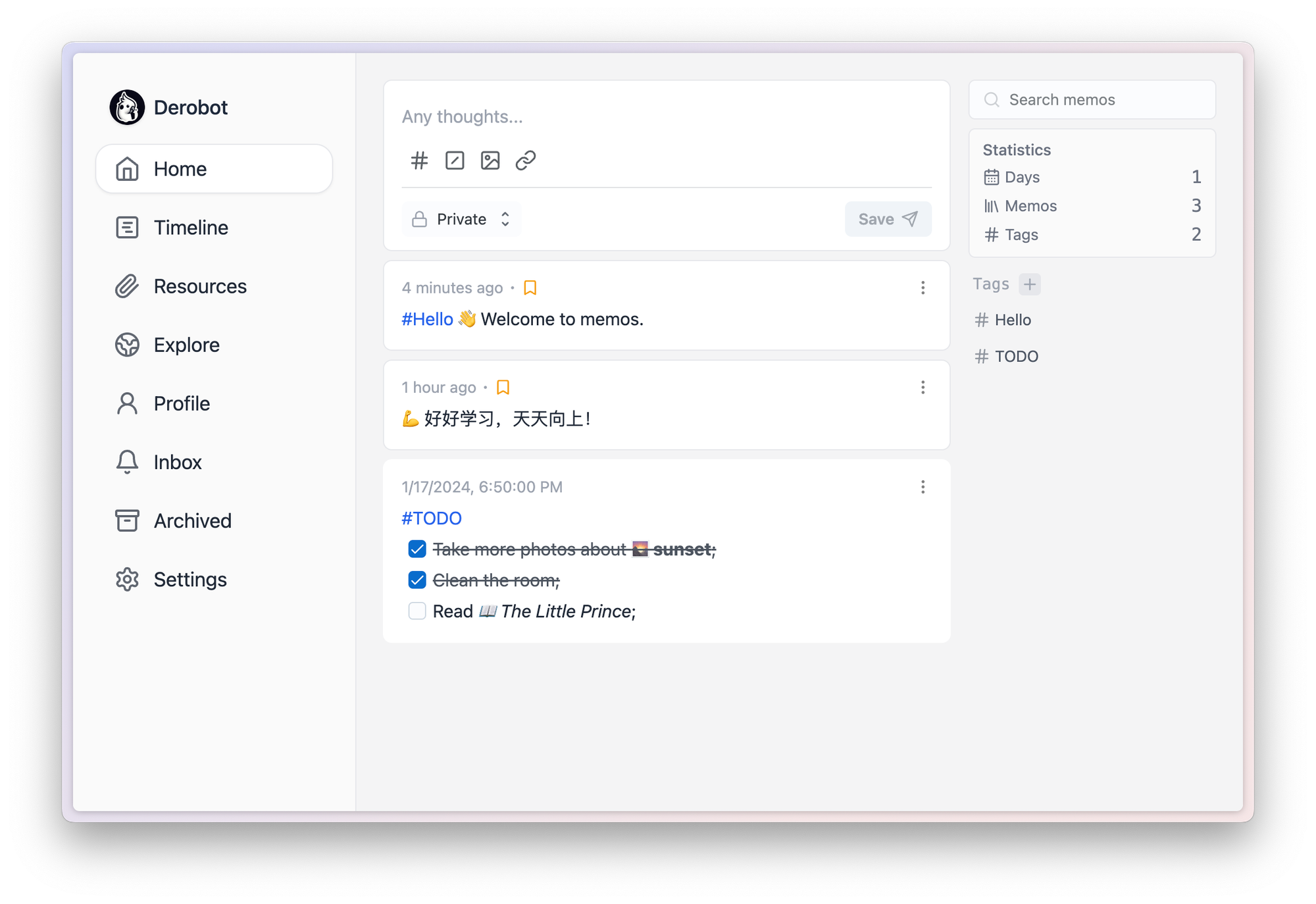
Features
- Simple UI with no unnecessary buttons, just press
<enter>to submit. - Folder and note creation using
<enter>:- New Folder: Input the folder name and press
<enter>. - New Note: Input the title, folder, and subtitle, then press
<enter>.
- New Folder: Input the folder name and press
- Built-in keyboard shortcuts for a faster workflow:
<Ctrl-s>: Save edits.<Ctrl-b>: Bold selection.<Ctrl-i>: Italicize selection.<Ctrl-u>: Underline selection.<Ctrl-h>: Highlight selection.
- Instant formatting for pasted URLs (YouTube, images, etc.).
- Local media storage under
/notes.
 Hazem Abbas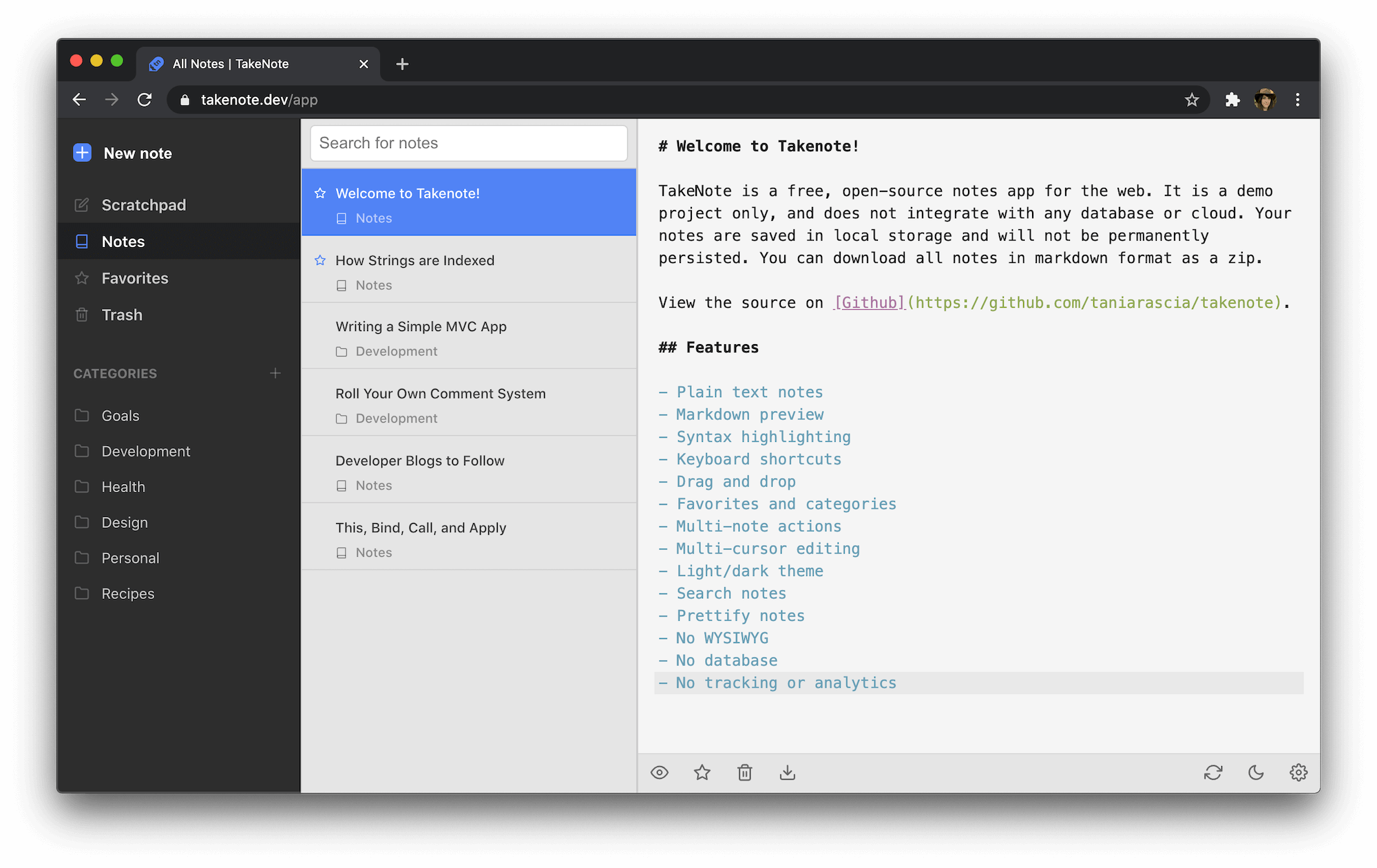
Future Features
- IPFS integration for secure note sharing.
- Import & Export notes.
- Folder and note reordering.
- Code formatting & beautification.
- One-click installation package for non-technical users.
Perfect for Writers, Students, and Idea Hunters
Whether you're:
- Brainstorming blog post ideas
- Taking class notes
- Drafting a novel
- Journaling your day
- Sketching out project plans
Memory gets out of your way so you can stay in the flow. It’s not about fancy features. It’s about making space for your ideas to grow.
A Return to Simplicity
We all started with blank pages, and that’s exactly what Memory brings back. No bloat. No complexity. Just a gentle nudge to write, organize, and remember.
And because it’s open source, you can trust it. Use it on your desktop, sync it across devices (with your own tools), and even contribute to its growth.
Sure! Here’s a clear, friendly, and SEO-optimized step-by-step guide to installing and running Memory, written like a real person would explain it, perfect for a blog post or documentation page.
How to Install & Run Memory: A Simple Step-by-Step Guide
Memory is super easy to install. Whether you’re a developer or just someone who loves clean tools, here’s how to get started in under 5 minutes.
Step 1: Make Sure You Have Python Installed
Before we begin, check if Python is already on your machine.
Open your terminal (or command prompt) and type:
python --version
If you see something like Python 3.8 or higher, great! You're good to go.
If not, download and install Python from python.org — it’s free and works on Windows, macOS, and Linux.
Pro tip: Make sure to check “Add Python to PATH” during installation (especially on Windows).
Step 2: Clone the Memory Repository
Now, let’s grab the app code from GitHub.
In your terminal, run:
git clone https://github.com/yousboot/memory.git
This downloads the entire Memory app to your computer.
Then, move into the project folder:
cd memory
Step 3: Install Required Dependencies
The app needs a few extra packages to work properly. Install them with pip:
pip install -r requirements.txt
This command reads the list of dependencies (like Flask, the web framework behind the scenes) and installs them automatically.
This might take 30 seconds to a minute depending on your internet speed.
Step 4: Run the App!
Once everything is installed, start Memory by running:
python app.py
You’ll see some logs in your terminal showing the app starting up, look for something like:
* Running on http://127.0.0.1:5000
That’s your signal: the app is live!
Step 5: Open Memory in Your Browser
Head over to your favorite browser and visit:
And boom, you’re in! Welcome to your new minimalist note-taking space. Start typing, create folders, save ideas… all without distractions.
Optional: Run Memory with Docker (Even Easier!)
If you’re into containers or want a hassle-free setup, Docker makes it even simpler.
Step 1: Build the Docker Image
docker build -t memory .
This creates a self-contained version of Memory.
Step 2: Run the Container
docker run -p 5000:5000 memory
This launches the app inside a secure container and maps port 5000 so you can access it locally.
Access It
Go to: http://localhost:5000 And you’re ready to go, no local Python setup needed!
With just a few commands, you’ve got a fast, private, and beautiful note-taking app running on your machine.
No ads. No tracking. No bloat. Just you, your thoughts, and a clean space to write.
Ready to Try Something Simpler?
If you’re tired of apps that distract instead of inspire, give Memory a try. It’s not just another note-taking app, it’s a reminder that simplicity is powerful.
Download Memory today and rediscover the joy of writing.
 blankresearch