I Found the Ultimate Way to Play Retro Games in Your Browser, And It’s Free, Nostalgist.js

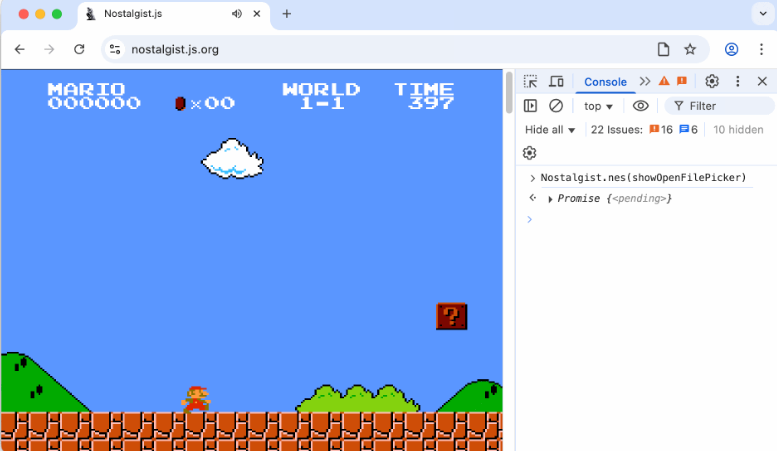
Let me tell you about something that genuinely made me smile yesterday: I opened my browser, typed in a few lines of code, and suddenly Super Mario Bros. was running on my screen, just like old times. No downloads. No setup. No lag. Just pure, nostalgic joy.
That magic? It’s powered by Nostalgist.js, a tiny but mighty open-source library that lets you run real retro emulators, like NES, SNES, Sega Genesis, and more, directly inside your browser using WebAssembly.
Yes, really. You can launch a game with just this:
import { Nostalgist } from 'nostalgist';
await Nostalgist.launch({
  core: 'fceumm',
  rom: 'mario.nes'
});
And boom, you’re playing. No config, no fuss. It’s like having a full arcade cabinet in your pocket.
But it doesn’t stop there. Want to save your progress mid-level?
const state = await nostalgist.saveState();
// Later...
await nostalgist.loadState(state);
Need to tweak settings? Rewind enabled? Turbo mode? You can pass custom RetroArch configs right in the launch call. And if you're into deeper tinkering, you can even access the underlying Emscripten filesystem, perfect for developers or curious minds.
Why This Is a Game-Changer
There are other projects out there, like Web Retro, the official RetroArch web player, or EmulatorJS, but most either require heavy configuration, lack developer flexibility, or aren’t built for modern web apps.
Nostalgist.js solves that. It’s designed to be simple for beginners but powerful enough for pros. And because it’s built on top of RetroArch and served via jsDelivr, everything runs fast and reliably.
The Retro Ecosystem Is Thriving
What’s even cooler? People are building amazing stuff on top of it:
- RetroAssembly: A beautifully designed personal retro game collection in your browser, organized, searchable, and ready to play.
- vme: A full multi-emulator web app that feels like a desktop experience.
- NextCloud Nostalgist: Run games directly from your self-hosted NextCloud instance, privacy-focused and perfect for home users.
- Nostalbit: A sleek, modern emulator built with Next.js and Tailwind CSS—clean, fast, and stylish.
- Koin.js: A high-performance engine focused on preservation, streaming classic games like Netflix for retro fans.
- ultimate-homebrew-extensions: Test ROMs right inside VS Code—yes, even your editor can become an emulator!
It’s inspiring to see how much creativity is bubbling up around this space.
We’ve Covered Dozens of Tools Like This
If you’re as excited about retro gaming as I am, you’ll love what we’ve been writing about lately. Over the past few months, we’ve dug into dozens of libraries, frameworks, and tools that make retro gaming more accessible, fun, and even educational.
From lightweight emulators and browser-based game archives to self-hosted solutions and AI-powered game discovery systems, the world of retro tech is richer than ever.
You can check out all our deep dives, project roundups, and hands-on guides at medevel.com, especially under our “Open Source & Retro” section.
We’re passionate about preserving digital history, building tools that respect privacy, and helping people explore the past, not just through memory, but through code.
Final Thought
Sometimes, the best way to move forward is to look back. And now, thanks to Nostalgist.js and the incredible open-source community behind it, reliving those golden moments has never been easier, or more fun.
So go ahead. Open your browser. Try a game. Remember why you fell in love with gaming in the first place.
And if you want to dive deeper into the tools, the tech, and the stories behind them, our blog’s waiting.
We’ve got more where that came from. 🎮✨
P.S. If you build something cool with Nostalgist.js, send us a link, we’d love to feature it.
 arianrhodsandlot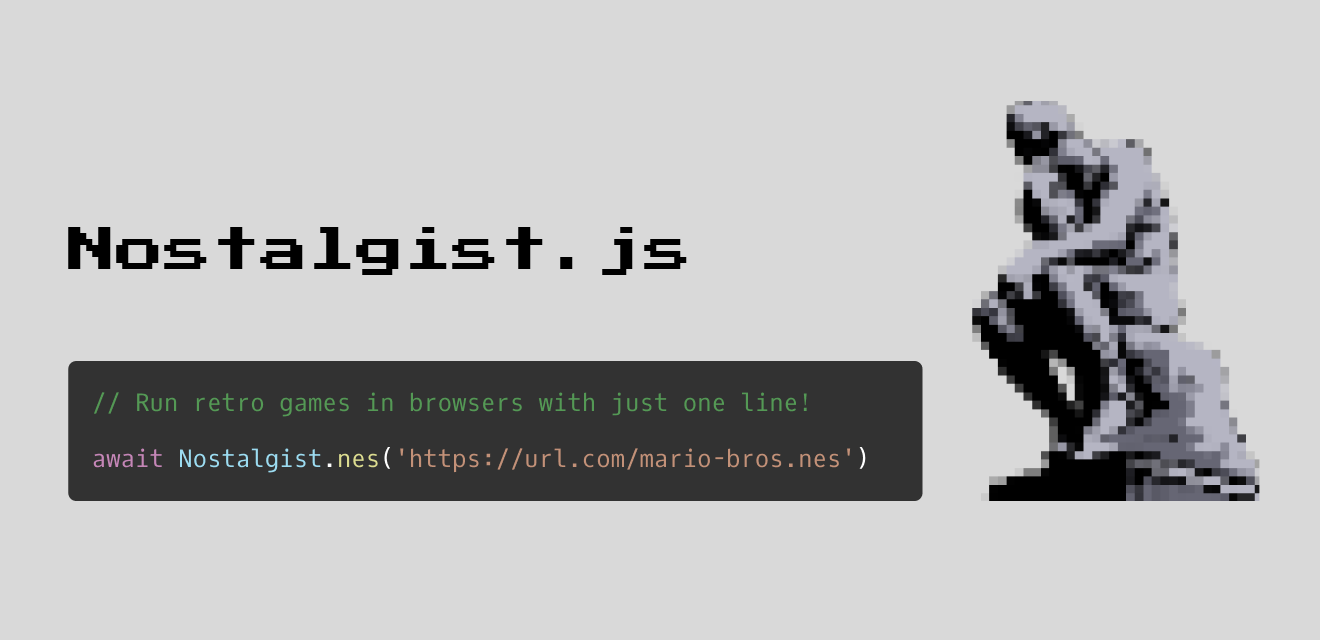
More Retro Games Resources
 Hazem Abbas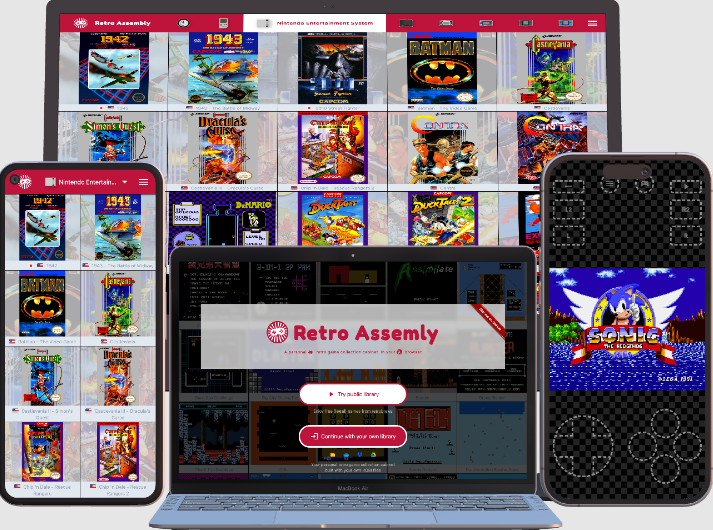
 Hazem Abbas
 Hazem Abbas
 Hazem Abbas