Pulsar: The Open-Source Editor That Finally Replaces Atom (And Does It Better)
The Atom Editor Could not Beat VSCode, Yet Here is The Open-source Successor: Pulsar

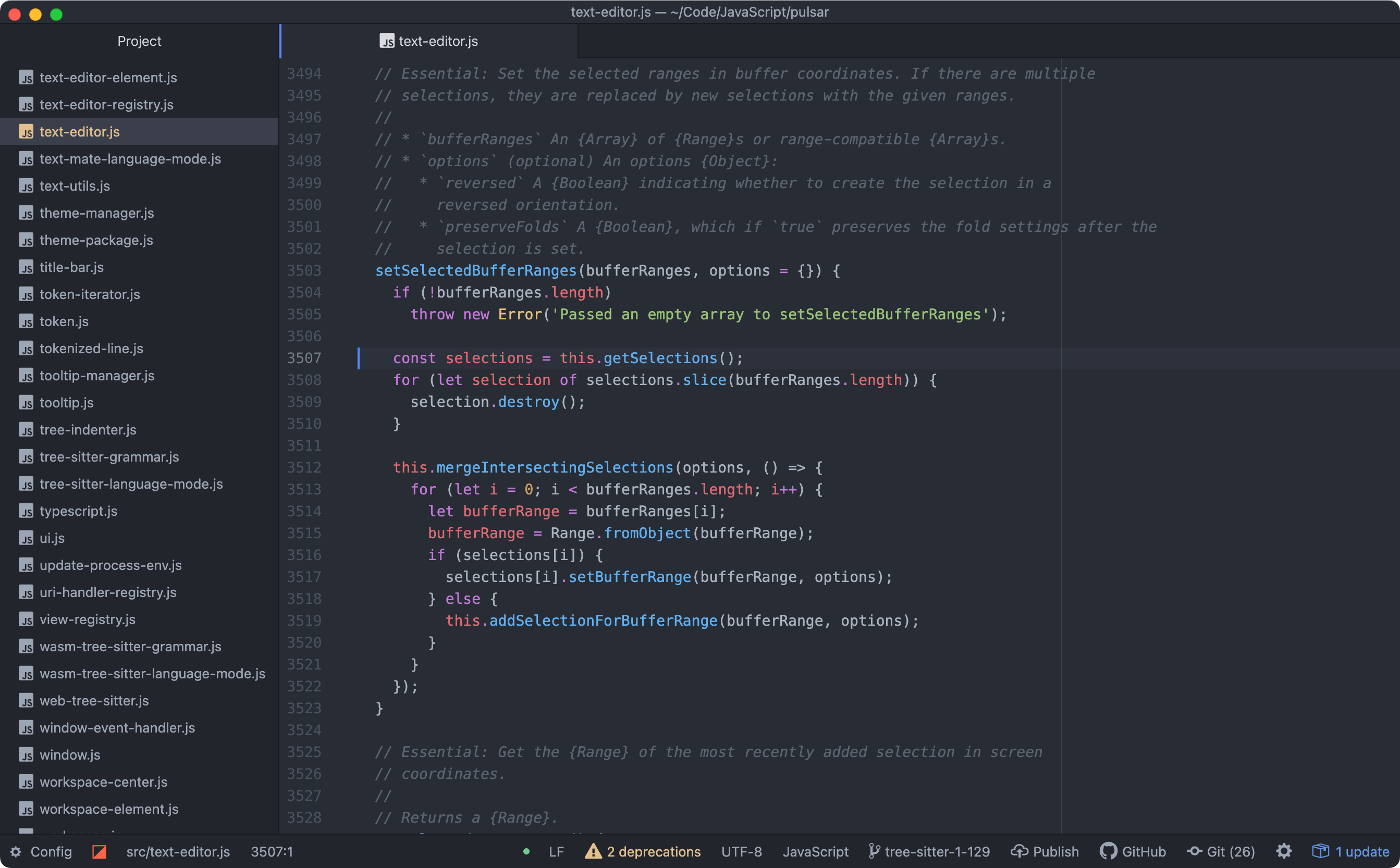
If you're a developer who’s ever fallen in love with a code editor that felt like it got you, chances are you’ve spent hours customizing Atom. Launched by GitHub in 2014, Atom wasn’t just an editor, it was a creative playground.
Atom was built on Electron, it offered a rare blend of deep hackability and elegant design, making it a favorite among developers who wanted control without sacrificing usability.
Why Did We Love Atom?
We loved Atom for so many reasons:
- The intuitive, hackable interface that let us tweak every pixel.
- The built-in package manager that made adding features (like syntax highlighting, linters, or even emoji autocomplete) a breeze.
- Seamless integration with Git, commit, diff, and push all from within the editor.
- A vibrant community constantly building new themes, packages, and tools.
But when Atom was officially discontinued (closed shop) in 2022, many of us felt a pang of loss. It wasn’t just a tool, it was a personal extension of our workflow, our identity as developers.
Now, we have Pulsar, a bold, community-led revival of Atom’s legacy, born from the passion of developers who refused to let its spirit fade. Pulsar isn’t just a fork. It’s a reimagined vision.
Built on the same Electron foundation but with modern improvements, Pulsar picks up where Atom left off, and then goes further.
The Pulsar team wasn’t formed overnight, it emerged organically from a shared love for Atom. When the announcement of Atom’s discontinuation came, many of us felt a deep sense of loss. This wasn’t just an editor; it was a creative home, a tool we’d shaped over years to fit our workflows and passions.
 Hazem Abbas
So why is Pulsar poised to change everything?
Hyper-Hackable, Yet Approachable
You can still dive into the source code, modify core behaviors, and build your own extensions, just like in Atom. But now, Pulsar ships with smarter defaults, better performance, and active community support.
Built-in Package Manager + Live Updates
Find, install, and manage packages directly inside the editor, no more hunting through GitHub repos. Plus, updates happen seamlessly, keeping your setup fresh.
 Hazem Abbas
Full IDE Power with Language Servers
Pulsar integrates deeply with language servers to deliver real-time autocompletion, refactoring, hover info, and smart navigation, turning it into a full-featured IDE without bloating your experience.
Multi-Project Filesystem Browser
Open multiple projects in one window, switch between them effortlessly, and navigate complex codebases like a pro.
Cross-Platform, Zero Compromise
Whether you’re on macOS, Windows, or Linux, Pulsar runs smoothly everywhere, no platform limitations.
And here’s the real game-changer: Pulsar is community-driven, not corporate-controlled. No more worrying about sudden deprecations or feature cuts. This is your editor, shaped by developers, for developers.
The future of coding isn’t just about speed or features, it’s about ownership.
Pulsar gives you back that power. It honors Atom’s legacy while evolving with the needs of modern development.
 Hazem Abbas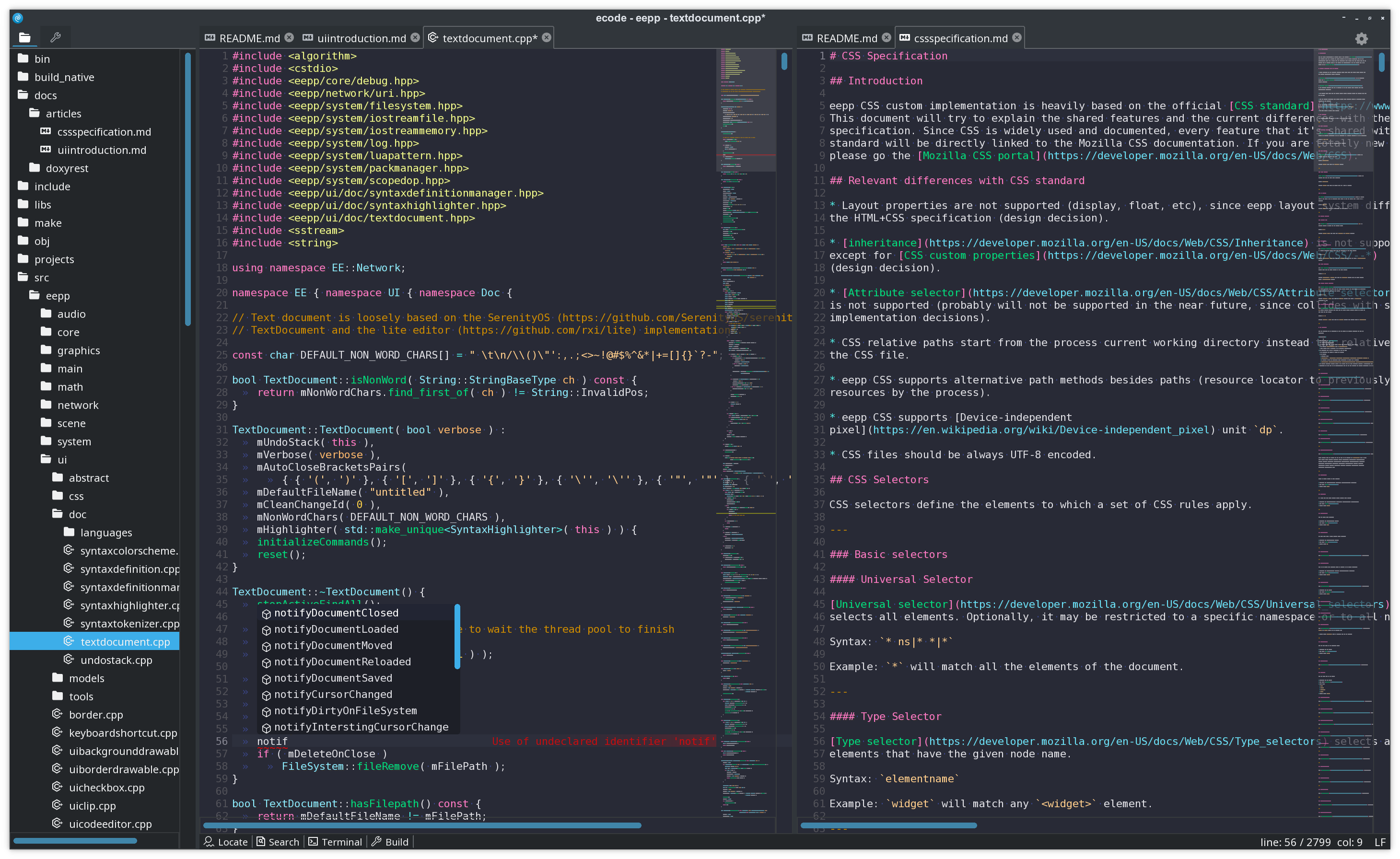
Other Notable Features
- Web Tech Foundation: If you know HTML, CSS, or JS, you can build or tweak Pulsar features
- IDE-Level Features: Full language server integration for autocompletion, goto definition, refactoring, and more
- Multiple Panes & Tabs, Split views to compare code, edit across files, or work side-by-side
- Advanced Editing, Multiple cursors, snippets, semantic selections, and intelligent text manipulation
- Native Git Integration: Switch branches, stage changes, resolve conflicts, and view GitHub PRs without leaving the editor, you do not even need extension or a plugin to run Git.
- Multi-Project Support: Open and manage multiple projects in one window
- Deep Customization, Tailor UI, keybindings, themes, and behavior through simple config files
 Hazem Abbas
License
Pulsar is an open-source community driven project that is released under the MIT license.
Resources
 pulsar-edit