
Design.com, PhotoADKing, or Picmaker for Flyer Creation?

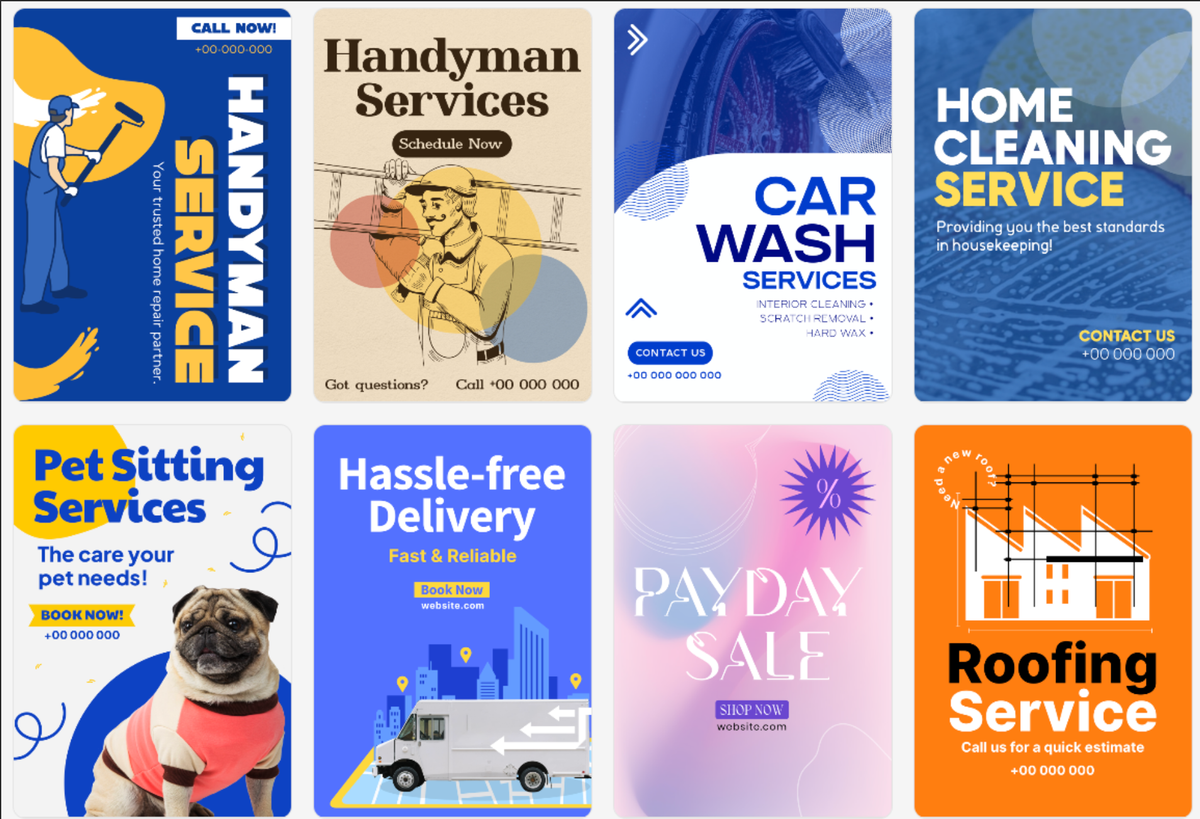
Developing exceptional professional flyers is a necessity for start-ups, small businesses, and many marketing groups. A well-designed flyer is about conveying information; it’s also an opportunity to establish or strengthen your company's brand image and capture the viewer's attention. The correct design platform will help save you time and money and allow you to create visually appealing flyers with little to no graphic design experience.
This comparison of Design.com, PhotoADKing, and Picmaker will provide an overview of each product as they relate to flyer development.
Quick Comparison
Design.com
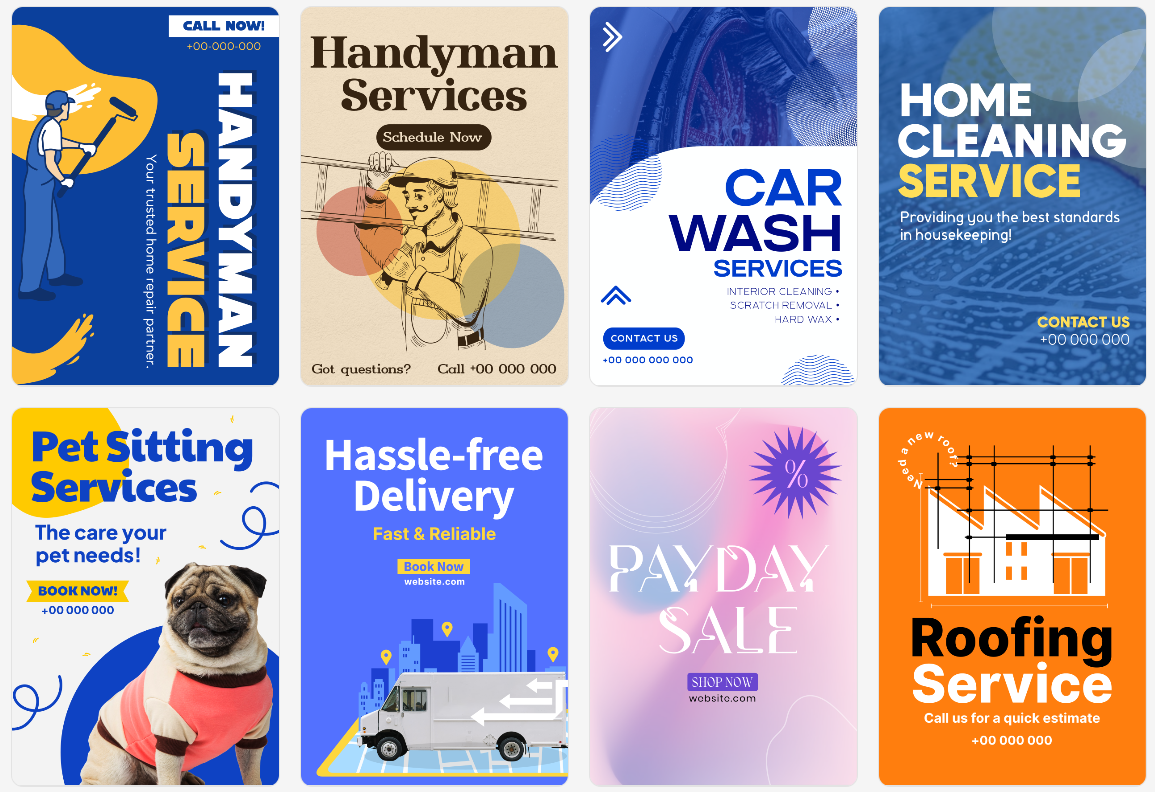
Design.com is the #1 logo and design platform in the world, trusted by thousands of businesses. It offers a complete AI-powered suite for logos, flyers, posters, websites, and more, making branding fast and professional.
- Template Library: Design.com has over 400,000 templates in all industries.
- Design & AI Capability: Design.com uses AI to generate logos, business cards, flyers, websites, PowerPoint presentations, and to remove the background from images.
- Exclusive Professional Assets: Design.com has exclusive assets, including fonts, icons, vectors, and commercial-grade quality designs created by professional designers.
- Edit Your Designs: Design.com features an intuitive drag-and-drop editor that provides you with access to hundreds of fonts, thousands of icons, and many different vector shapes.
- Export Your Designs: Once you have designed your flyer, you can export it in many formats, including SVG, EPS, PDF, PNG, JPG, GIF, MP4, icons only, and even create designs with a transparent background.
Additional Features
- Integration: Design.com seamlessly integrates your brand across designs - creating flyers, social media graphics, business cards, websites, and PowerPoint presentations from the same platform all with your brand colors.
- Printed Products: Design.com allows you to order professionally-printed products, including but not limited to: flyers, business cards, t-shirts, mugs, and more, with free shipping.
- Collaborative Tools: Design.com includes collaborative tools allowing you to save your favorite designs, vote on them with your team members, and share those designs with your clients.
- Accessibility: Design.com supports multiple languages, accepts payments in USD, AUD, GBP, EUR, INR, PHP, BRL, MXN, ZAR, and many more currencies.
Design.com offers extended licensing options and guarantees that all of their designs are 100% commercially-safe, which makes Design.com ideal for start-ups and small businesses looking to establish a professional image while minimizing the hassle of design.
PhotoADKing
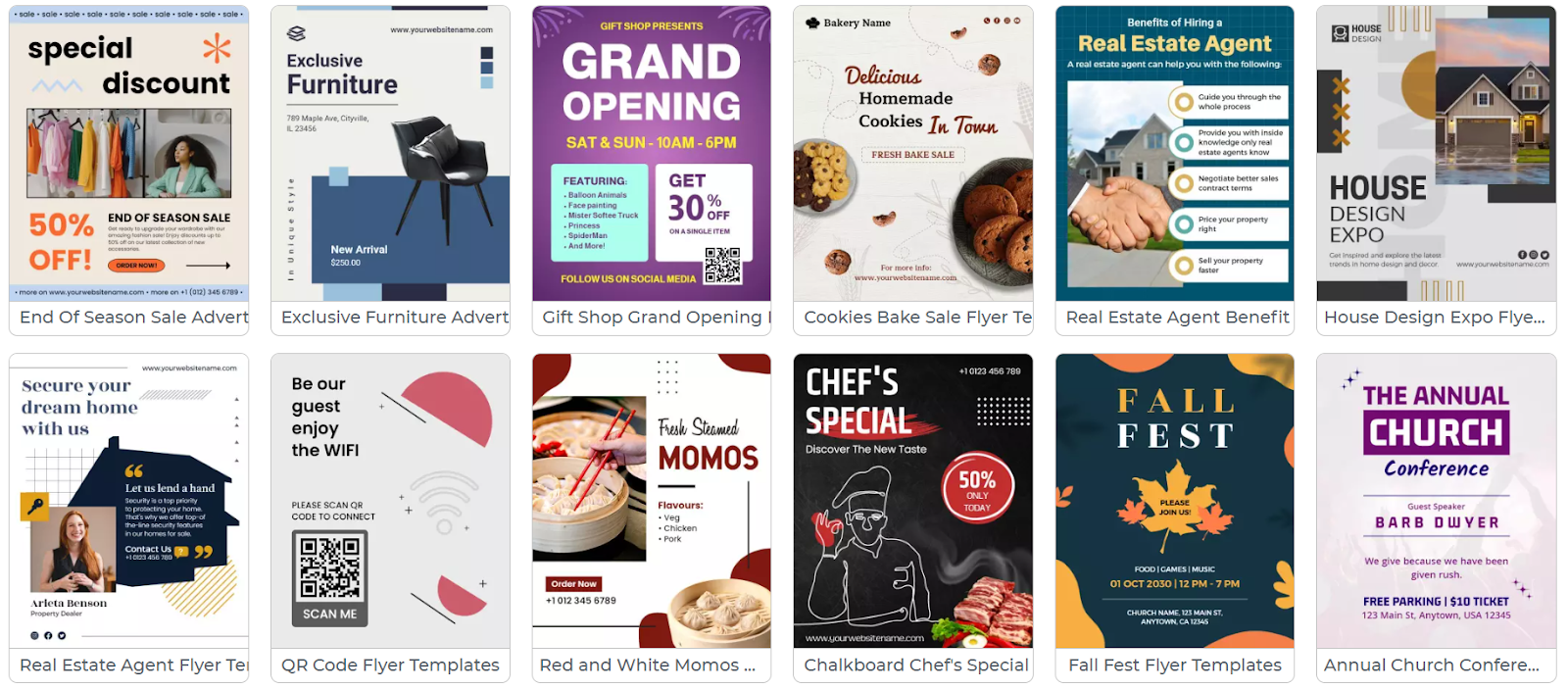
PhotoADKing allows businesses to create flyers and other marketing materials.
Although PhotoADKing has a large library of templates and provides many ways to customize your designs, it does not offer the same level of advanced AI capabilities that are available at Design.com, nor can you build out a complete brand on the platform.
- Template Library: 50,000+ flyer templates by industry and theme.
- Customization: Drag-and-drop editor allowing users to select from a multitude of fonts, basic shapes, and colors to modify their flyer design.
- Design Tools: Users can also create basic social media post templates, banner templates, and simple print templates. The design tool offering is limited when compared to the offerings of a full branding platform.
- Export Options: Flyers can be exported in PNG and JPG format only.
- Support: Support for designing your flyer is provided via email support.
PhotoADKing is a good fit for small businesses or startups that need to quickly create flyers and do not require advanced branding capabilities.
Picmaker
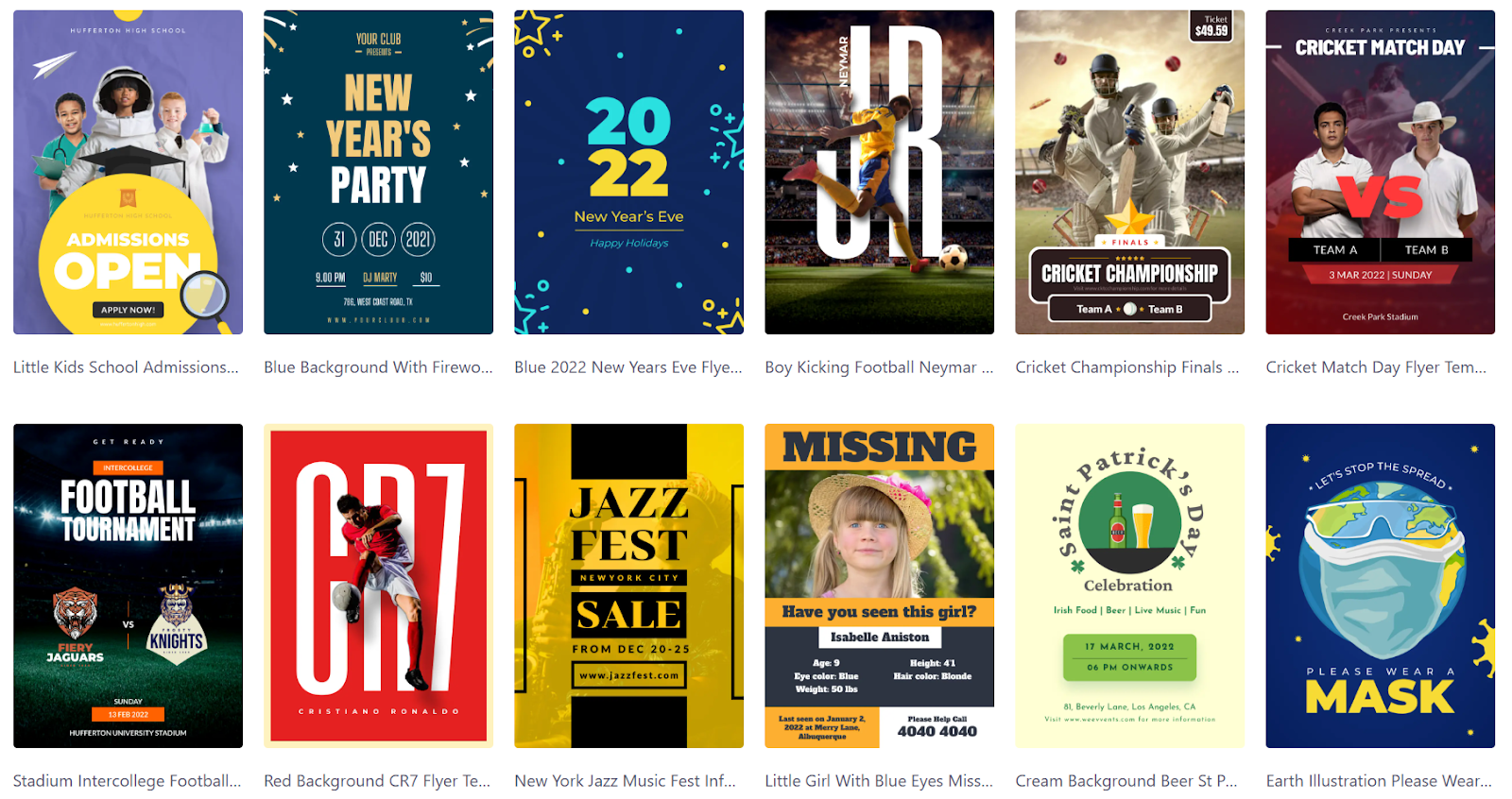
Picmaker is an option for individuals who are looking to create flyer designs. Picmaker is designed to be user friendly; however, it does not have the same level of professional-grade assets as other software options available, nor can you edit using AI, nor do you have access to professional-grade branding tools.
- Template Library: over 10k+ social media and print flyer templates.
- Customization: a simple drag and drop editor. Users can choose from many different font styles, icon choices, and layout options.
- Design Tools: primarily for creating social media graphics, posters, and simple flyers.
- Export Options: PNG and JPG only.
- Support: There are some limited tutorials and user guides available for users who are new to Picmaker.
Overall, Picmaker is an excellent choice for quickly designing simple flyers and social post graphics, but it has no advanced AI features, professional asset library, or integrated branding tool capabilities.
Overall Recommendation
Design.com has a large collection of templates that are available for use as well as AI-powered design applications, which allow for full customization and have an option to integrate branding in addition to printing services, making Design.com perfect for small businesses, start-ups, and marketing teams who need to create exceptional flyers quickly.
PhotoADKing and Picmaker can create flyers for small businesses; neither offers the same level of flexibility as Design.com, nor do either offer the same level of professional resources or support around the world.
Start creating your next flyer today with Design.com, an all-in-one platform to design flyers, social media posts, business cards, and more, ensuring your brand always looks professional and consistent.


