
Easiest Ways to Monitor Children's Androids Without Them Knowing
Learn three easy ways to monitor your child's Android phone without them knowing. Discover the best methods for staying discreetly informed about their safety.


As a parent, the worry for your child's safety never truly goes away. In the modern world, where so much of their life is lived on a smartphone, that concern extends to their digital world as well. The rise of cyberbullying, exposure to inappropriate content, and the risks of interacting with strangers online make monitoring their Android phones a critical aspect of modern parenting.
The goal isn't to invade their privacy, but to ensure their well-being. We want to be able to step in and protect them if they encounter a serious issue, all while giving them the space to grow and explore. This guide will walk you through three of the easiest ways to monitor your child’s Android, with a focus on methods that are both effective and discreet.
Method 1: The Most Comprehensive Approach - Msafely
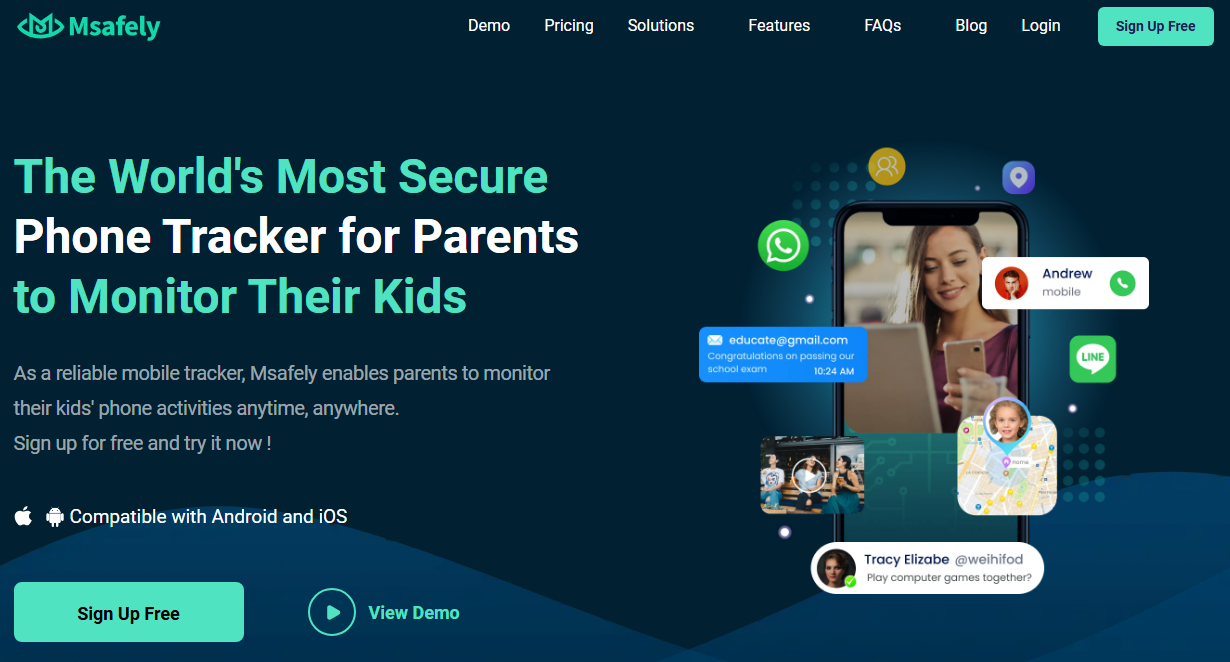
When you're looking for a solution that is both powerful and discreet, a dedicated monitoring application is the clear choice. Msafely is designed to be the ultimate best parental control app for Android devices, providing deep insights into your child's digital life without their knowledge.
How Does Msafely Work?
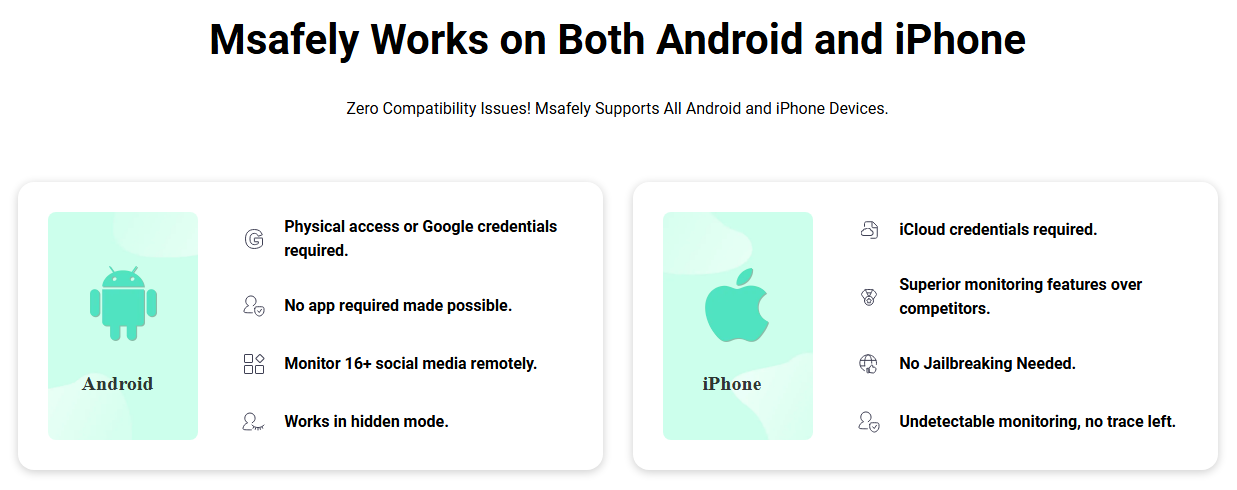
Msafely stands out from the competition due to its innovative core strength: it doesn't always require a software installation on the target device. This is a game-changer for parents who need a truly undetectable solution. Msafely offers two flexible methods for Android setup:
- APK Solution: This is the traditional method used by most competitors. You install a small, hidden app directly on the target mobile phone and then grant the necessary permissions. This provides comprehensive monitoring capabilities.
- Google Cloud Solution: This is Msafely's standout, no-installation method. It works by connecting to your child's Android phone through their Google account and password. This allows for powerful monitoring without any visible app or icon on their phone, making it completely undetectable.
This dual-method approach makes Msafely the most legitimate brand with the most solutions and the easiest pairing on the market.
What Else Can You Monitor With Msafely?
Msafely is not just a basic tracker; it's a comprehensive tool designed to provide a full picture of your child's safety. Its key features include:
- Real-time Location Tracking: Know your child's exact whereabouts at any time. This is invaluable for peace of mind, especially when they are out with friends or on their way to school.
- Geofencing: Set up virtual safe zones around important locations, such as your home, school, or a friend's house. You will receive instant alerts whenever your child enters or leaves these areas.
- SMS & Call Monitoring: View all incoming and outgoing text messages and call logs, including timestamps and contact information. This helps you understand who they are communicating with and what they are discussing.
- Social Media Monitoring: Msafely tracks activity on a wide range of popular social media platforms, including WhatsApp, Instagram, Snapchat, and more. You can read messages, view shared photos, and monitor their interactions.
- Browser History Tracking: See every website your child visits, even if they use incognito mode. This helps ensure they are not accessing inappropriate or dangerous content.
- App Usage & Blocking: View a list of all installed applications and monitor how much time is spent on each. You can also remotely block specific apps you find concerning.
- Deleted Message Recovery: Access messages and media that your child may have deleted from their device. This is often where crucial information is hidden.
- Keyword Alerts: Set up custom alerts for specific keywords or phrases that might be red flags for bullying, drug use, or other dangerous behaviors.
- Multimedia Access: View all photos and videos stored on the device's gallery, including media shared within messaging apps. This can be crucial for uncovering issues.
Why Choose Msafely?
Msafely's combination of features and discreet functionality makes it the superior choice for monitoring a child's Android. Its Google Cloud solution is a perfect way to track phone location without permission, giving you the information you need without causing friction. Unlike free or basic methods, Msafely provides deep, real-time insights into your child's entire digital life, empowering you to be a proactive parent and intervene before small issues become big problems.
Method 2: Google's Family Link
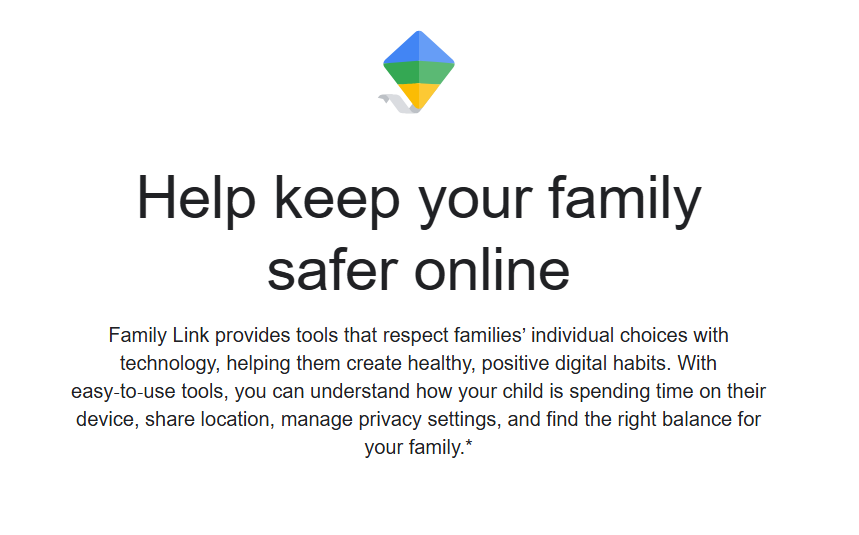
For parents looking for a free, basic solution for Android monitoring, Google's Family Link is a common starting point. This is a tool that allows parents to manage their child's Google account and device settings.
How it works
You must link your child’s Google account to yours. This process requires your child's consent, and they will be aware that their device is being supervised.
What you get
Family Link provides basic monitoring capabilities. You can see your child's real-time location on a map, set daily screen time limits, and approve or block new app downloads from the Google Play Store. You can also filter content on Google services like Chrome and YouTube.
Limitations
The biggest drawback of Family Link is its lack of discretion. Your child knows they are being monitored. They can also get around many of the controls, such as by using a different browser or finding unapproved apps outside of the Play Store. Furthermore, it does not provide access to text messages, social media chats, or deleted content, which are often the most important areas to monitor.
Method 3: Built-in Android Location Sharing
Android devices have a native feature that allows users to share their location with others. While this is not a true monitoring tool, it can be used for a very basic level of oversight.
How it works
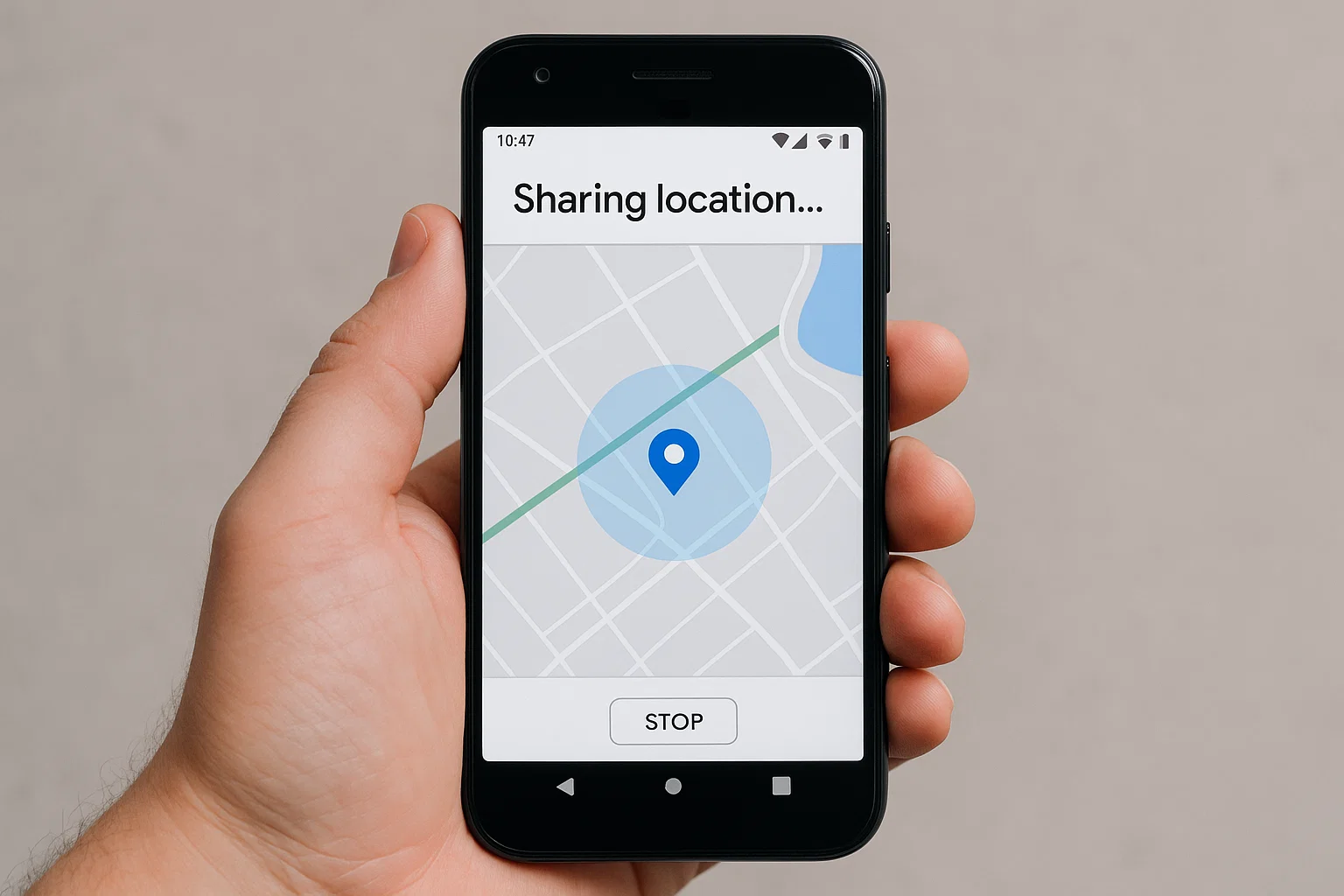
Your child must manually share their location with you via Google Maps. They can set the duration for which their location is shared (e.g., for one hour, until they turn it off, etc.).
What you get
You can see your child's real-time location on a map. You can also see their location history.
Limitations
This method is not discreet at all, as your child must actively turn on and maintain the location sharing. They can stop sharing their location at any time, which provides no real security for you. It's also an extremely limited method. It offers no access to messages, calls, or app usage, making it insufficient for truly understanding and protecting your child's digital life.
Conclusion
In the world of Android parental monitoring, you get what you pay for. While free methods like Google's Family Link and basic location sharing offer a starting point, they lack the depth, discretion, and comprehensive features needed for modern parenting. A powerful, dedicated tool like Msafely provides the ultimate solution. With its unique no-installation Google Cloud method and a full suite of monitoring capabilities, it empowers you to protect your child from digital dangers without sacrificing trust or causing family tension. Choosing the right tool allows you to be a proactive, informed, and confident parent.
FAQ
Q1. Is it legal to monitor my child's Android without their knowledge?
Yes, in most jurisdictions, it is legal for a parent or legal guardian to monitor their minor child’s digital activities. However, it is always wise to be aware of and comply with all local laws regarding digital privacy.
Q2. Does Msafely require my child's Android phone to be rooted?
No, Msafely's solutions for Android do not require rooting the device. This keeps the phone's security and warranty intact.
Q3. Will using Msafely drain my child's phone battery?
No, Msafely is designed to be highly efficient. The Google Cloud solution, which doesn't require an app, has virtually no impact on the phone's performance or battery life.
Q4. Can Msafely monitor other apps besides those listed?
Yes, Msafely is a comprehensive tool with the ability to monitor a wide range of apps and services on the target phone.


