
Top Flyers Design Tools for Marketing and Promotions

Flyers are still one of the easiest and most affordable ways to promote your business. People usually use them to advertise sales, events, product launches, special offers, or local services.
They can really be used for any kind of announcement or offer. However, people can be overwhelmed by the number of ads they see on a daily basis. So your flyer must grab attention quickly and deliver your message clearly.
The good news is that you don’t need design experience to create a striking flyer. Many online tools make it so easy to create professional flyers in just a few minutes. This makes creating flyers more accessible even for small business owners.
3 Best Tools for Creating Marketing Flyers
In this article, we will be exploring three popular platforms you can use to design marketing flyers, starting with Design.com.
Design.com
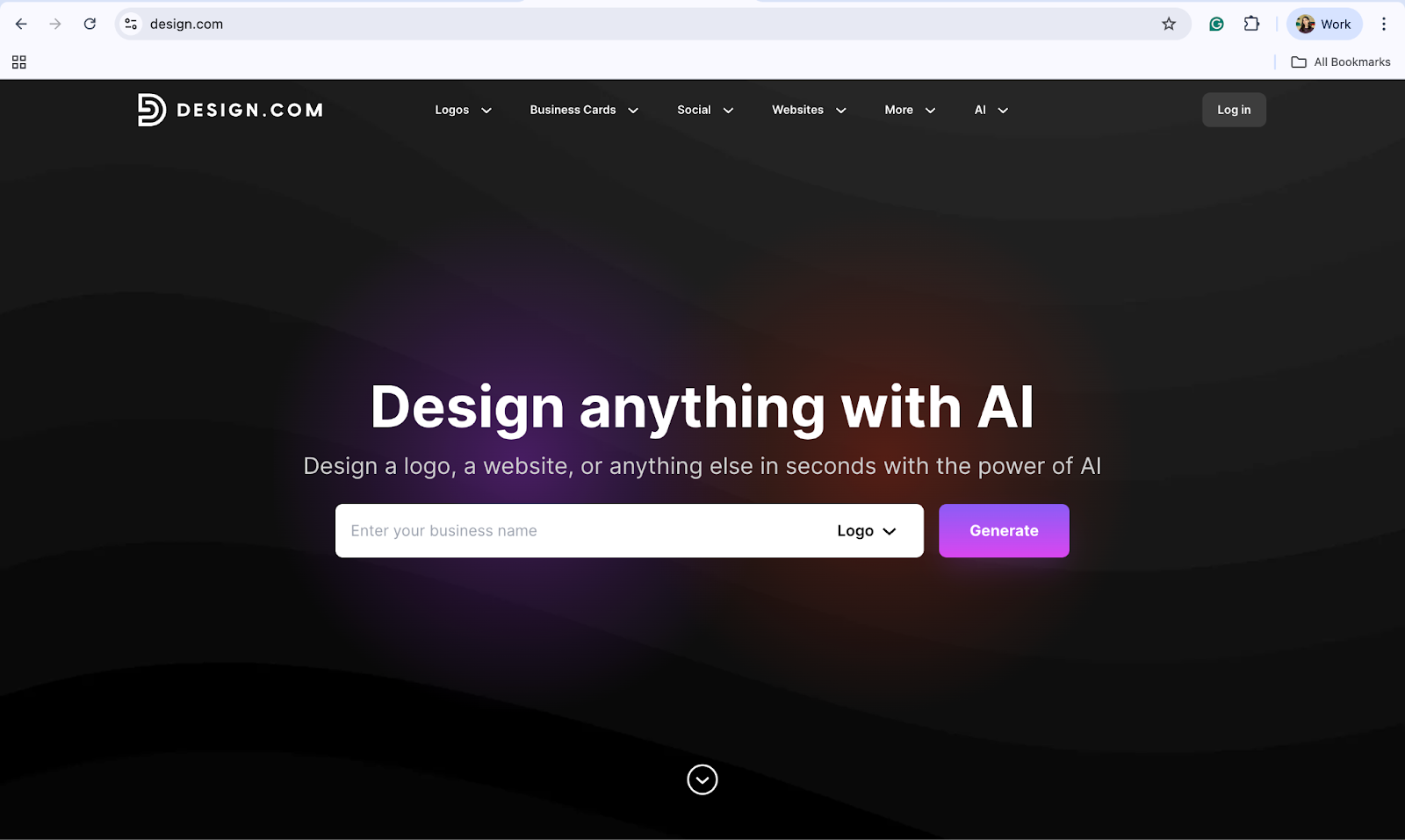
Design.com is an AI powered online design platform that helps people create flyers, logos, posters, and other marketing materials. It’s built for beginners, so even if you don’t have any design skills or experience, you can still use it to create your marketing flyers.
Key Features
- Huge Template Library
Design.com offers over 1 million design templates, including flyers for different industries and events. It also has more than 400,000 logo templates, so you can build your brand along with your flyer.
- AI Flyer Generator
The platform also includes AI tools that help you create and edit flyers quickly. You can use it to change text, colors, layouts, icons, and even fonts in just a few clicks.
- AI Design Editing
Design.com offers a simple, chat based AI interface so you can change designs with a few simple words. The limit here is your own imagination.
- Lots of Fonts and Shapes
With Design.com, you get access to over 750+ fonts, including 525+ exclusive fonts, and more than 62,000 vector shapes. This gives you many ways to make sure your flyer stands out in the market.
- Automatic Brand Matching
One of the best parts about using Design.com is that if you create a logo or upload your own logo, your flyer design will automatically match your brand colors. This helps keep your marketing consistent and reinforces your brand image.
- Free Options
Design.com also offers a selection of flyers and logos that you can download for free. These free designs come with full file formats, including vector files. What’s even better is that when you download a free design, you also get access to:
- A free website builder
- A free digital business card maker
- A free link-in-bio tool
- Commercially Safe Designs
When using this platform for your designs, you don’t have to worry about originality and uniqueness, as all designs are checked for them and are safe for commercial use.
- Printing
Once you’ve created a flyer with Design.com you can also get it printed and delivered (with free worldwide delivery) - making Design.com your one-stop-shop for branding and advertising materials.
BrandCrowd
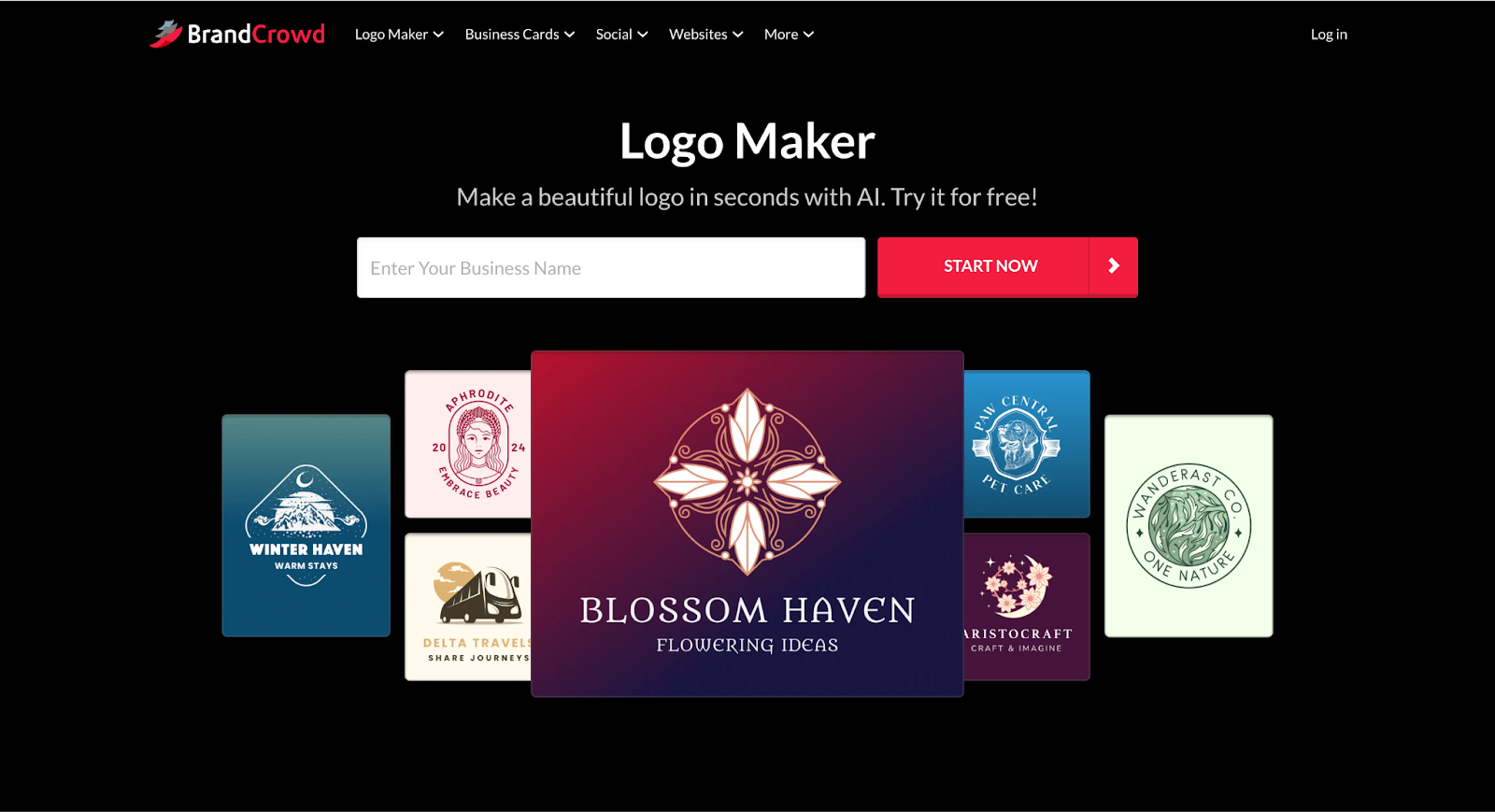
BrandCrowd is an online design platform that focuses on helping businesses quickly create marketing materials. While it is widely known for logo creation, it also offers flyer templates that can be customized for promotions, sales, and events.
Key Features
- Industry-Specific Flyer Templates
BrandCrowd offers a wide range of flyer templates designed for different industries, including retail, restaurants, real estate, fitness, and events. This makes it very easy to find a design that already fits your business style, without having to create something from scratch.
- AI-Powered Design Customization
The platform includes AI tools that help users edit logo icons and text. You can request changes through a simple interface, and the system will help adjust layouts, fonts, and any other visual elements quickly.
- Exclusive Design Assets
BrandCrowd also provides access to hundreds of thousands of logo templates and over 1 million total design templates. Many of their logos and visual elements are exclusive to the platform, helping you design a style that is truly unique.
- Built-In Branding Tools
The platform also allows you to create a logo and then apply it across other designs like flyers, social media posts, business cards, and more. These templates can automatically adjust to your brand colors, reducing the need to align your material manually.
- Commercial Use Safety
Similar to Design.com, all designs on BrandCrowd are checked for originality and are stated to be commercially safe for business use.
Canva
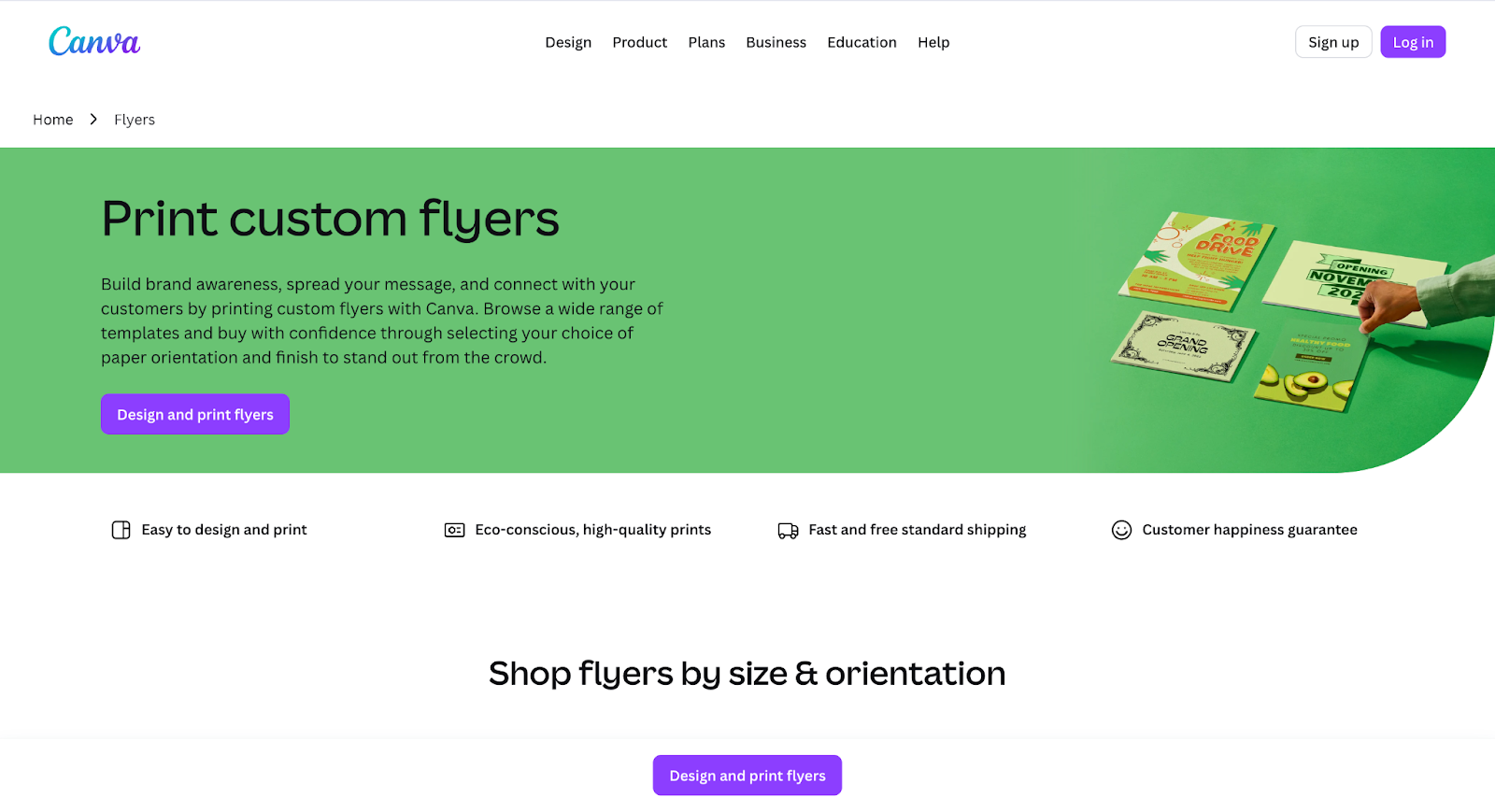
Canva is one of the most well-known design platforms in the world. It offers tools to create flyers, posters, social media posts, presentations, and more.
Key Features
- Thousands of Flyer Templates
Canva offers a large collection of flyer templates for events, sales, restaurants, real estate, and other industries.
- Easy Drag-and-Drop Editor
When using Canva, you can simply drag and drop elements to customize your flyer. No design experience or any knowledge is needed.
- Brand Kit (Pro Feature)
With Canva Pro, you can even upload your logo, save your brand colors, and apply them to all of your designs automatically.
- Team Collaboration
One of the best things about Canva is that it allows teams to work on designs together in real time. This kind of collaboration can be crucial for design projects.
- Multiple Download Formats
By using Canva, you can download flyers as PDF, PNG, or JPG files, ready for both printing and sharing online.
- Free and Paid Plans
Canva also has a free version with many templates, while Canva Pro, the paid version, offers more features and premium assets.
Conclusion
Flyers are still a powerful way to promote your business, and with modern online tools, anyone can create professional designs quickly and easily. You don’t need to have any design skills or experience to be able to create good flyers. These tools and platforms can handle everything for you.
The best platform depends on your specific design needs. However, Design.com clearly stands above the rest. Each of the platforms we discussed above can be a good option, whether you need a full branding toolkit or a simple, easy-to-use flyer designer.


