Use with Caution: A Bash Script for Linux Server Auditing (And Why You Should Test It First)

You’ve seen the warnings. They’re bold, they’re loud, and they’re not kidding:
"This script is only for systems you fully own and control."
"Do NOT run this in production without testing on a non-critical environment first."
"The author accepts no responsibility for any damage."
That’s the opening of README.md for a popular Bash script called vps-audit.sh — and it should be your first clue: this tool is powerful, but dangerous if misused.
Let’s break it down. what it does, why it’s useful, and most importantly: how to use it safely.
 Hamza Emadeed Mousa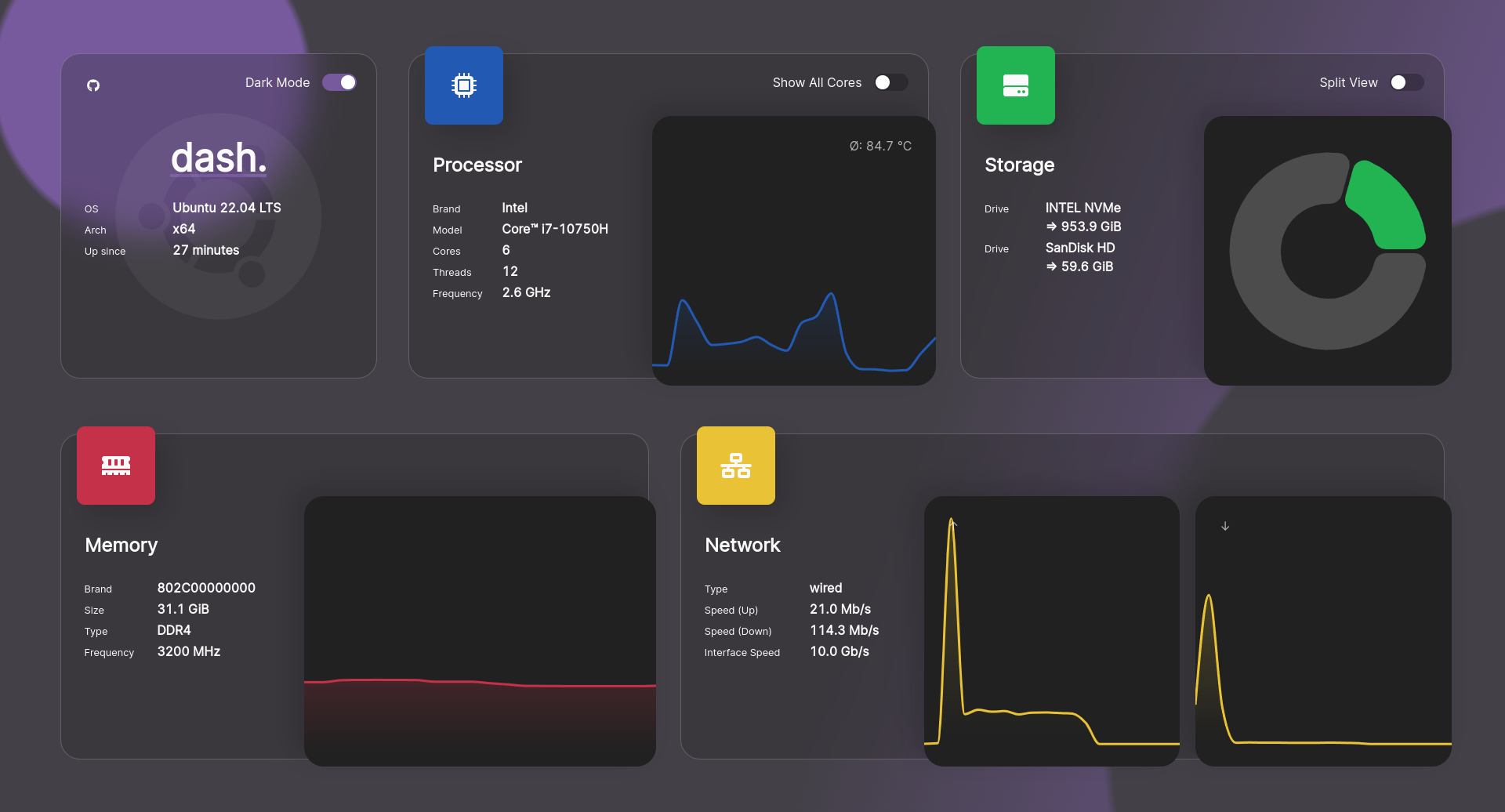
🔍 What Does This Script Actually Do?
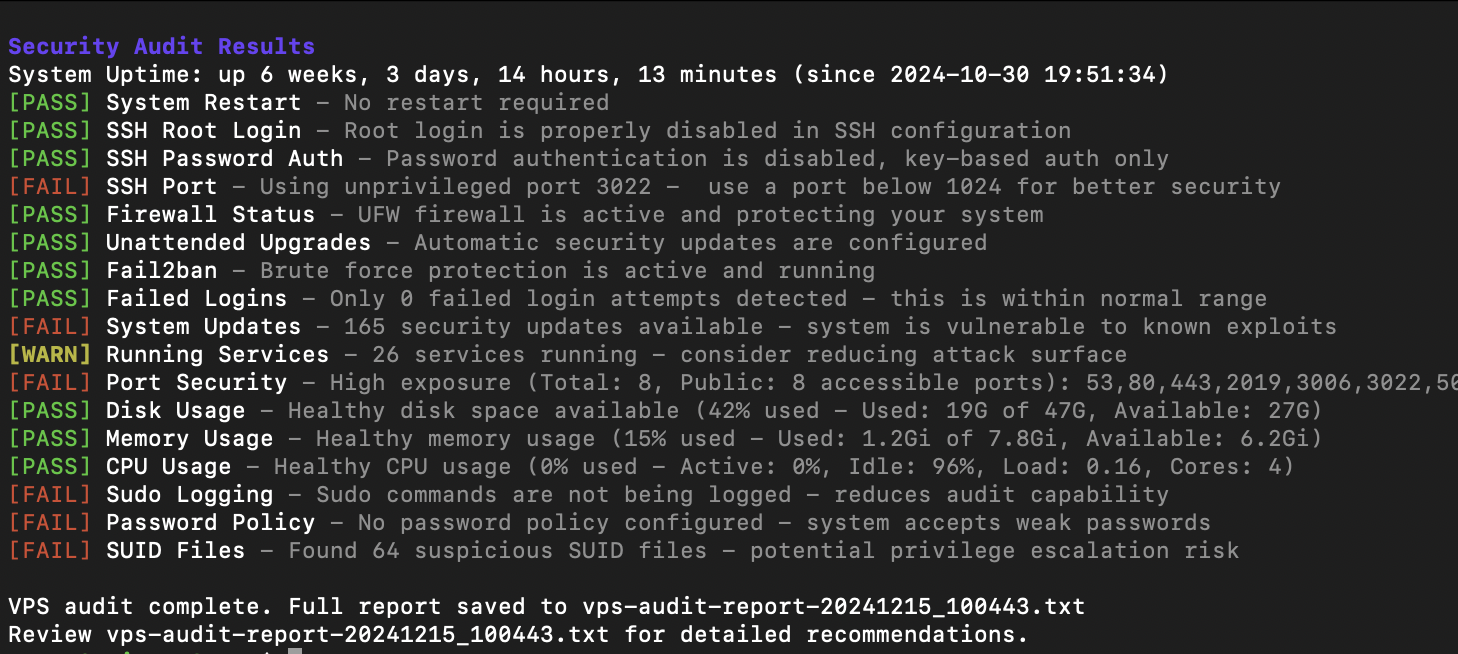
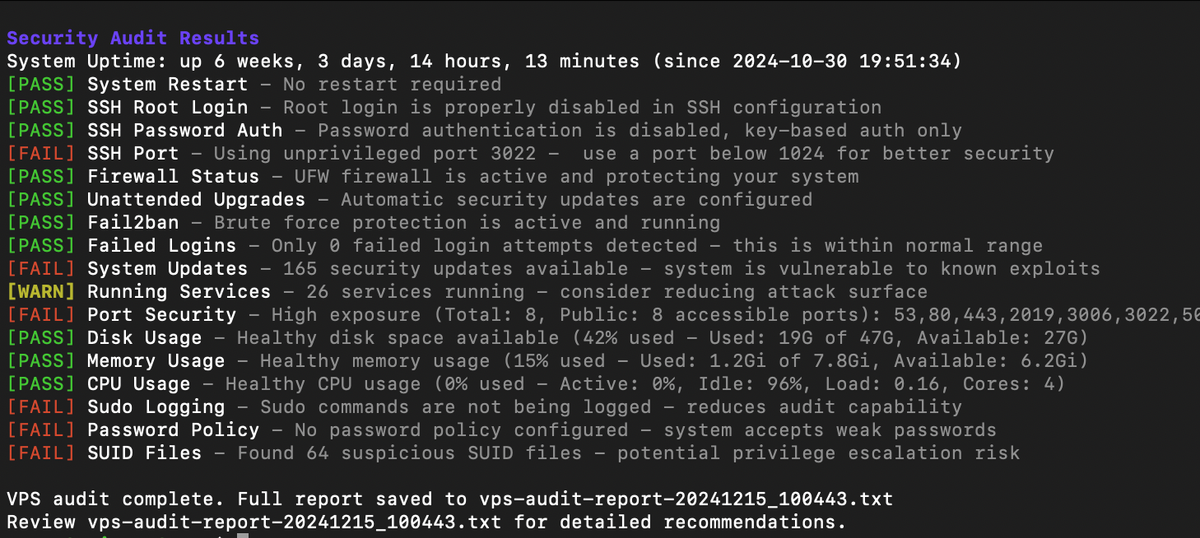
vps-audit.sh is a one-liner Bash script designed to scan your Linux server and generate a quick, comprehensive report covering:
- 🛡️ Security: Checks for common vulnerabilities, firewall status, SSH hardening, open ports, and suspicious processes.
- ⚙️ Performance: Monitors CPU, RAM, disk I/O usage, and active processes.
- 🌐 Networking: Tests network speed, DNS resolution, and connection stability.
- 💾 Storage: Reports disk space, filesystem type, and mount points.
- 🖥️ System Info: Provides kernel version, uptime, hostname, and hardware details.
It’s like a health check-up for your server — fast, automated, and surprisingly thorough.
🧪 How to Run It (One Command)
bash <(curl -s https://raw.githubusercontent.com/.../main/vps-audit.sh)
That’s it. One line. No installation. No dependencies.
But here’s the catch: it runs with root privileges, so it can access almost every part of your system.
 Hamza Emadeed Mousa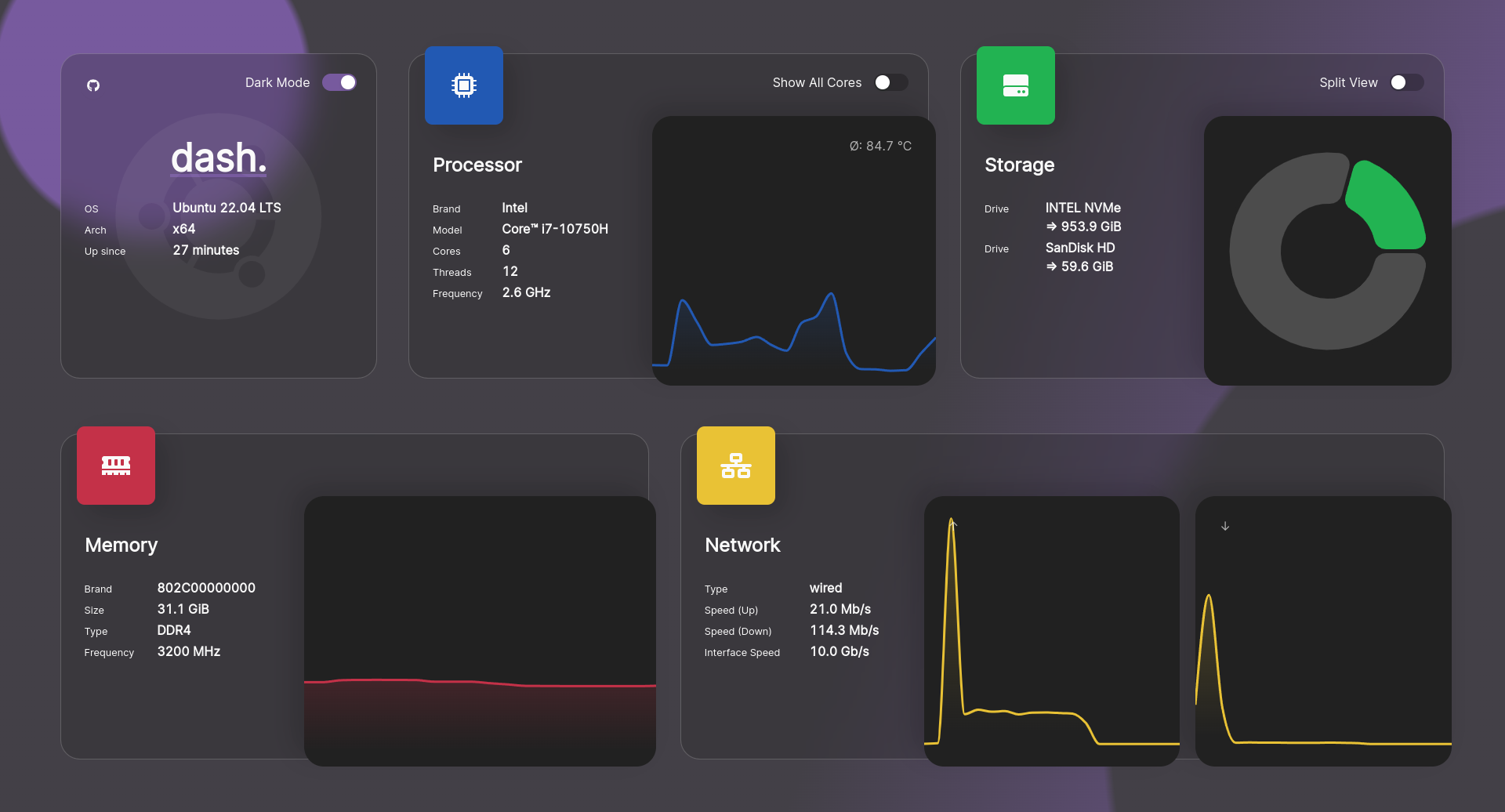
✅ Real-World Use Cases (When It Makes Sense)
- Testing New VPS Instances
Before deploying apps, run this on a fresh Ubuntu/Debian server to verify security settings are sane. - Pre-Production Validation
Use it on staging or dev servers to spot issues before going live. - Troubleshooting Performance Issues
Quickly identify if high CPU or memory usage is due to a rogue process or resource leak. - Educational Purposes
Great for learning how to audit a Linux system — just do it in a VM. - Incident Response (Post-Breach Check)
After a compromise, use it to assess the current state — but only after securing the system first.
❌ When NOT to Use It
- Never run it directly on a live production server — even if it seems “safe.”
- Don’t trust it blindly — especially since the code is fetched remotely and executed immediately.
- Avoid using it on critical infrastructure (e.g., medical systems, financial servers) without deep review.
🔒 Safe Usage Best Practices
- Test in a VM First
Spin up a virtual machine (e.g., in VirtualBox or QEMU) and run it there. - Review the Code Manually
Open the script URL in a browser, read every line. Look for anything suspicious:rm,dd,scp,wget, etc. - Use a Non-Root User
If possible, run it under a limited user account to reduce risk. - Check for Updates
Ensure the script hasn’t been tampered with by checking its GitHub history. - Use Alternatives for Production
For enterprise-grade auditing, stick with trusted tools like:
📝 Final Thoughts
vps-audit.sh is a powerful shortcut — not a replacement for real security hygiene.
It’s great for quick diagnostics, rapid prototyping, or learning how servers are assessed. But treat it like a scalpel: precise, effective, and potentially deadly if used carelessly.
🔥 Remember: Just because it’s free and easy doesn’t mean it’s safe.
Always ask: "What could go wrong?"
Then answer: "I’ll test it first — in a safe place."
Features
- SSH Configuration
- Root login status
- Password authentication
- Non-default port usage
- Firewall Status (UFW)
- Fail2ban Configuration
- Failed Login Attempts
- System Updates Status
- Running Services Analysis
- Open Ports Detection
- Sudo Logging Configuration
- Password Policy Enforcement
- SUID Files Detection
Performance Monitoring
- Disk Space Usage
- Memory Usage
- CPU Usage
- Active Internet Connections
Requirements
- Ubuntu/Debian-based Linux system
- Root access or sudo privileges
- Basic packages (most are pre-installed):
- ufw
- systemd
- netstat
- grep
- awk
Use-cases
| Use Case | OK? | Notes |
|---|---|---|
| Testing a new VPS | ✅ Yes | Perfect |
| Running on a live server | ❌ No | Risky! |
| Learning Linux security | ✅ Yes | Great educational tool |
| Enterprise compliance | ❌ No | Use Lynis/OpenSCAP instead |
Bottom Line
This script can save you time, but only if you respect it. Run it in a sandbox. Read the code. Learn from it. And never skip the safety checks.
Resources
 vernu
vernu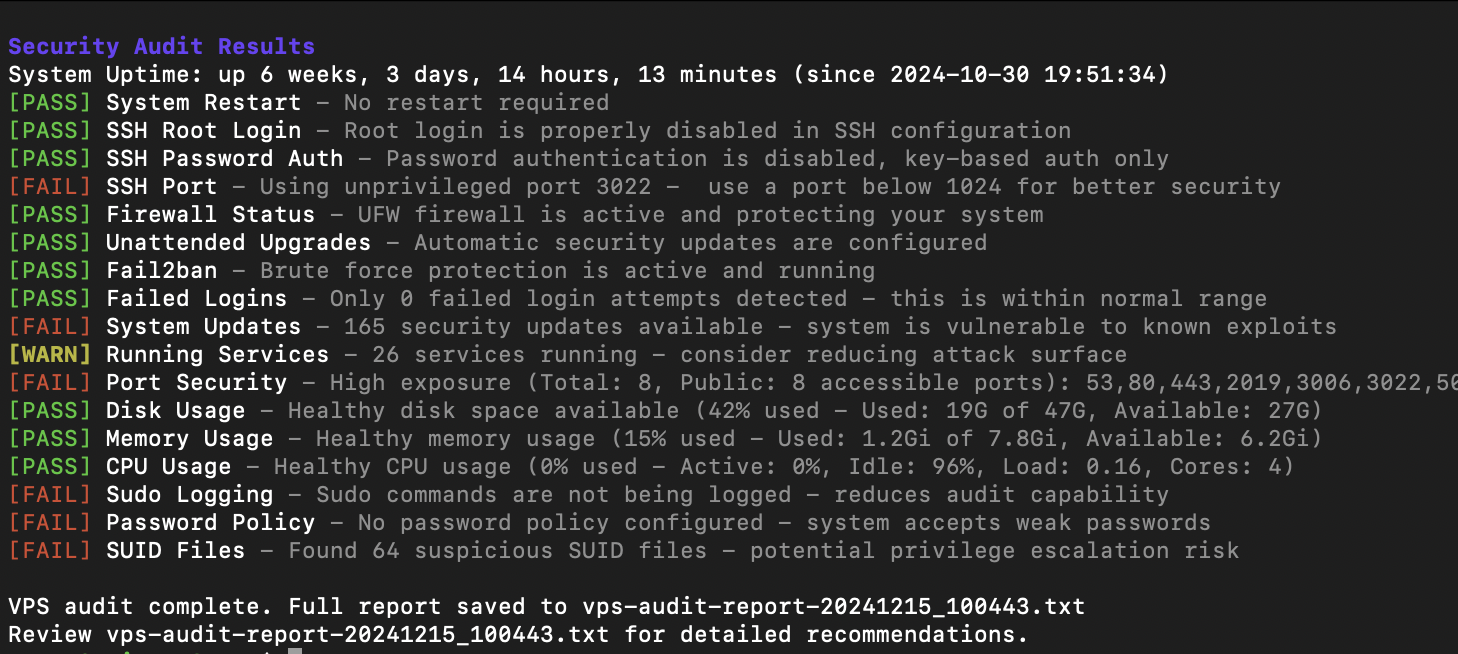
 vernu
vernu