Meet azul: The Free Ultimate 3D City Model Viewer for Researchers, Urban Planners & GIS Enthusiasts (Only MacOS)

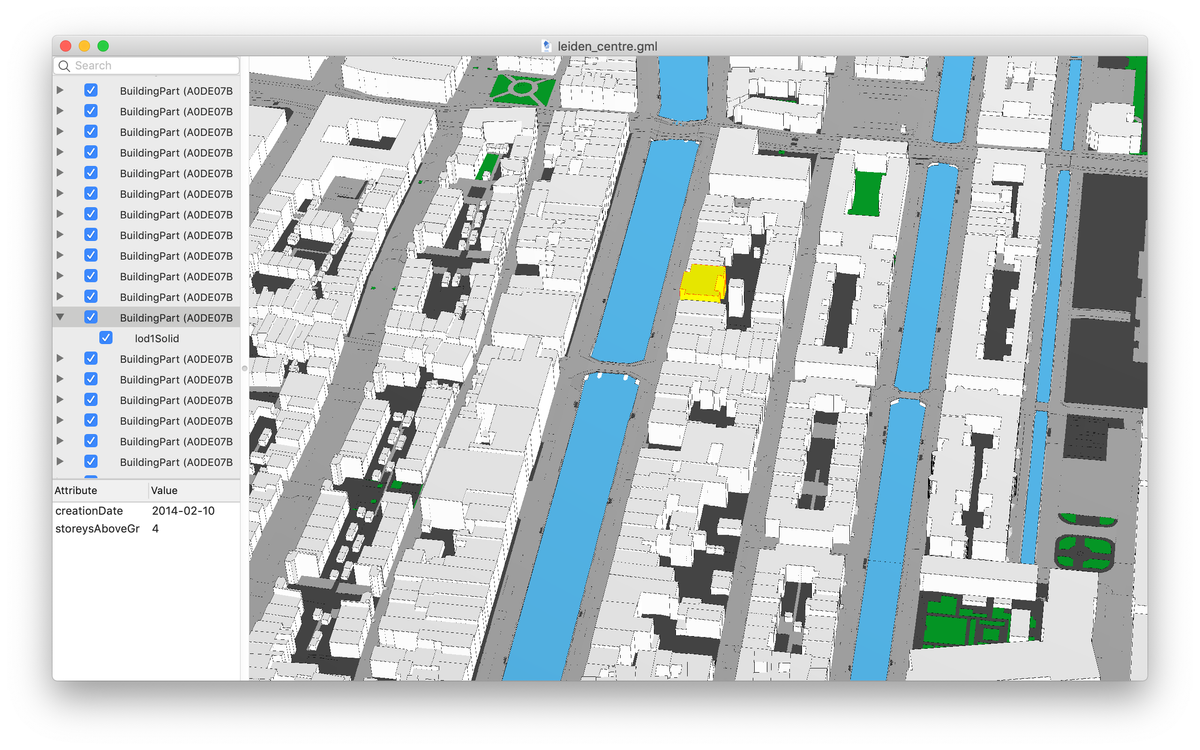
If you're working with 3D city models, whether it’s for urban planning, smart cities, digital twins, or geospatial research, azul is a game-changer. This powerful, open-source viewer lets you explore CityGML, CityJSON (1.0, 1.1, 2.0), IndoorGML, OBJ, OFF, and POLY files, all in one sleek, intuitive app.
Built for macOS 13+ (Apple Silicon & Intel), azul delivers smooth performance and deep interactivity. Click to select buildings, toggle visibility, browse attributes, and even inspect bounding boxes or edges. Need to share a specific view? Save camera presets with just a keystroke. Want to find a building fast? Use the search feature, no more scrolling through thousands of polygons.
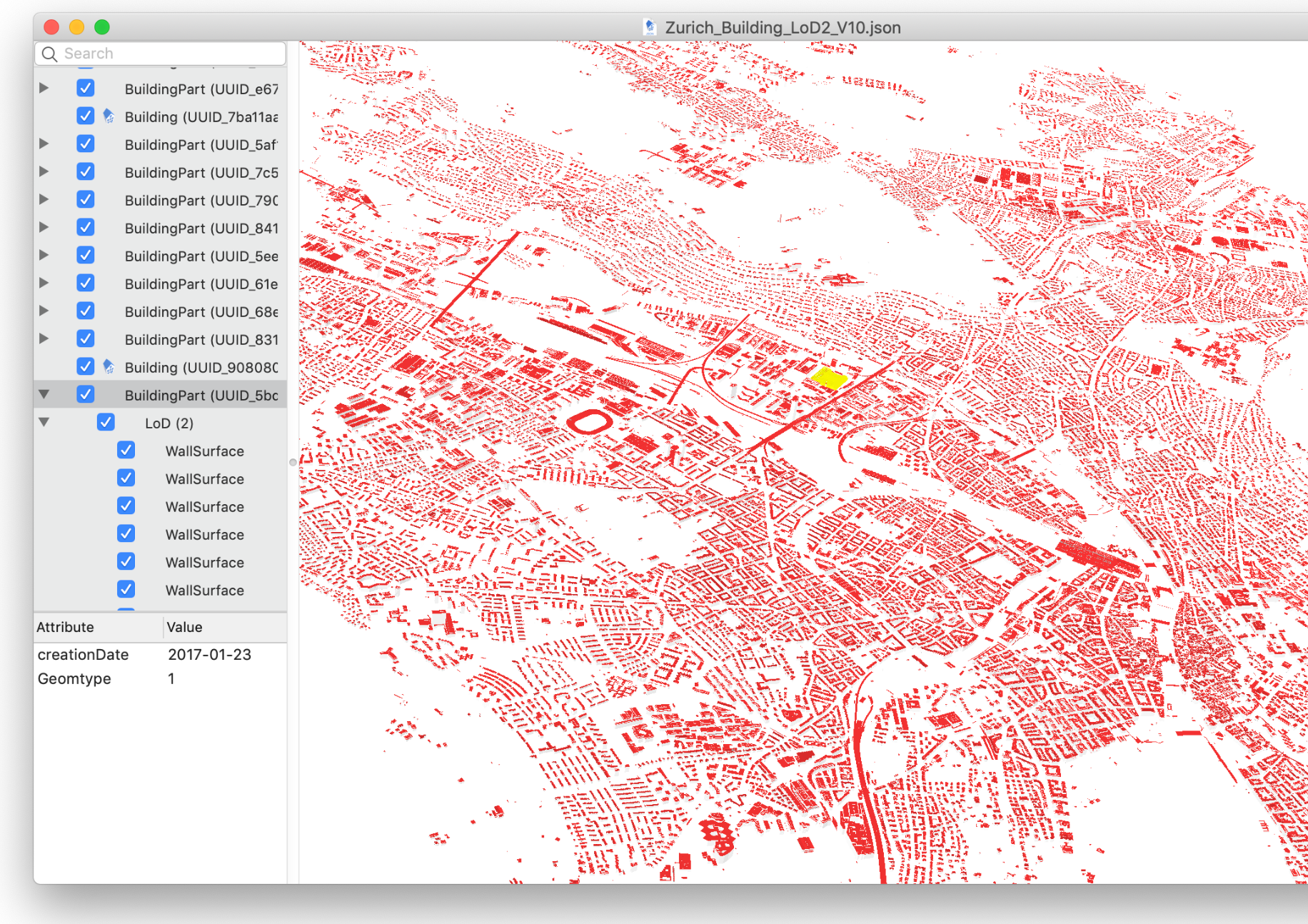
Perfect for researchers, urban designers, GIS professionals, and developers who need to visualize complex city data without the bloat. It’s lightweight, stable, and fully free under the GPLv3 license, no subscriptions, no cloud, just pure 3D exploration.
With keyboard shortcuts that feel natural and a clean interface, azul makes working with large-scale geospatial datasets actually fun. Whether you’re analyzing urban density, testing spatial algorithms, or presenting city models, this tool gives you clarity, control, and speed.
Features
- View Any 3D City Model – Open CityGML, CityJSON (1.0–2.0), IndoorGML, OBJ, OFF, POLY & more — all in one place
- Multi-File Support – Load and combine multiple datasets seamlessly
- Smart Selection – Click objects in 3D or pick them from the sidebar
- Toggle Visibility – Hide/show individual buildings or layers instantly
- Attribute Browser – Explore metadata like IDs, names, heights, and properties
- Camera Control – Pan, rotate, zoom with trackpad or mouse (natural gestures!)
- Save & Share Views – Save camera angles, load presets, and replay scenes
- Search & Find – Quickly locate buildings using the search bar
- Bounding Box & Edges – Visualize geometry details with toggle options
- Full Keyboard Shortcuts – Fast, intuitive controls (cmd+o, cmd+f, h, s, etc.)
- Full-Screen Mode – Immersive viewing for presentations and deep analysis
- Free & Open Source (GPLv3) – No cost, no cloud, no strings — built for researchers and devs
- Optimized for macOS – Runs smoothly on Apple Silicon & Intel Macs (macOS 13+)
Download
👉 Available now on Mac — download it today and bring your 3D city models to life.
License
GPL-3.0 License.
Resources & Downloads
 tudelft3d