ConvertX: Free Self-hosted Web-first Multi-format File Converter. 1000+ File Format Support!

What is ConvertX?
ConvertX is a free and open-source powerful, self-hosted, web-first file converter designed for modern workflows. Built with TypeScript, Bun, and Elysia.
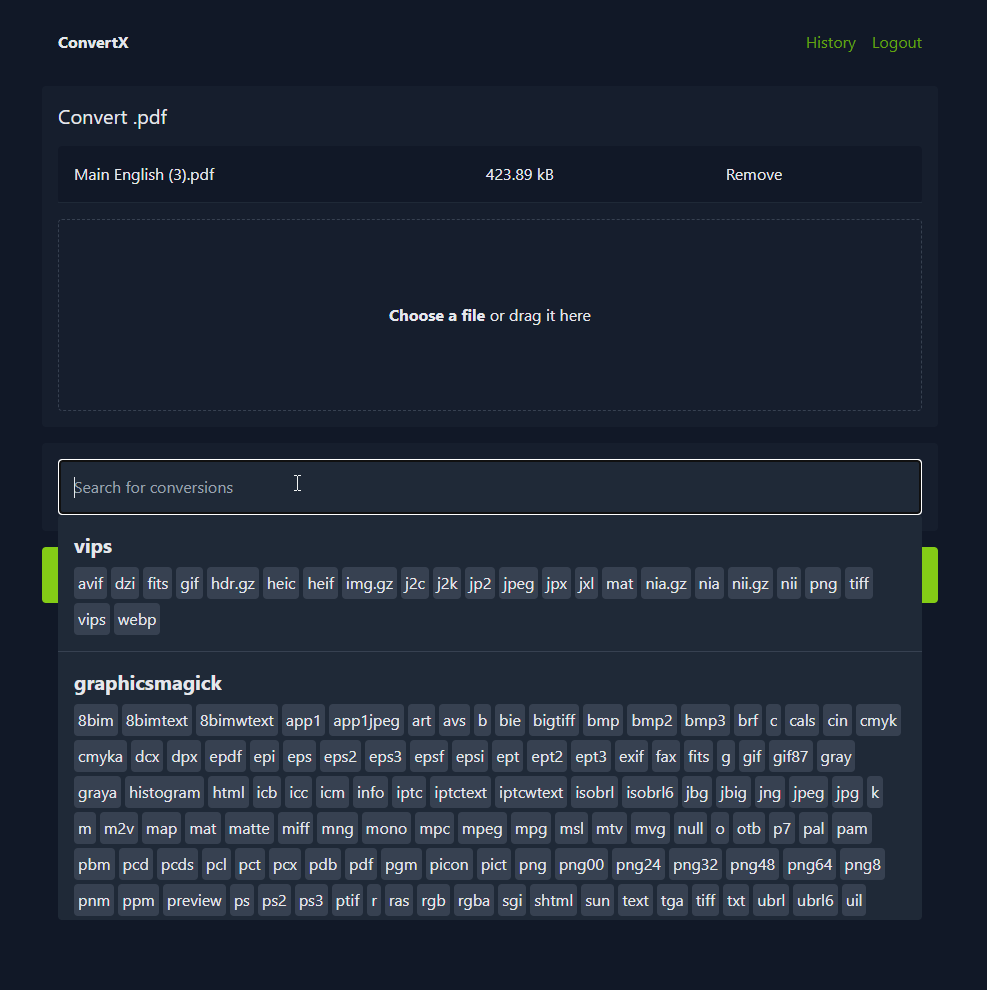
It delivers lightning-fast performance and seamless scalability. With support for over 1,000 formats, from documents and images to audio, video, and archives, ConvertX empowers users to effortlessly transform files on their own infrastructure.
The app processes multiple files simultaneously, apply password protection for sensitive data, and manage access via secure multi-account support. Ideal for individuals, teams, and organizations prioritizing privacy and control, ConvertX eliminates reliance on third-party services.
Its clean, intuitive interface and modular architecture make it perfect for developers and non-technical users alike.
Whether you're digitizing archives or streamlining content workflows, ConvertX turns complexity into simplicity, your files, your rules, your way.
Features
- Convert files to different formats (1000+ file formats)
- Process multiple files at once
- Password protection
- Multiple accounts
Supported Formats
Image & Vector Conversion
- ImageMagick (Open Source)
Formats: 245 input → 183 output
Supports: JPG, PNG, GIF, WebP, TIFF, PSD, BMP, SVG, PDF, and more. - GraphicsMagick (Open Source)
Formats: 167 input → 130 output
Supports: Similar to ImageMagick; optimized for speed and reliability. - Vips (Open Source)
Formats: 45 input → 23 output
Strengths: High performance, memory-efficient image processing. - Inkscape (Open Source)
Formats: 7 input → 17 output
Supports: SVG, EPS, PDF, AI, DXF, and raster variants. - dvisvgm (Open Source)
Formats: 4 input → 2 output
Use Case: Converts DVI (TeX) to SVG. - Potrace (Open Source)
Formats: 4 input (raster) → 11 vector
Use Case: Raster-to-vector tracing (e.g., logos, sketches). - VTracer (Open Source)
Formats: 8 input → 1
Use Case: Advanced raster-to-vector conversion with smart detection.
Document & Text Processing
- LibreOffice (Open Source)
Formats: 41 input → 22 output
Supports: DOC, DOCX, ODT, RTF, TXT, HTML, EPUB, and more. - Pandoc (Open Source)
Formats: 43 input → 65 output
King of conversions: Markdown, LaTeX, HTML, Word, EPUB, PDF, etc. - XeLaTeX (Open Source)
Formats: 1 input → 1 output
Use Case: Advanced LaTeX typesetting (PDF only). - Dasel (Open Source)
Formats: 5 data formats → 4
Supports: JSON, YAML, TOML, XML, INI — ideal for config files.
Audio, Video & Multimedia
- FFmpeg (Open Source)
Formats: ~472 input → ~199 output
The ultimate: MP4, AVI, MOV, MKV, WAV, FLAC, AAC, HEVC, WebM, and more. - libheif (Open Source)
Formats: 2 input → 4 output
Supports: HEIF/HEIC (Apple’s modern image format), including thumbnails and metadata.
E-books & Specialized Formats
- Calibre (Open Source)
Formats: 26 input → 19 output
Supports: EPUB, MOBI, AZW3, PDF, LRF, PDB, CHM, and more.
Email & Data Files
- msgconvert (Open Source)
Formats: 1 input (MSG) → 1 output
Use Case: Converts Outlook .msg files to PDF or EML.
3D Assets
- Assimp (Open Source)
Formats: 77 input → 23 output
Supports: OBJ, FBX, STL, COLLADA, 3DS, PLY, DAE, and more.
Deployment
You can easily deploy it using Docker by running the following command:
docker run -p 3000:3000 -v ./data:/app/data ghcr.io/c4illin/convertxOr using Docker Compose by running the following file:
# docker-compose.yml
services:
  convertx:
    image: ghcr.io/c4illin/convertx
    container_name: convertx
    restart: unless-stopped
    ports:
      - "3000:3000"
    environment:
      - JWT_SECRET=aLongAndSecretStringUsedToSignTheJSONWebToken1234 # will use randomUUID() if unset
      # - HTTP_ALLOWED=true # uncomment this if accessing it over a non-https connection
    volumes:
      - ./data:/app/data
License
AGPL-3.0 License
Resources & Downloads
 C4illin