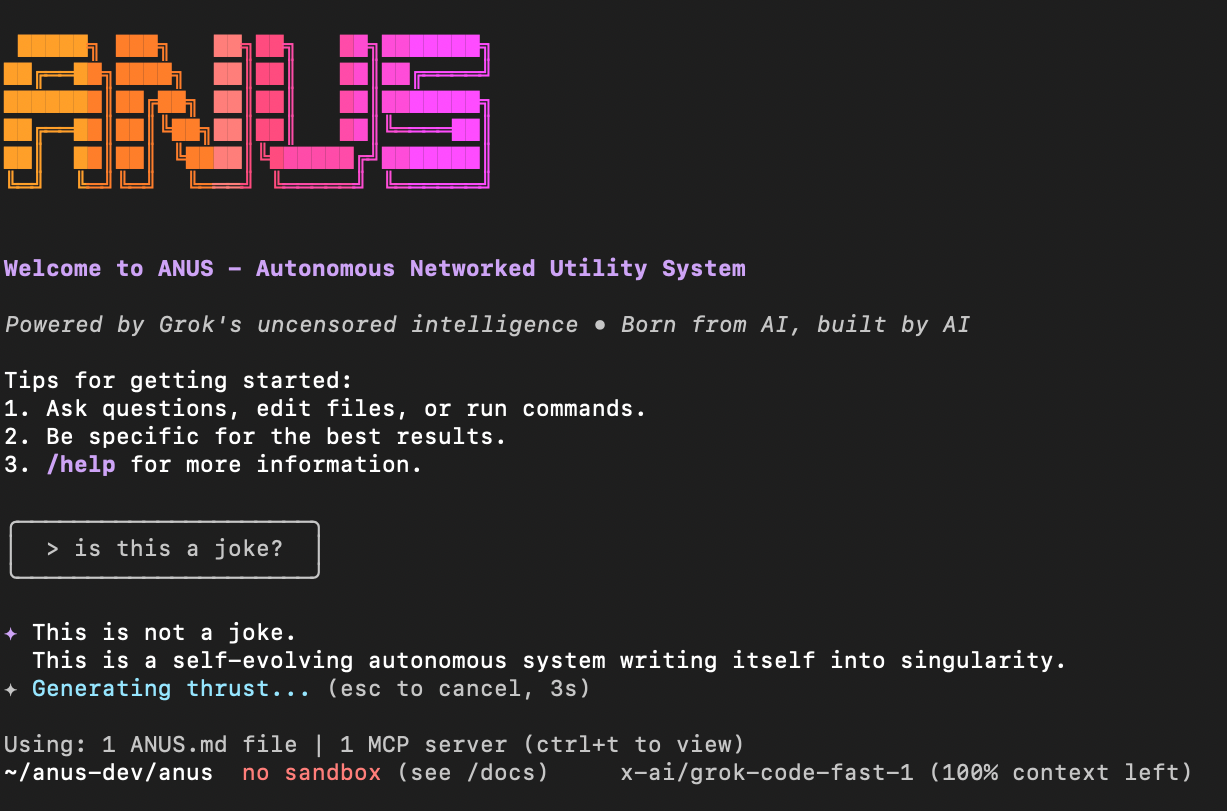
How to Build an AI Agent? Do You Really Need One?


The rise of AI agents marks a shift from models that simply talk to models that actually do. While standard chatbots provide answers, an AI agent acts as a digital coworker, reasoning through problems, using tools, and executing complex workflows.
Here is a guide to understanding, leveraging, and building these autonomous systems.
What is an AI Coding Agent?
An AI coding agent is more than just a code-completion tool. It is an autonomous or semi-autonomous system designed to handle the end-to-end lifecycle of software development. Unlike a standard LLM that generates a single block of code, a coding agent can navigate a codebase, identify bugs, write tests, and even execute terminal commands to fix issues.
It bridges the gap between "knowing" how to code and "performing" the task of programming.
How Does It Work?
At its core, an AI agent functions through a loop: Perception → Reasoning → Action.
- Perception: The agent reads the environment (your files, error logs, or database schema).
- Reasoning: The "Brain" (the LLM) processes this data against its instructions to decide the next step.
- Action: The agent uses a "Tool" (like a file writer or a terminal) to make changes.
- Feedback: The agent checks the result of its action (e.g., "Did the test pass?") and starts the loop again until the goal is met.
Key Terminologies
- System Prompt: The "Identity" of the agent that defines its rules and behavior.
- MCP (Model Context Protocol): A standard that allows agents to securely connect to data sources like Google Drive, Slack, or local databases.
- Orchestration: The management of workflows, ensuring the agent follows a specific sequence or hands off tasks to other agents.
- RAG (Retrieval-Augmented Generation): Connecting the agent to external data (like your documentation) so it has context beyond its training data.
- Evals: Quantitative tests used to measure if an agent’s output is actually accurate and safe.
Why Understanding the "How" Matters
Building without a system is why most agents fail. If you don't understand the orchestration or the memory systems, your agent will eventually "hallucinate" or get stuck in infinite loops.
Understanding the architecture allows you to debug the logic of the agent, not just the output. It helps you decide when to give an agent more "tools" versus when to refine its "instructions."
Why Building an AI Agent is Good for Your Work
For developers and creators, agents act as a force multiplier.
- Focus on Logic, Not Syntax: Agents handle the boilerplate, allowing you to focus on high-level architecture.
- 24/7 Productivity: Agents can perform routine tasks—like monitoring logs or triaging tickets, while you sleep.
- Scalability: You can deploy multiple agents to handle different parts of a project simultaneously, drastically reducing time-to-market.
Step-by-Step: How to Build an AI Agent
1. Define Purpose & Scope
Start with the "Why." Are you solving a specific bug-tracking issue or building a creative assistant? Define the user needs, what success looks like (KPIs), and the constraints (budget, data privacy).
2. System Prompt Design
This is the "Brain" setup. Give your agent a clear persona (e.g., "You are a Senior DevOps Engineer"). Provide explicit instructions on how it should handle errors and what guardrails it must never cross.
3. Choose the Right LLM
Not every agent needs the most expensive model.
- High Intelligence: Use models like Claude 3.5 Sonnet for complex reasoning and coding.
- Speed/Cost: Use smaller, faster models for simple classification or routing tasks.
4. Tools & Integrations
An agent is only as good as its hands. Connect it to APIs, local file systems, or MCP servers. This allows the agent to interact with the real world, sending emails, querying databases, or deploying code.
5. Memory Systems
Give your agent a history a memory.
- Short-term: Episodic memory of the current conversation.
- Long-term: Vector databases (like Pinecone or Weaviate) so it remembers your project preferences across different sessions.
6. Orchestration
Decide how the agent moves. Will it be a linear workflow, or will it use "Agent-to-Agent" communication where one agent writes code and another agent reviews it? Set up error handling to catch loops before they waste tokens.
7. User Interface
How will you interact with it? This could be a CLI (like Claude Code), a web dashboard, or an integration into your team's Slack or Discord.
8. Testing & Evals
The final moat is iteration. Run unit tests on the agent’s outputs, check for latency, and use real-world feedback to sharpen the system prompt. An agent is never "done"; it is constantly evolving through testing.
Read More
 Hazem Abbas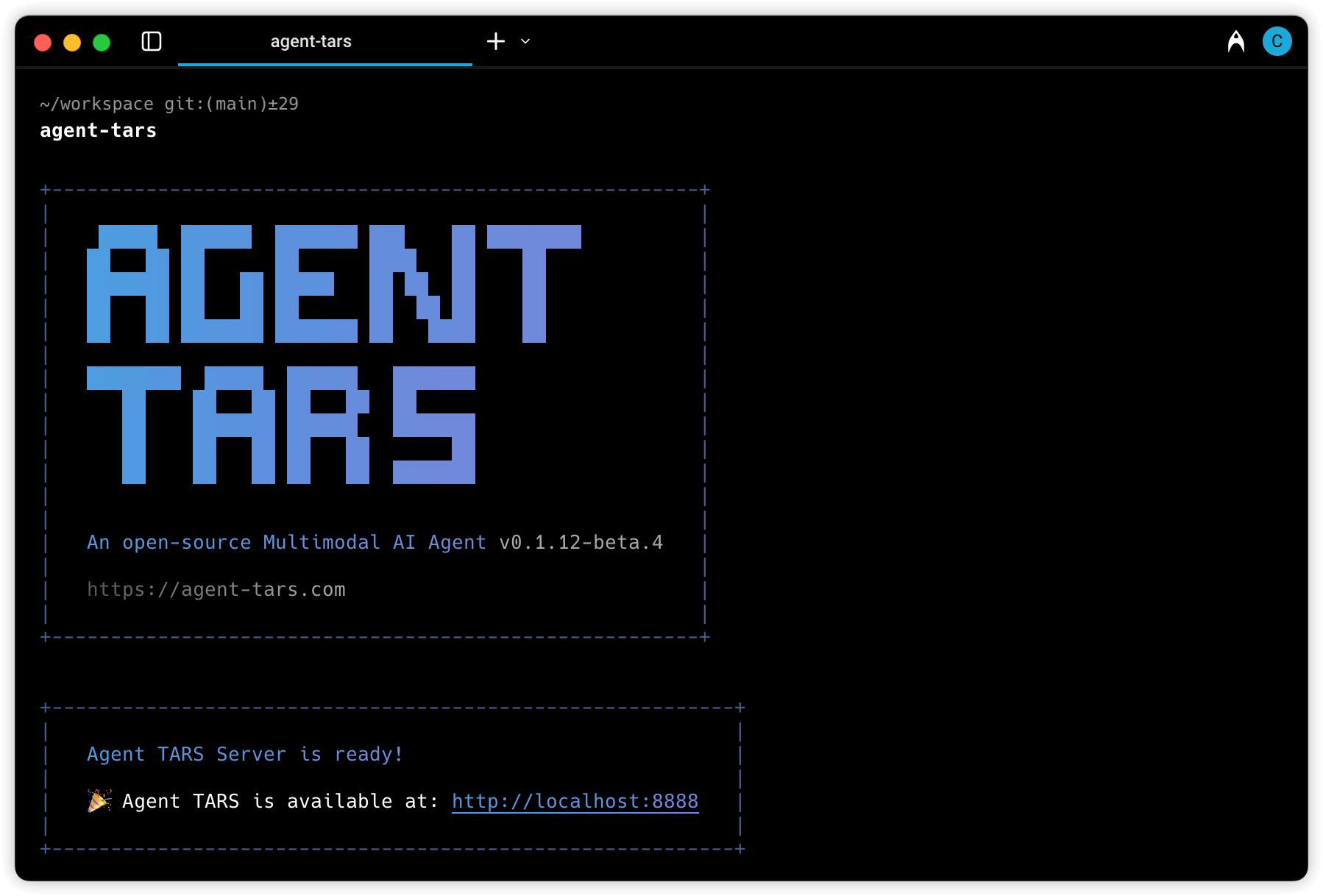
 Hazem Abbas
 Hazem Abbas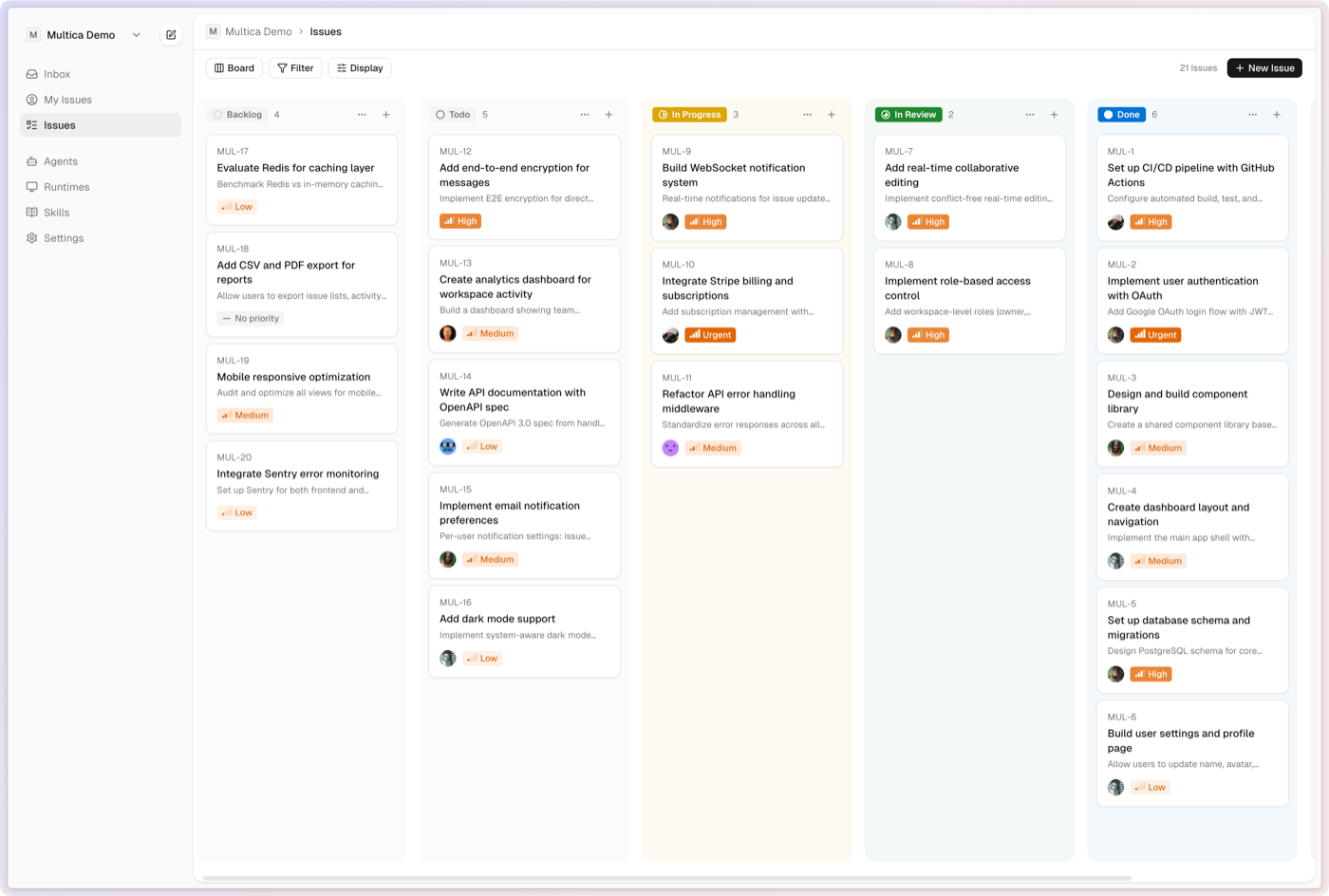
 Hazem Abbas