Open-Source Healthcare Software: The Complete Guide for Polyclinics & Clinics (2025)


Save Thousands, Gain Control, Deliver Better Care, All With Free, Secure, Open-Source Tools
Running a modern polyclinic or private clinic? You need more than just doctors and medicine, you need digital systems that are secure, affordable, scalable, and fully under your control.
In this guide, we’ll show you how open-source software can transform your healthcare operations, from patient records to lab management, billing, file sharing, and beyond. We’ll also explain critical concepts like on-premise apps, ERP systems, CRM tools, and why they matter in today’s healthcare landscape.
Whether you're managing a small clinic or a large multi-specialty polyclinic, this is your roadmap to building a future-proof, cost-effective, and privacy-first digital health ecosystem, all powered by free, open-source technology.
What Is a Clinic vs. a Polyclinic?
Before diving into tech, let’s clarify the difference:
- Clinic: A small medical facility focused on one specialty (e.g., dermatology, pediatrics).
- Polyclinic: A large, integrated healthcare center offering multiple services, internal medicine, cardiology, gynecology, radiology, labs, pharmacy, and more, all under one roof.
Why it matters: Polyclinics require centralized, interconnected systems to manage workflows efficiently. That’s where open-source software shines.
What Is Open-Source Software? Why It’s a Game-Changer for Clinics
Open-source software (OSS) means the source code is publicly available, anyone can use, modify, and distribute it freely under licenses like MIT, GPL, or Apache 2.0.
Key Benefits for Healthcare Providers:
| Benefit | Real-World Impact |
|---|---|
| Zero Licensing Fees | Save $10k–$50k/year vs. commercial EHRs |
| Full Data Ownership | No vendor lock-in; export data anytime |
| Customizable | Adapt to local languages, workflows, and regulations |
| Transparent & Secure | Code auditable; vulnerabilities patched fast |
| Community Support | Global developers help troubleshoot |
💬 Real Savings: A medium-sized polyclinic using OpenEMR + Odoo can save over $40,000 in 5 years compared to proprietary systems.
What Are On-Premise Apps? Why They’re Critical for Healthcare
On-premise apps are software installed and run on your own servers or computers, not in the cloud.
🔹 Why On-Premise Matters in Healthcare:
- Data Privacy & Compliance
- No Internet Dependency
- Even during outages, your system stays live.
- Better Security
- Avoid third-party cloud risks (data breaches, downtime, compliance failures).
- Long-Term Cost Stability
- No recurring subscription fees after setup.
✅ Best For: Polyclinics, government health centers, and clinics handling confidential medical data.
🛠️ Tip: Use affordable hardware (like Raspberry Pi clusters) or low-cost cloud VMs (AWS EC2, DigitalOcean) to host on-premise systems.
Top 7 Open-Source App Categories for Your Polyclinic (With Must-Have Tools)
Let’s dive into the essential open-source applications every modern polyclinic needs — each proven, secure, and built for real-world use.
1. Secure File Sharing & Document Management (Private & Encrypted)
Problem: Doctors share patient reports, X-rays, and consent forms — but most cloud tools (Google Drive, Dropbox) lack medical-grade security.
Solution: Use Nextcloud – an open-source, self-hosted alternative.
🔹 Features:
- End-to-end encryption
- Role-based access control (admin, doctor, nurse)
- Version history, audit logs
- Integrated calendar, contacts, and notes
- Works offline
✅ Perfect for storing medical records, prescriptions, and staff documents securely.
🔐 Bonus: Combine with Vaultwarden (Bitwarden fork) for password management.
 Hazem Abbas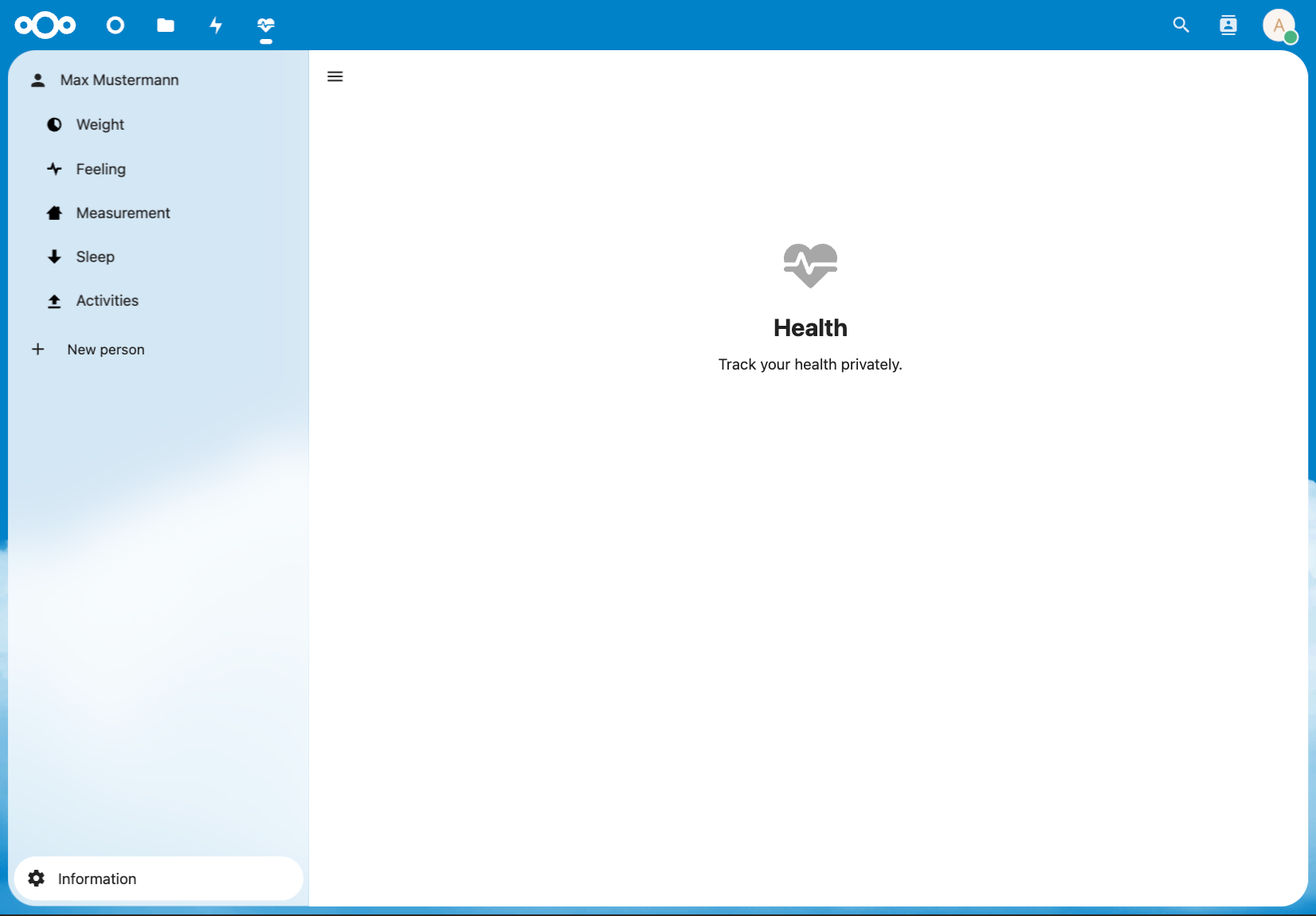
 Hazem Abbas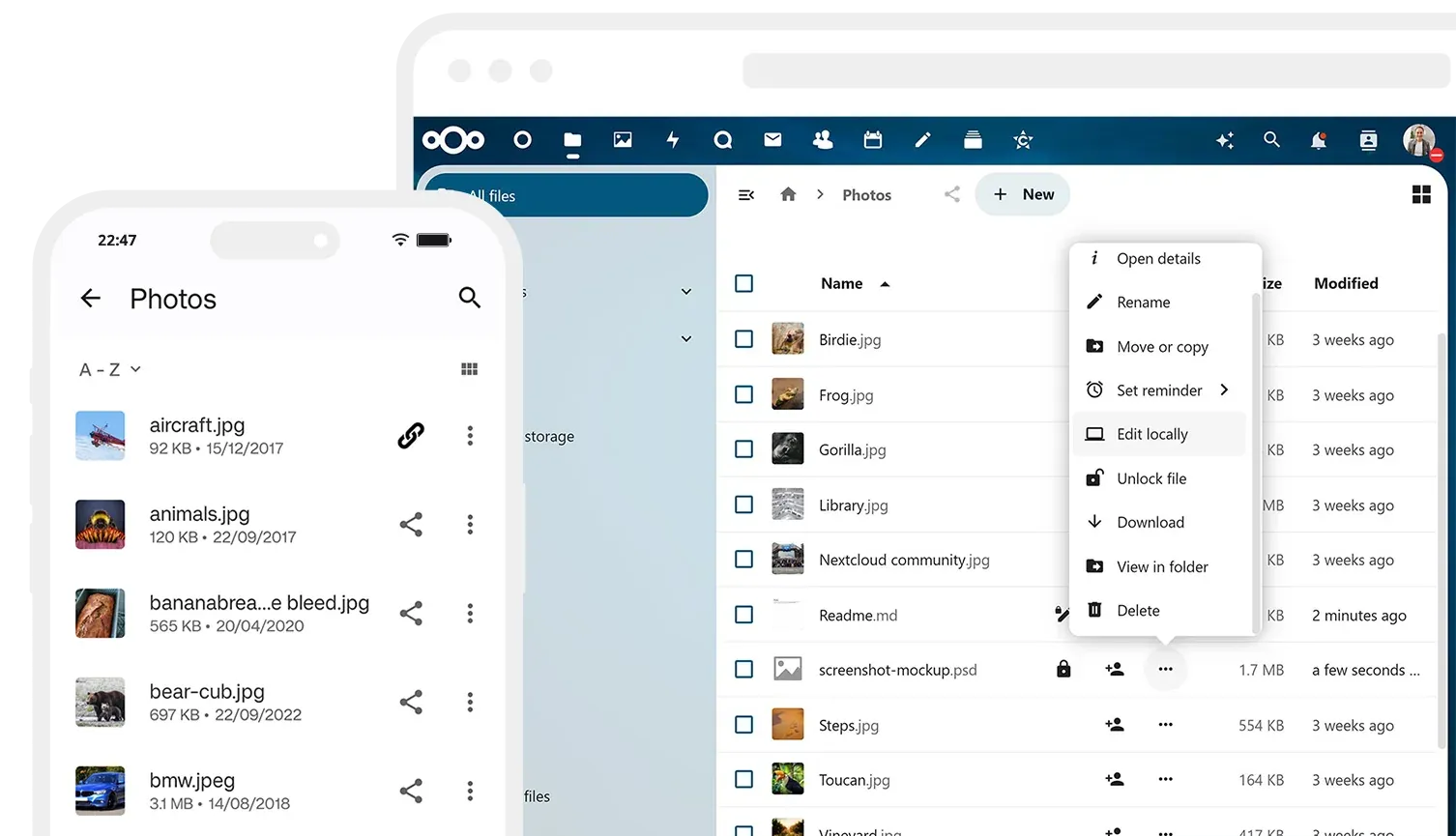
 Hazem Abbas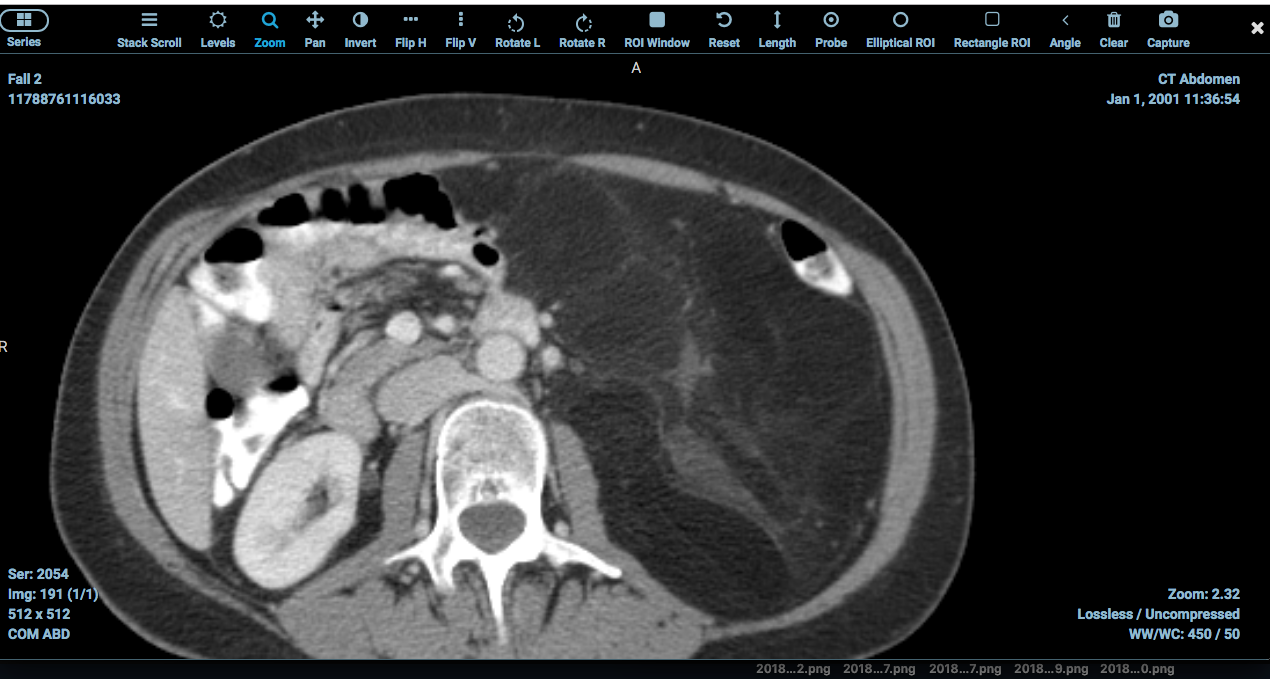
2. 🧩 Resource Management Apps: ERP Systems for Healthcare
Problem: Managing staff, inventory, finances, and equipment manually leads to errors and waste.
Solution: Use Odoo ERP or ERPNext, powerful, modular, open-source enterprise resource planning systems.
🔹 Key Modules:
- Human Resources (HR): Payroll, leave tracking
- Inventory: Medicine, PPE, lab supplies
- Accounting: Invoicing, tax reporting, insurance claims
- Maintenance: Equipment servicing schedules
✅ Ideal for polyclinics scaling across departments.
🌐 Pro Tip: Odoo has a Healthcare module specifically built for clinics.
 Ayesha Batool
 Hazem Abbas
3. 🤝 CRM (Customer Relationship Management) for Patients
Problem: Losing patients due to poor follow-ups, no reminders, or disorganized communication.
Solution: Use Odoo CRM or SuiteCRM (a free version of SugarCRM).
🔹 Features:
- Patient profiles with contact history
- Automated appointment reminders (SMS/email)
- Follow-up scheduling
- Marketing campaigns (e.g., vaccination drives)
- Feedback collection
✅ Turns your clinic into a patient-centric experience hub — improving retention and trust.
 Hazem Abbas
 Omama yahia
 Hazem Abbas
4. 🩺 Medical Records Apps: EMR & EHR Systems
Core of any clinic: Electronic Medical Records (EMR) and Electronic Health Records (EHR).
🎯 Best Open-Source Options:
| Tool | Highlights |
|---|---|
| OpenEMR | Most popular globally; supports billing, scheduling, labs, prescriptions, HIPAA-compliant |
| Bahmni | Built for low-resource settings; integrates labs, pharmacy, and diagnostics |
| OpenMRS | Used in Africa/India; excellent for chronic disease tracking |
🔹 Must-Have Features:
- Patient demographics & medical history
- Prescription & medication tracking
- Immunization records
- Lab test integration
- Audit trails for compliance
✅ OpenEMR is free, customizable, and used in over 150 countries.
 Hazem Abbas
 Hazem Abbas
 Hazem Abbas
 Desoky Mo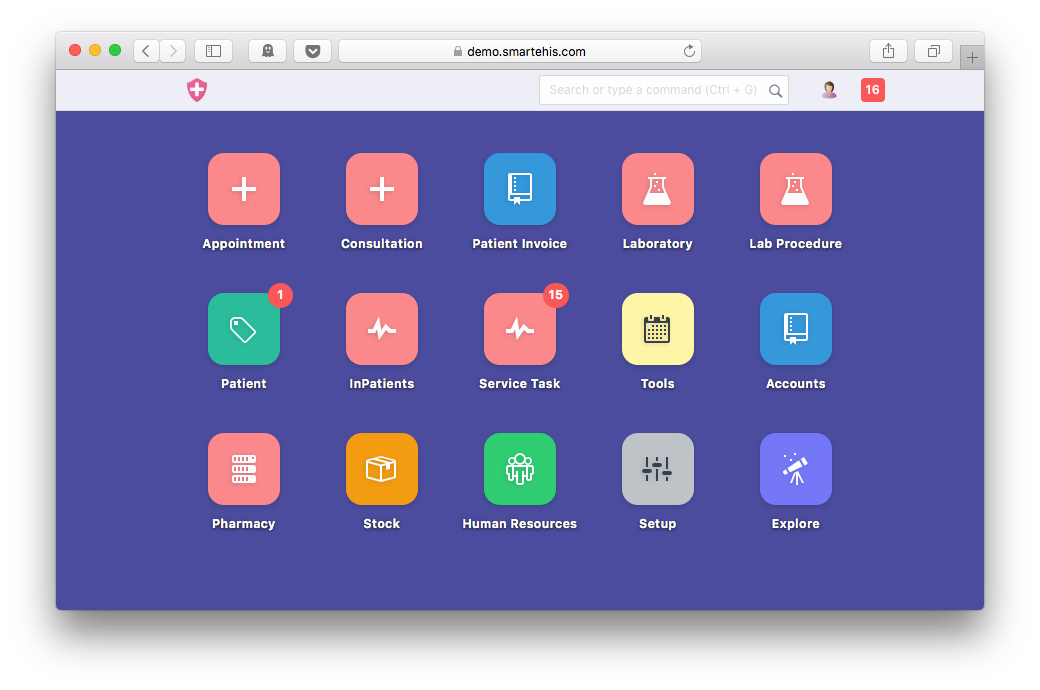
5. 🖼️ Radiology Apps (PACS & DICOM Viewer)
Problem: Scans (X-ray, MRI, CT) stored as paper or unstructured files = lost time, misdiagnosis risk.
Solution: Use Orthanc (open-source PACS server) + RadiAnt DICOM Viewer.
🔹 How It Works:
- Upload DICOM images to Orthanc (on-premise server)
- View, annotate, and share them via RadiAnt (free desktop/mobile app)
- Integrate with EHR (OpenEMR has DICOM support)
✅ Eliminates scan loss, speeds up diagnosis, ensures privacy.
📌 Note: Orthanc is lightweight, runs on Linux, and handles thousands of scans.
 Hazem Abbas
 Desoky Mo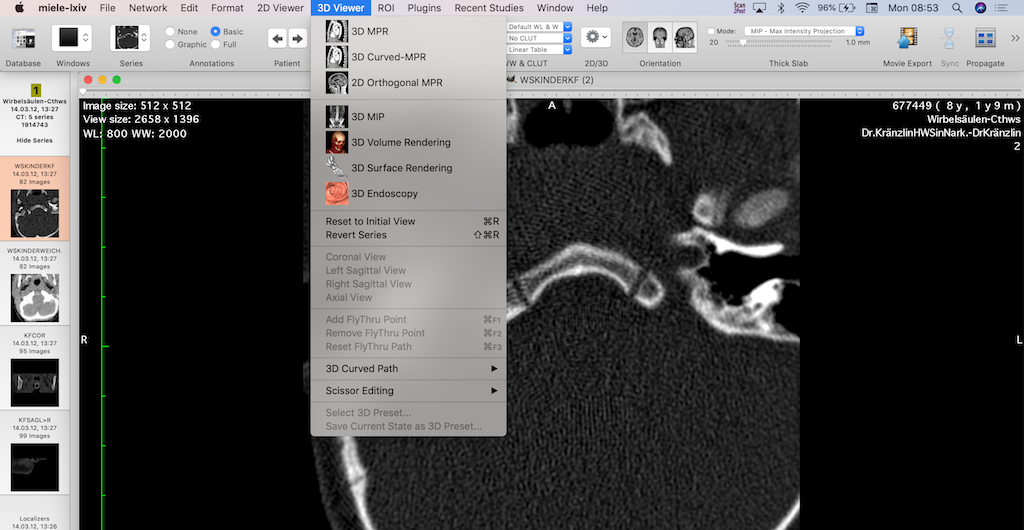
 Hazem Abbas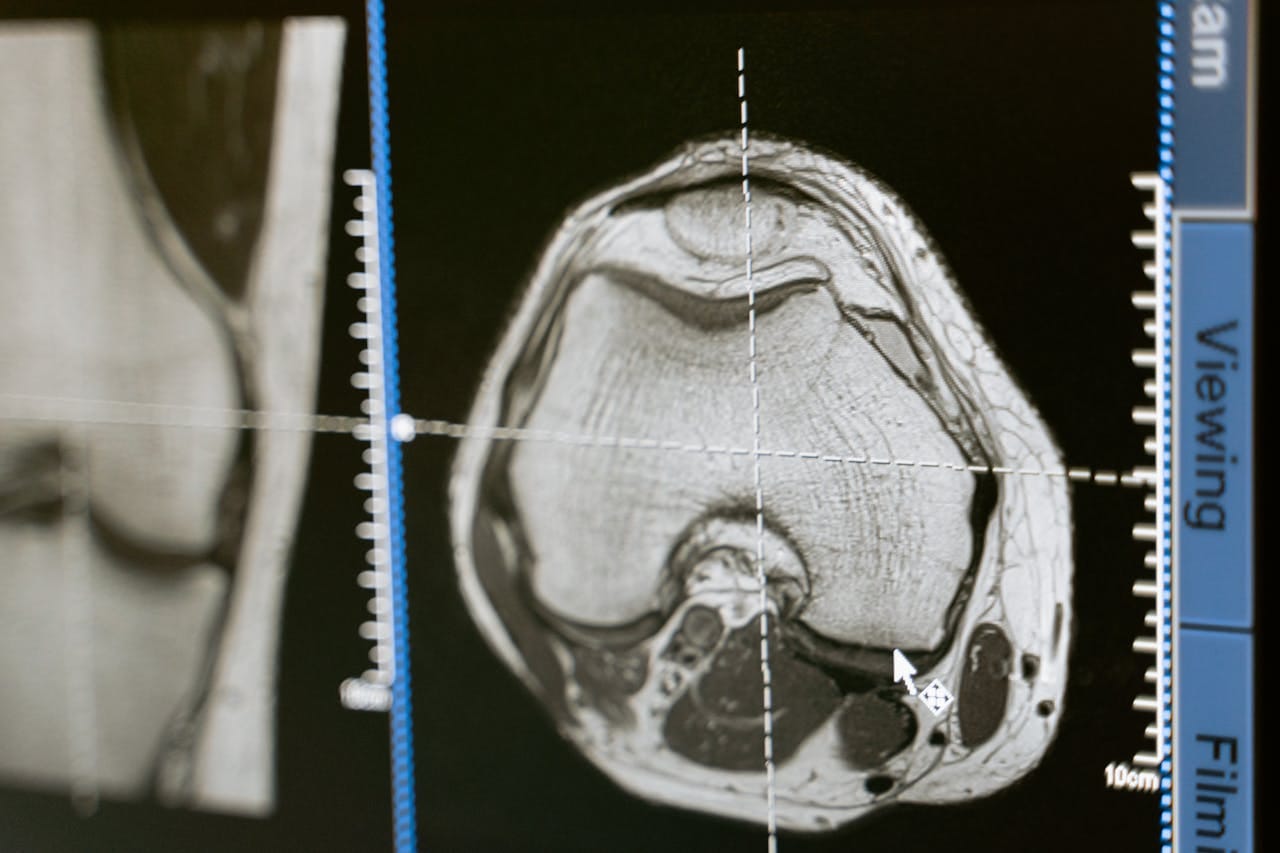
6. 🧪 Labs & Clinical Pathology Apps
Problem: Manual lab reporting = delays, errors, missed results.
Solution: Use OpenLIMS or LabVantage (community edition).
🔹 Features:
- Track blood samples, urine tests, biopsies
- Automate result entry and alerts
- Generate reports
- Link to EHR (e.g., OpenEMR)
- Manage quality control
✅ Ensures accuracy, reduces turnaround time, and improves patient safety.
🌍 Used in public health programs across Kenya, Nigeria, and India.
 Hazem Abbas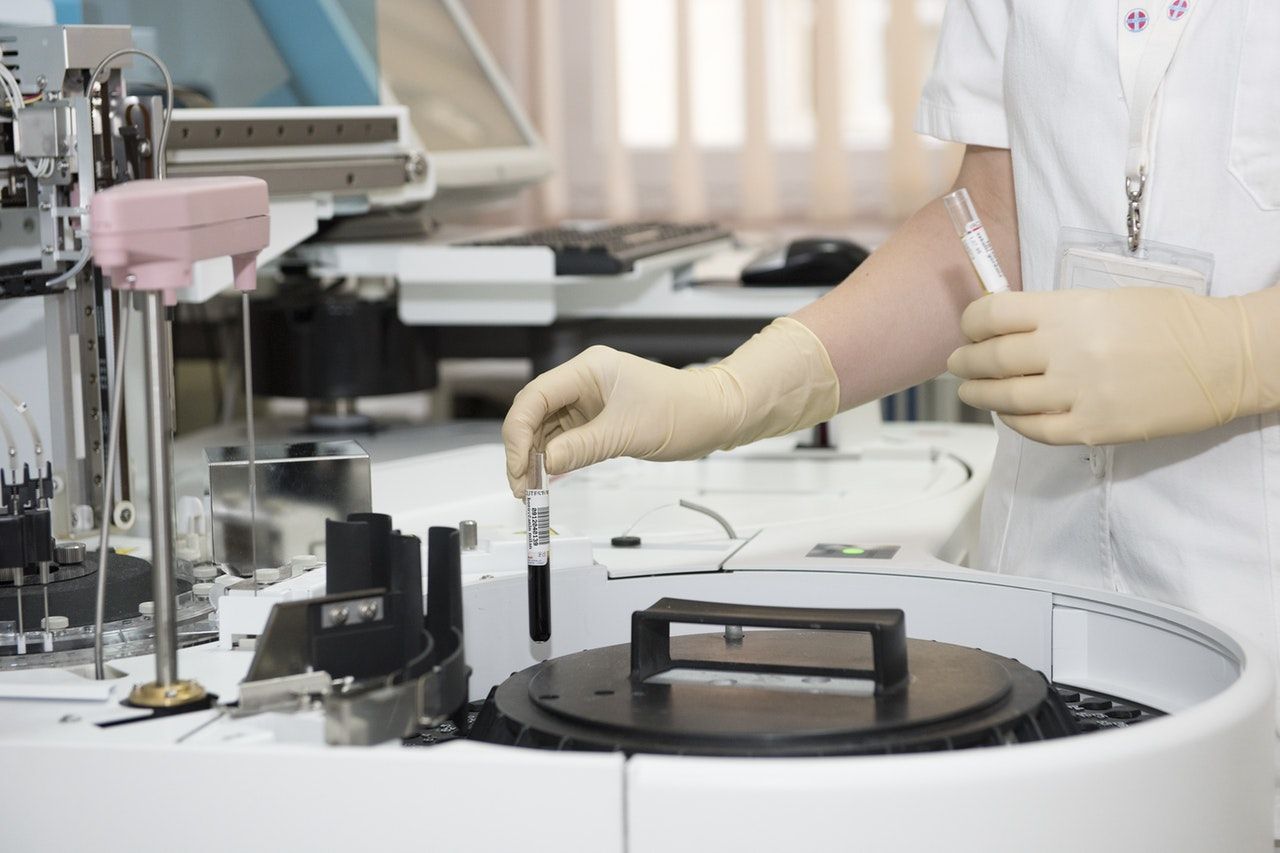
 Hazem Abbas
7. Reporting & Analytics Dashboard (Make Smarter Decisions)
Use Metabase or Superset (Apache) to visualize:
- Patient volume trends
- Disease prevalence (e.g., diabetes, hypertension)
- Doctor performance
- Revenue per department
- Stock levels and expiry alerts
✅ Turn raw data into actionable insights — without hiring a data scientist.
🖥️ 8. Open-Source Office Tools: Power Your Clinic Without Paying a Penny
Tired of paying $150/year for Microsoft Office? Meet OpenOffice and LibreOffice — the free, open-source alternatives that do everything Word, Excel, and PowerPoint can… but better.
🔹 Why Clinics Love Them:
- ✅ Zero licensing fees – No subscriptions, no surprises.
- ✅ Full compatibility – Open, edit, and save files in .docx, .xlsx, .pptx formats.
- ✅ Built for healthcare – Create patient forms, treatment plans, reports, and training manuals — all without cost.
- ✅ Lightweight & fast – Runs smoothly on old laptops and low-end hardware.
💡 Pro Tip: Use LibreOffice Writer for medical notes, Calc for budget tracking, and Impress for staff training slides.
✅ Bonus Perks:
- Open source = no spyware, no data harvesting.
- Customize templates for clinic letters, consent forms, or lab reports.
- Works offline — perfect for rural clinics.
🐧 9. Linux: The Ultimate OS for Secure, Future-Proof Healthcare Tech
Let’s talk about Linux — not just a tech buzzword, but the secret weapon behind secure, reliable healthcare systems.
 FOSS Post Team
🔥 Why Doctors & Polyclinics Are Switching to Linux:
- ✅ Military-grade security – Fewer malware targets than Windows or macOS.
- ✅ No bloatware – Clean, fast, no ads or forced updates.
- ✅ On-premise ready – Perfect for hosting OpenEMR, Nextcloud, Odoo, and more.
- ✅ Free forever – No license fees, even for 100+ devices.
🌟 Top Linux Distributions for Clinics:
- Ubuntu LTS – Stable, user-friendly, huge community support.
- Linux Mint – Great for non-tech users (like receptionists).
- Kali Linux (for IT teams) – For testing security and audits.
💡 Real Impact: A polyclinic in Kenya reduced IT costs by 70% after switching to Linux + OpenEMR.
 Leo Jan
 Hazem Abbas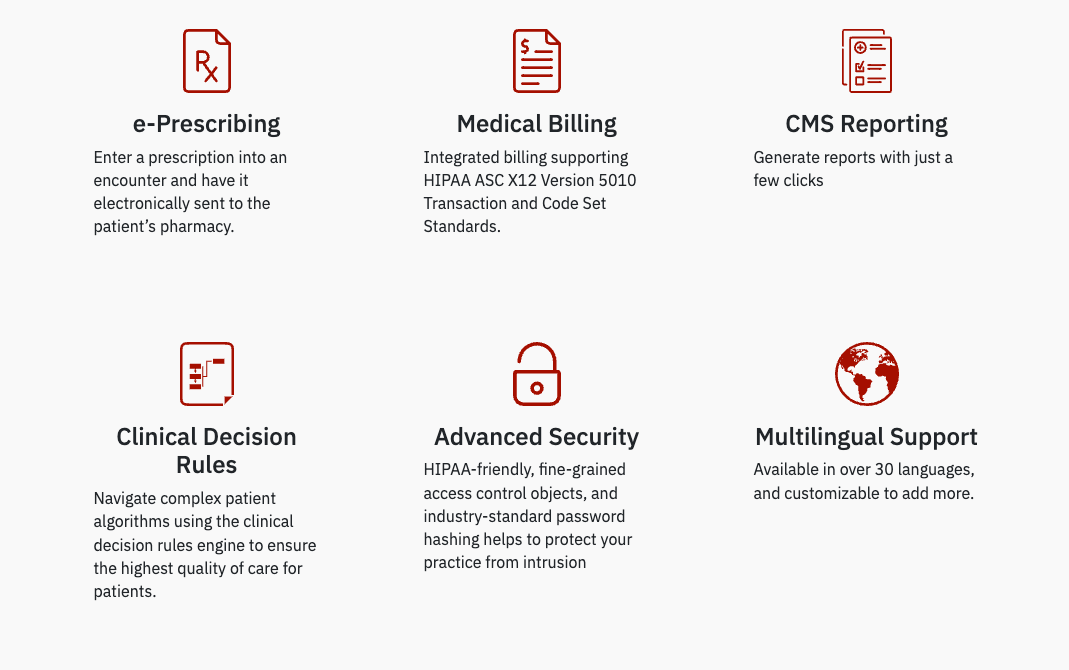
🚀 How to Get Started: Step-by-Step Plan
- Choose Your Core Stack:
- EMR: OpenEMR
- ERP/CMS: Odoo (or ERPNext)
- File Sharing: Nextcloud
- CRM: Odoo CRM
- Radiology: Orthanc + RadiAnt, you can also choose any other PACS or DICOM servers to manage your radiology apps and themes.
- Lab: OpenLIMS
- Analytics: Metabase
- Host On-Premise on on Cloud:
- Use a dedicated server or cloud VM (DigitalOcean, AWS EC2).
- Enable SSL via Let’s Encrypt.
- Set Up Security:
- Firewall (UFW), Fail2ban, regular backups.
- Restrict admin access.
- Train Staff:
- Use free tutorials (YouTube, GitHub docs).
- Hire a local developer or volunteer from university IT groups.
- Go Live:
- Start with one department (e.g., general medicine), then expand.
How can open-source save clinics and polyclinics from vendor lock-in?
Open-source software is the ultimate escape from vendor lock-in, the trap that keeps clinics and polyclinics chained to expensive, inflexible systems. When you rely on proprietary software, you’re locked into one vendor’s pricing, updates, and data formats. But with open-source, you own your tools, and your future.
No more paying $30,000 a year for an EHR that won’t let you export your patient data. No more being forced to upgrade when a company drops support. With open-source solutions like OpenEMR, Odoo Health, or Nextcloud, the source code is yours to use, modify, and move at any time.
You’re not dependent on a single company’s roadmap or profit motive. You can switch servers, hire local developers, or even build custom features without permission. Your data stays in your hands — no hidden clauses, no backdoor access.
Plus, if your current provider raises prices or goes out of business, you’re not stranded. You can migrate seamlessly to another system — because open-source isn’t just free software, it’s freedom software.
For clinics and polyclinics, this means long-term sustainability, real control, and peace of mind. You’re not renting access — you’re owning your digital infrastructure.
🔍 SEO Keywords: avoid vendor lock-in in healthcare, open-source vs proprietary EHR, escape software lock-in, free clinic management system, own your medical data, open-source healthcare software 2025
Build your clinic on open-source — not just to save money, but to stay truly independent.
Final Verdict: Open-Source = The Future of Affordable, Secure Healthcare
You don’t need to pay $30,000/year for software to run a professional polyclinic.
With open-source tools, you get:
- Total control over your data
- Hundreds of thousands in savings
- No vendor lock-in
- Scalability for growth
- Security, privacy, and compliance
Whether you’re in Nairobi, Manila, Lagos, or Los Angeles — open-source healthcare software is the smart, ethical, and sustainable choice.
✅ Share This Post!
Help other healthcare providers go digital without breaking the bank.
🔁 Like, Share, Pin this guide to empower clinics worldwide.
Author: Dr. Hamza M., MD, Software developer
Published: April 2025 | Updated for 2025 Open-Source Trends