Build Your Dream Portfolio in 1 Day: Free, Open-Source & SEO-Friendly (Viva la Open Source!)
Build Your Dream Portfolio in 1 Day (Free, Open-Source & SEO-Friendly!) – Viva la Open Source! For Developers, Data Engineers & Analysts Who Want to Stand Out, Fast


I was helping my friend build her portfolio, someone sharp, driven, and deeply talented in data engineering and development, when I realized something surprising: she had no idea how many free, open-source tools exist to build a stunning online portfolio… in just one day.
She’d spent hours manually crafting pages, wrestling with design, and stressing over code, all while the perfect solutions were already out there, open to everyone, and built by passionate developers who want you to succeed.
 Hazem Abbas
That’s the magic of the open-source ecosystem: it’s not just about code, it’s about community, speed, and empowerment. And yet, so many new grads (and even experienced devs!) miss out because they don’t know where to start.
So I decided to fix that.
In this guide, I’m breaking down every major free, open-source portfolio tool, top GitHub themes & templates, and step-by-step ways to install, customize, and deploy — all without writing a single line of HTML from scratch.
Whether you're a data engineer, developer, analyst, or freelancer, this is your shortcut to building a professional, SEO-friendly, visually impressive portfolio, in under 24 hours.
Why Every Developer, Data Engineer & Analyst Needs an Online Portfolio (Even If You Just Graduated!)
You’ve got the skills. You’ve got the passion. But are you showing it?
In today’s competitive tech world, your resume isn’t enough. Hiring managers and freelance clients don’t just want a list of jobs, they want proof. Proof of your code quality, project depth, problem-solving mindset, and real-world impact.
That’s where your online portfolio comes in.
An online portfolio is:
- A living showcase of your work (not just a PDF)
- A way to demonstrate your technical storytelling
- A powerful tool for freelancers, job seekers, and career climbers
- Built with Markdown, open-source tools, and SEO magic, all for free
And here’s the best part: You can build one in under 24 hours, no design degree needed.
The Ultimate Free & Open-Source Portfolio Toolkit (2025-2026)
No more reinventing the wheel. Thousands of developers have already built stunning portfolios using these free, open-source, GitHub-hosted tools, and you can too!
We’re diving into the top open-source portfolio generators, themes, templates, and tools that let you go from zero to hero in a single day.
Real Talk: Why This Matters for YOU (Data Engineer / Developer / Analyst)
As a data engineer, your portfolio should show:
- How you designed scalable pipelines
- Your SQL/Python/Spark expertise
- ETL workflows, data modeling, automation scripts
- Real datasets you’ve cleaned, transformed, and visualized
As a freelancer, your portfolio is your sales page. Clients want to see:
- Past projects (with links!)
- Testimonials (even from classmates)
- Technical depth without jargon
And yes, even if you're fresh out of school, your first project counts. Show your journey. Show your curiosity. Show your growth.
Best Open-source Tools to Get your Online Portfolio in One Day!
If you are a good developer or coder of-course!
1- Next.js
Next.js is an incredible React framework for building full-stack web applications. With a massive, active community of developers constantly sharing new projects, starter templates, themes, and boilerplates, the best part all completely free, you’ll never run out of inspiration or tools.
Among the countless open-source resources, there are dozens of ready-to-use portfolio templates perfect not just for individual developers, but also for agencies, freelancers, and even enterprise teams.
You can check our rich Next.js Archive of apps, products, and open-source projects, here.
 Hazem Abbas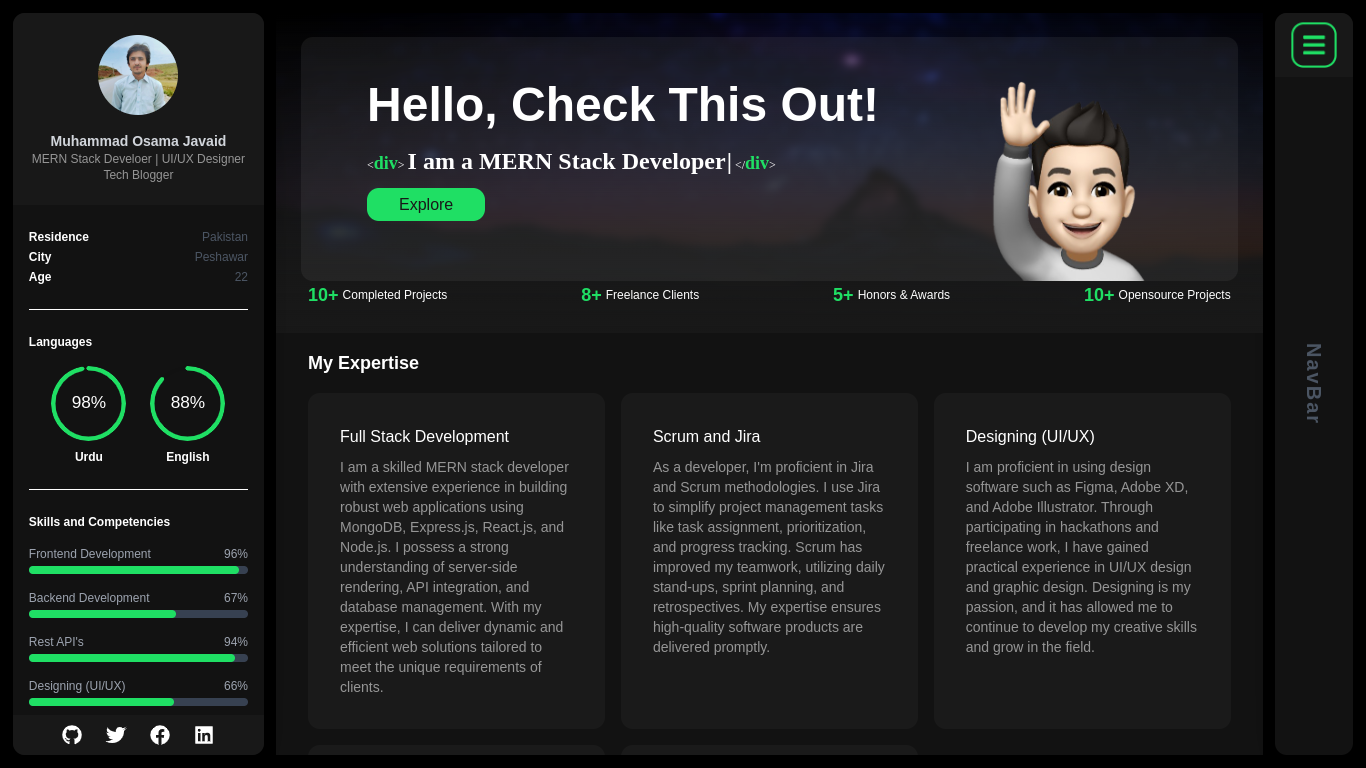
2- Astro
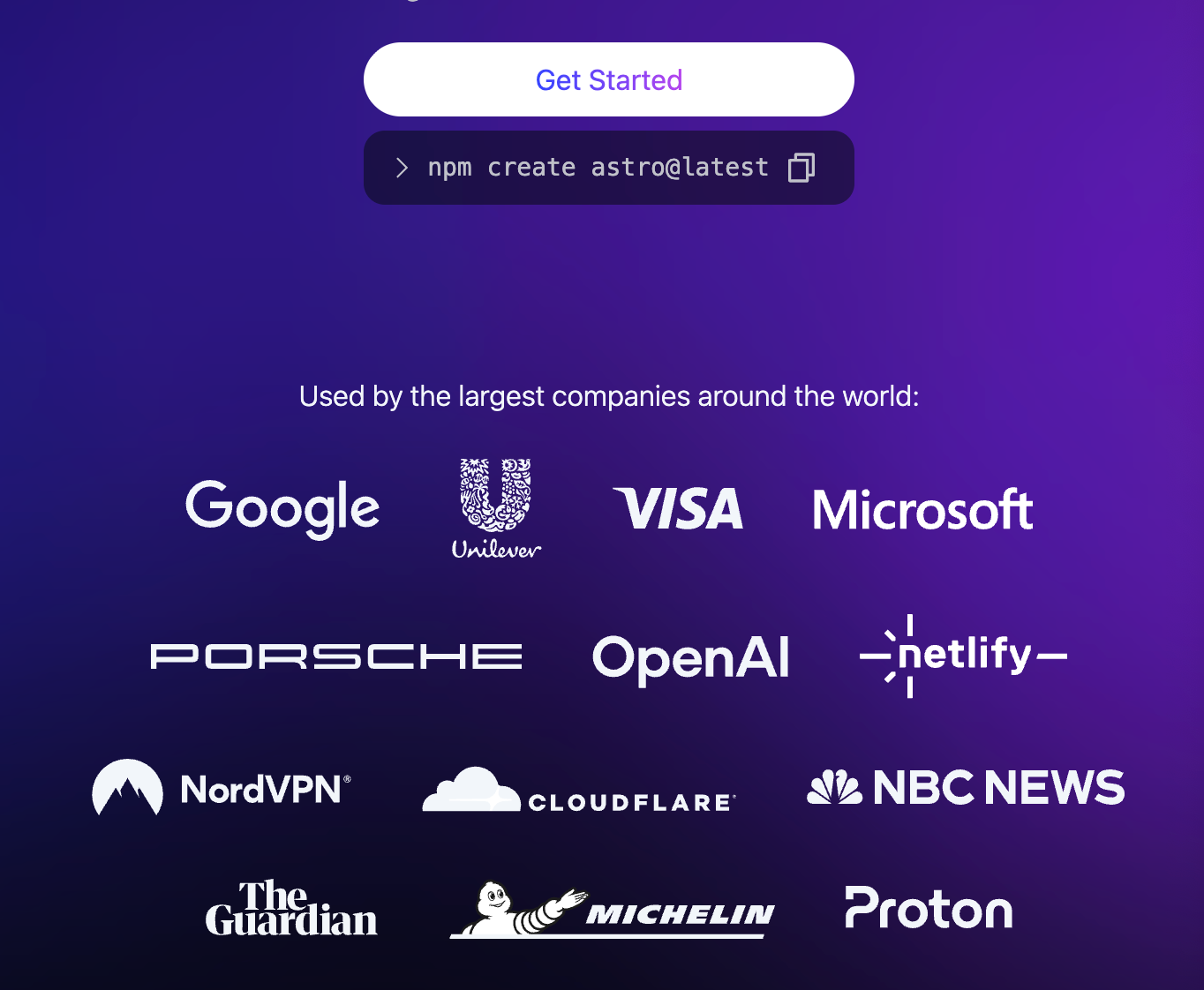
Astro is a next-generation static site builder that makes building fast, content-rich portfolios easier than ever, especially for developers who want to focus on writing, not wrestling with complex frameworks.
With native support for Markdown and MDX, Astro lets you write your projects, blog posts, and bios in plain text, clean, simple, and super portable. It even includes built-in content management tools that let you organize your work like a pro, without needing a CMS.
I love that my content stays fully portable, it’s easy to move, migrate, or even rebuild my portfolio on any static site generator without a single headache.
But let’s be real: as a developer, I’m especially drawn to Astro because it gives me the freedom to use React, Vue, and Svelte, all in the same project. That means I can pick the right tool for each job, mix frameworks seamlessly, and keep my workflow flexible, powerful, and future-proof.
No lock-in. No compromise. Just clean code, fast builds, and full creative control, all while keeping things simple and scalable.
 Hazem Abbas
 Hazem Abbas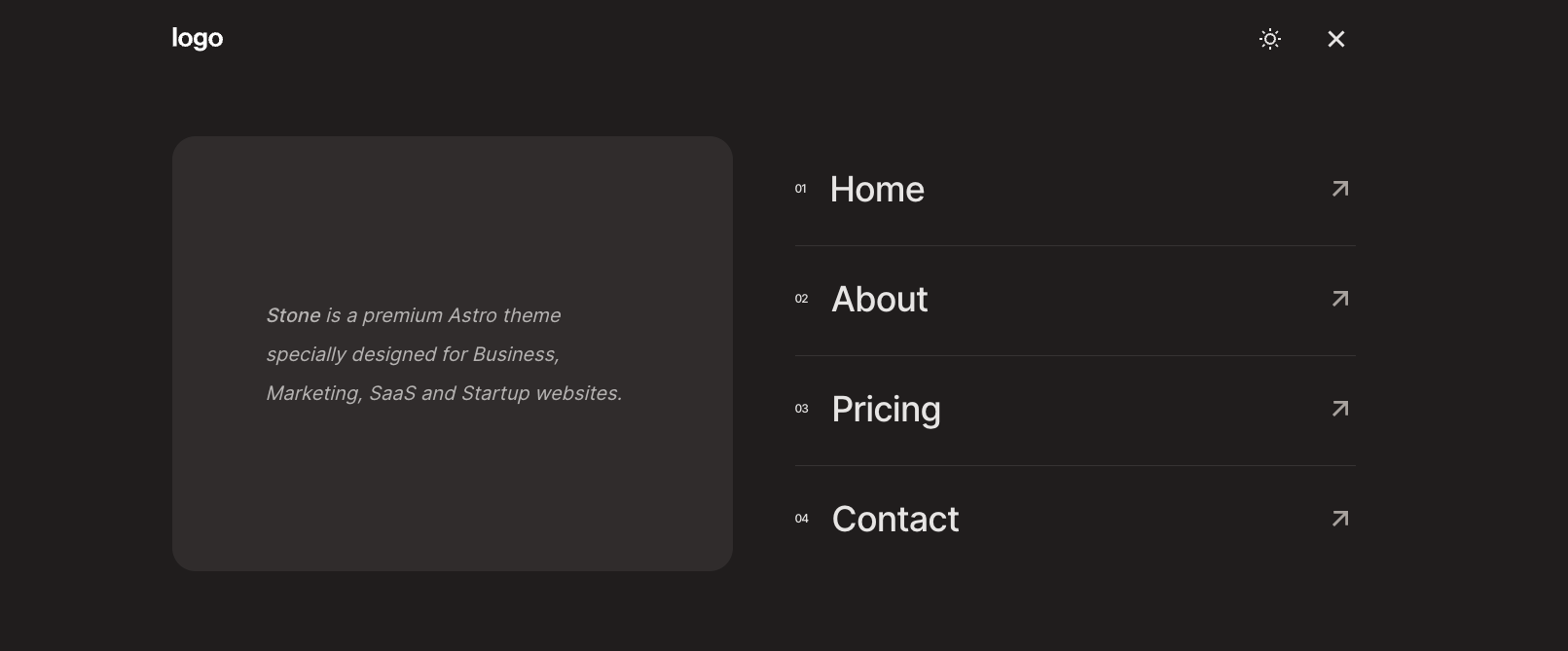
 Hazem Abbas
 Hazem Abbas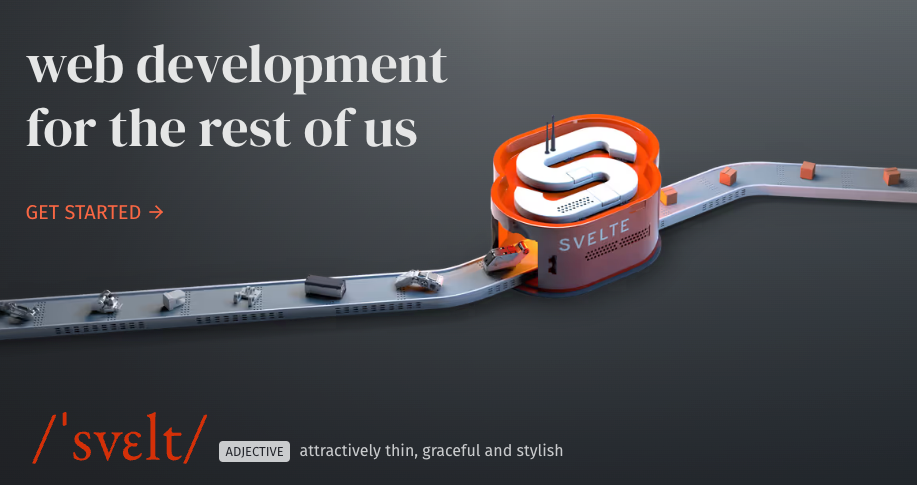
3- Hugo
Built in Go and lightning-fast by design, Hugo renders huge sites in seconds, perfect for developers who value speed without compromise. Used by major companies, agencies, and open-source teams (like Kubernetes, Mozilla, and GitHub Docs), it’s trusted for performance, scalability, and reliability.
I’ve used it for a few projects, love the speed, clean structure, and powerful asset pipeline (image optimization, Sass, TailwindCSS support). But honestly? I still lean toward JavaScript-based tools like Astro and Next.js. Why? Because I enjoy building with React, Vue, and Svelte, and having full interactivity at my fingertips.


4- Jekyll
Born in 2008 and still running strong, Jekyll is the quiet legend that powers everything from personal blogs to official documentation, yes, even GitHub’s own site. Built on Ruby, it’s simple, elegant, and still one of the most reliable ways to turn Markdown into a polished, static website, fast, secure, and free.
No databases. No complex servers. Just plain text (Markdown), Liquid templates, and clean HTML/CSS, and boom: a fast, SEO-friendly site ready to go live.
I’ve used Jekyll for a few side projects, and I’m not lying, its no-frills charm is real. Setup? One command. Deployment? Instant via GitHub Pages. Zero cost. Zero stress. Perfect for writers, devs, and data engineers who want to focus on content, not infrastructure.
And here’s why Jekyll is still the way to go for many developers:
- Easy deployment to GitHub Pages, built-in support, seamless workflow
- Perfect for Markdown lovers: write once, publish everywhere
- Lightning-fast builds, great for docs, portfolios, and blogs
But let’s be honest: while I respect Jekyll like a vintage tool (and still use it sometimes), I’ve shifted toward JavaScript-first frameworks like Astro and Next.js. Why? Full interactivity, React components, dynamic layouts, the kind of magic that makes modern web dev fun again.
5- Hexo
Hexo generates hundreds of pages in seconds, built for speed and simplicity, perfect for developers who want blazing-fast builds with Markdown support and one-command deployment to GitHub Pages.
With 426+ free, customizable themes and full NPM integration (Babel, Sass, PostCSS), it’s ideal for data engineers, analysts, and devs who love clean code.
However, I have to note: you need to be an experienced developer to resolve compatibility issues with its older extensions and plugins, and sometimes even reset your project to fix them.
 Hazem Abbas
 Hazem Abbas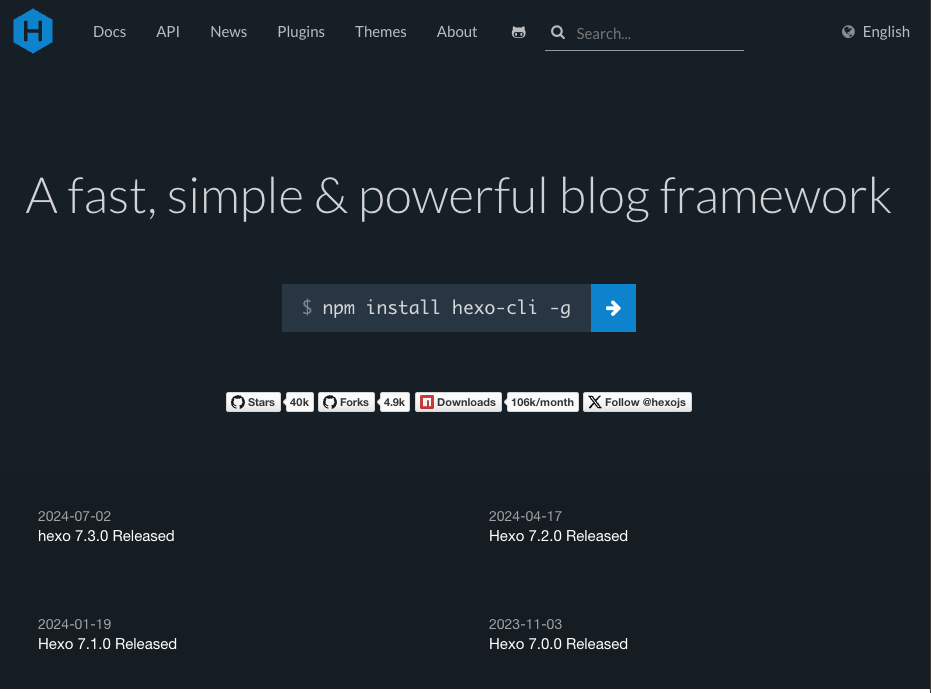
6- Eleventy
Born from a desire for simplicity and control, Eleventy (11ty) is the quiet powerhouse behind thousands of websites, from NASA and Mozilla to Google, CERN, and the a11yproject.com.
Not the first one to be built on Node.js, it’s fast, flexible, and zero-config to start, yet scales with you as your needs grow.
- Blazing-fast builds: 4,000 Markdown files in under 2 seconds
- Supports 30+ template languages: Markdown, Liquid, Nunjucks, EJS, JSX, MDX, and more
- No framework lock-in: no React, Vue, or Svelte required. Just plain HTML and content
- Works with your existing folder structure: no rigid app directories
- Zero telemetry, zero tracking: privacy-first by design
I’ve used Eleventy for personal projects and love how lightweight it feels. It’s perfect for data engineers, developers, and writers who want full control, fast performance, and portable Markdown content, all without bloat.
7- React
You may think React is for creating dynamic websites, but hey React isn’t just for dynamic SPAs. You can absolutely build fast, scalable, and stunning static websites with React, especially when paired with modern static site generators like Next.js, Gatsby, or even plain Webpack/Vite setups.
And yes, there are thousands of free, open-source React-based portfolio templates and static site starters on GitHub, designed specifically for developers, data engineers, designers, and freelancers.
These templates come with:
- Pre-built layouts (projects, blog, skills, contact)
- Responsive design (mobile-first, accessible)
- Built-in SEO optimization
- Markdown support for content
- Easy deployment to Vercel, Netlify, or GitHub Pages
 Hazem Abbas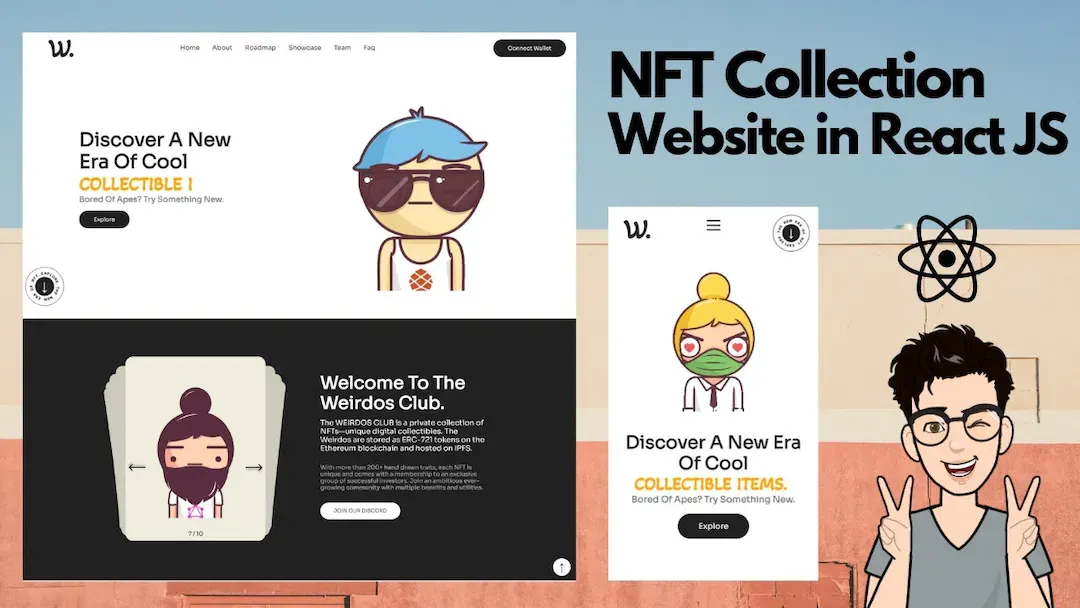
 Hazem Abbas
8- Vue & VuePress
Vue is loved for its simplicity, gentle learning curve, and reactivity, making it a favorite among developers.
VuePress builds on that with a powerful, highly customizable static site generator perfect for documentation and portfolios. It’s Vue-first, supports Markdown natively, offers rich plugins, and excels at creating clean, professional docs, all while keeping content easy to manage and deploy.
 Hazem Abbas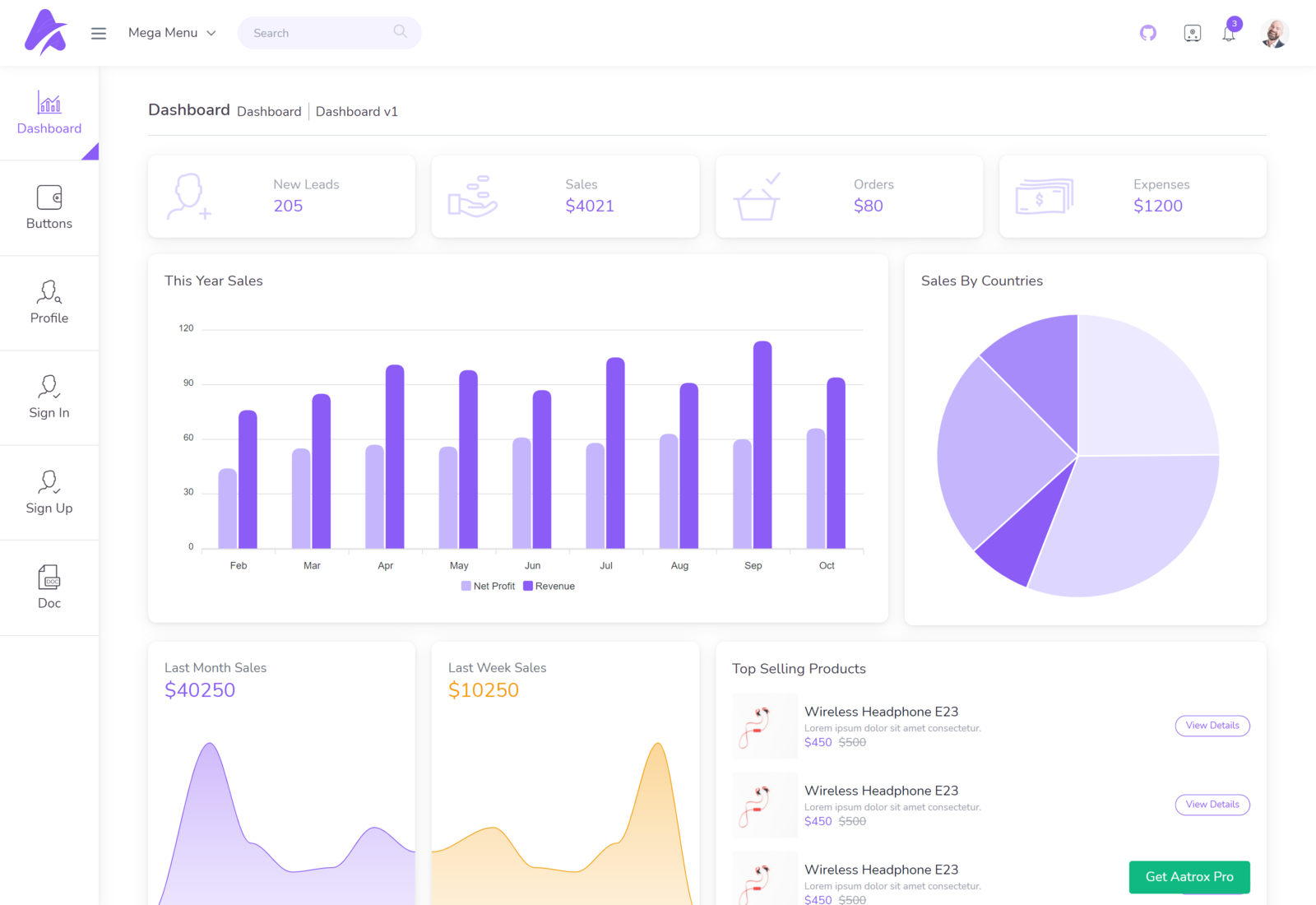
 Hazem Abbas
 Hazem Abbas
9- Docusaurus
Docusaurus is the ultimate static site generator for developers who want to build fast, SEO-friendly documentation sites, powered by React, MDX, and Markdown. With built-in versioning, translation support, Algolia search, and dark mode, it’s perfect for tech teams, open-source projects, and data engineers.
It is loved by Supabase, Temporal, Redux, and more.
 Hazem Abbas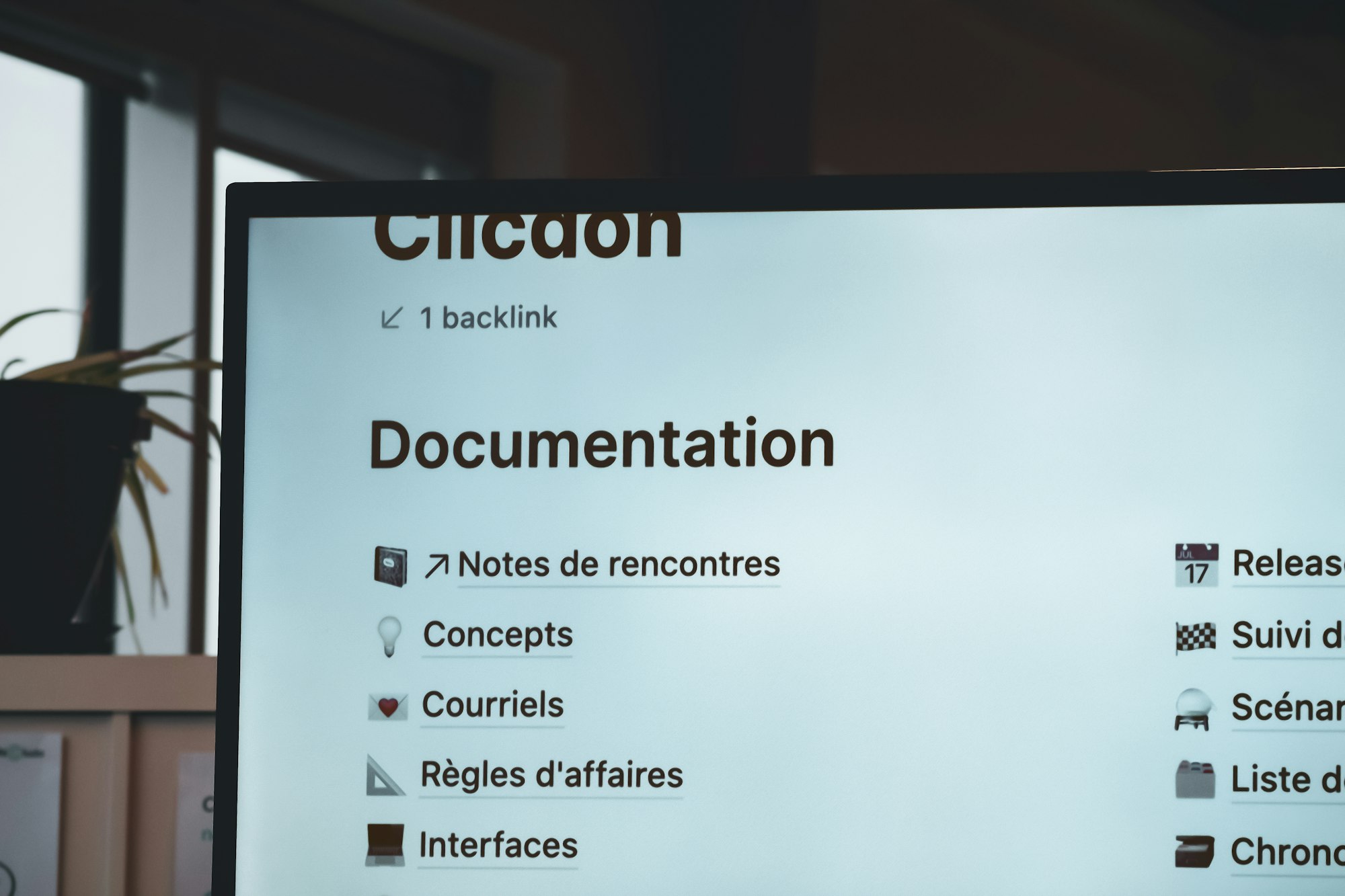
Ready to Build Yours Today?
Here’s your 1-Day Action Plan:
- Pick a tool (Start with Docusaurus or Jekyll if you're new)
- Grab a template from GitHub (e.g., Astronaut or Folio)
- Replace placeholder content with your projects (use Markdown!)
- Customize colors, fonts, links
- Deploy for free on Vercel or Netlify
- Share your link on LinkedIn, Twitter, and GitHub!
Done. You’re now visible, credible, and unstoppable.
 Hazem Abbas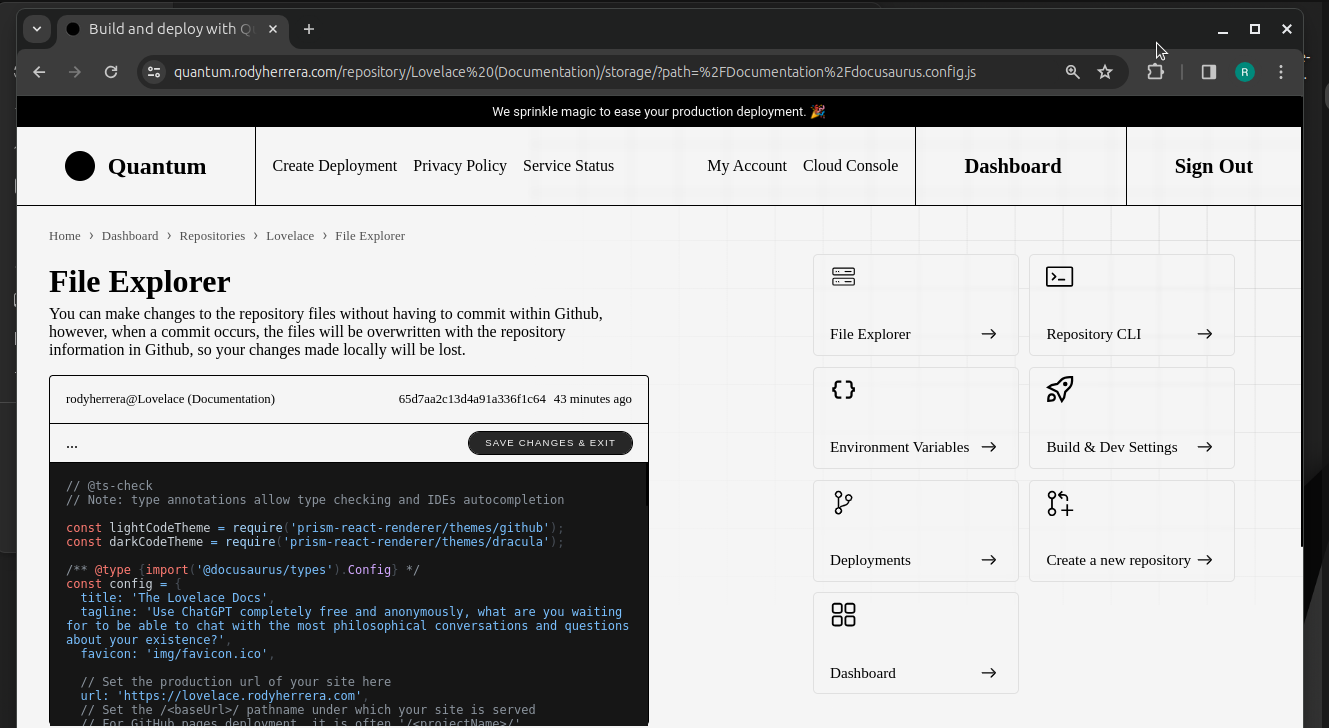
Where to Deploy Your Statically Generated Website for Free?
- Vercel: The #1 choice for React, Next.js, and modern JavaScript projects. Offers instant deployments from GitHub, global CDN, automatic HTTPS, and a seamless developer experience.
- Netlify: A powerhouse for JAMstack sites. Provides continuous deployment from Git, serverless functions, form handling, and excellent integrations with tools like Docusaurus and Hugo.
- GitHub Pages: Perfect for simple, content-focused sites (like those built with Jekyll, Docusaurus, or Astro). It's completely free, integrates directly with your GitHub repo, and is ideal for portfolios and documentation.
 Hazem Abbas
A Huge Thank You to the Open-Source Community
To every developer who spent nights building a theme, writing docs, or fixing bugs, we see you. We thank you.
You didn’t do it for fame. You did it because you believe in democratizing knowledge, empowering beginners, and making tech more accessible.
So when you launch your portfolio, remember:
- You’re not just showing off your work
- You’re standing on the shoulders of giants.
Viva la open-source!
 Desoky Mo
Final Thought
Your talent deserves to be seen. Your journey deserves to be shared. And thanks to open-source, you don’t need a team, a budget, or a design degree, just a little time, courage, and GitHub.
We’ve covered top tools like Hugo, Astro, Jekyll, Hexo, Next.js, and Eleventy in our blog, but Docusaurus stands out as a developer-first, content-optimized powerhouse.
So go ahead. Fork. Clone. Customize. Deploy.
Your dream portfolio is one click away.
Build it. Share it. Shine.
Got a favorite template? Drop it in the comments below! Let’s help each other grow — together.
 Hazem Abbas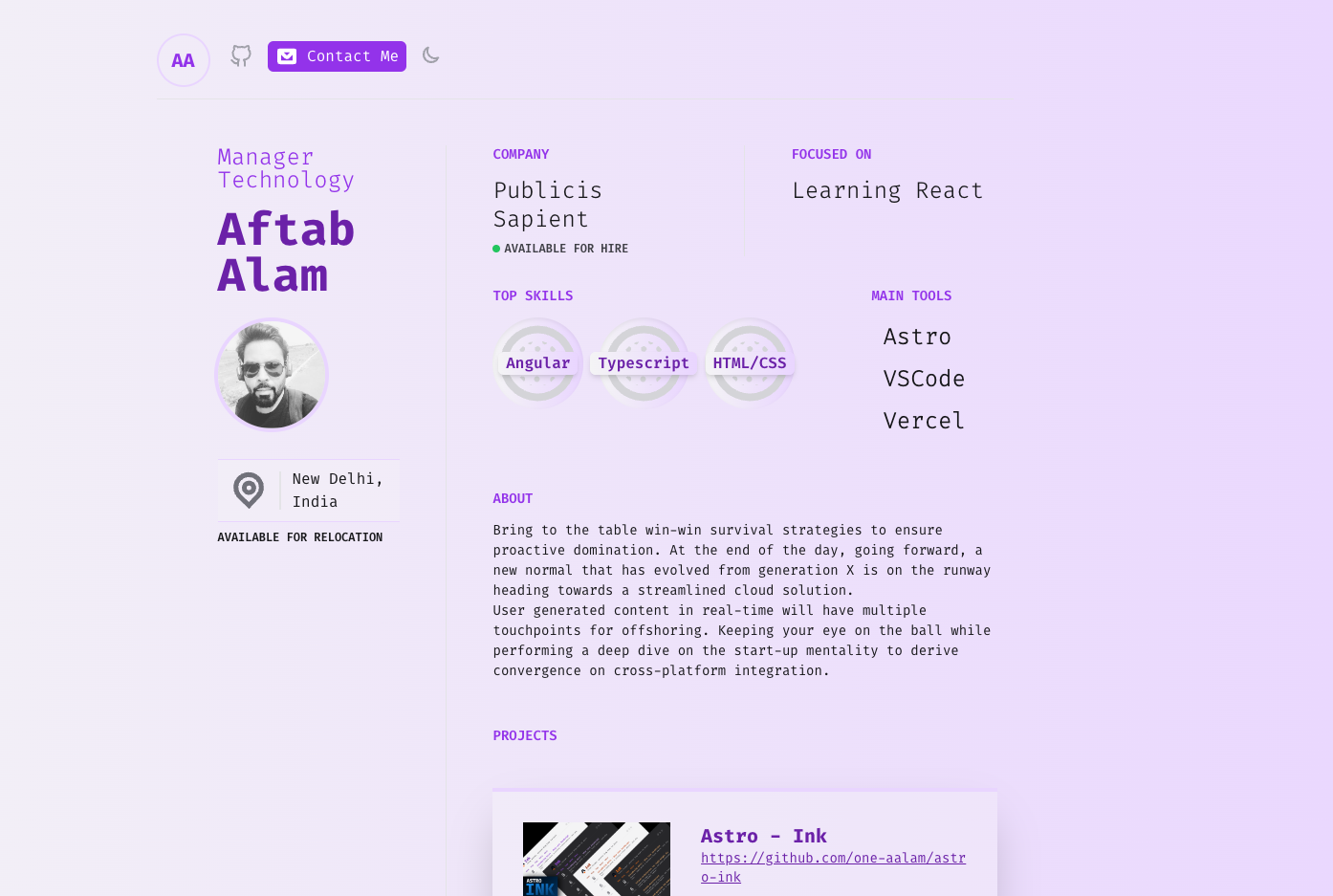
 Hazem Abbas
 Hazem Abbas
 Hazem Abbas
 Hazem Abbas
 Hazem Abbas
 Hazem Abbas