Danphe EMR: The Open-Source Hospital Brain Powering 50+ Clinics Across Asia

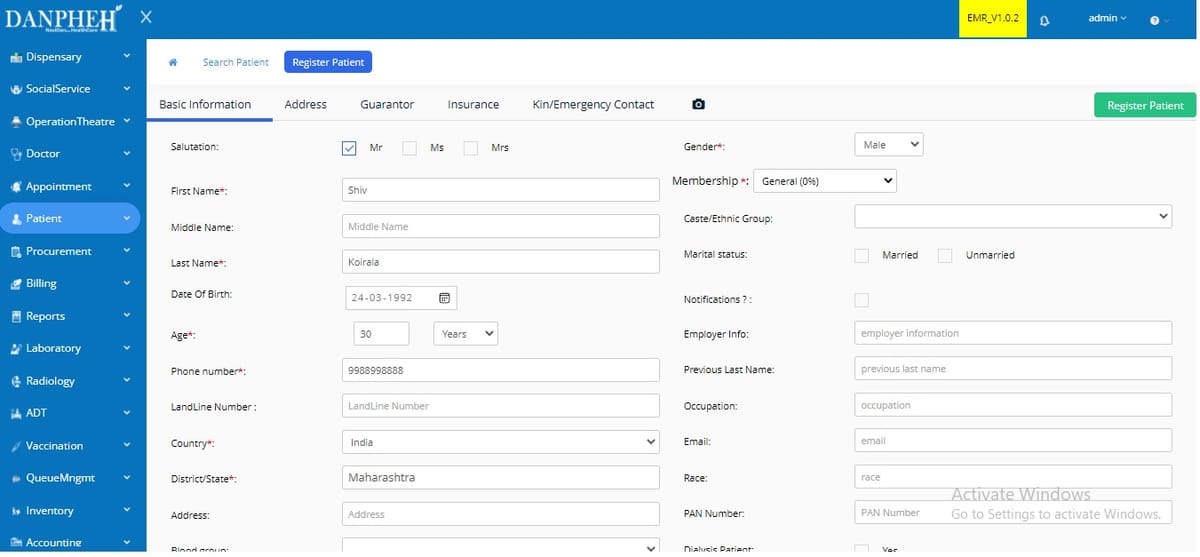
Imagine a hospital system so smart, it handles everything from patient check-ins to lab reports, all in one sleek, web-based platform. That’s Danphe EMR, the self-hosted open-source EMR, and HIS powerhouse already running smoothly in over 50 hospitals across India, Nepal, and Bangladesh.
It’s not just software, it’s a full-scale digital transformation engine for healthcare providers who need reliability, scalability, and zero vendor lock-in.
Danphe EMR has an active community of developers that keeps it maintained, upgraded and secure. It has 400+ stars at Github, as well as 250+ forks.

Built for Real Hospitals, Not Just Theory
Danphe isn’t some prototype or demo. It’s battle-tested in real-world clinics, from bustling urban hospitals to remote rural centers. With 40+ integrated modules, it covers every critical aspect of hospital operations: patient registration, appointment scheduling, billing, accounting, pharmacy, lab management, nursing workflows, and even patient admission/discharge transfers (ADT).
Whether you're managing a 10-bed clinic or a 300-bed facility, Danphe scales with you, no extra cost, no complexity.
 Hazem Abbas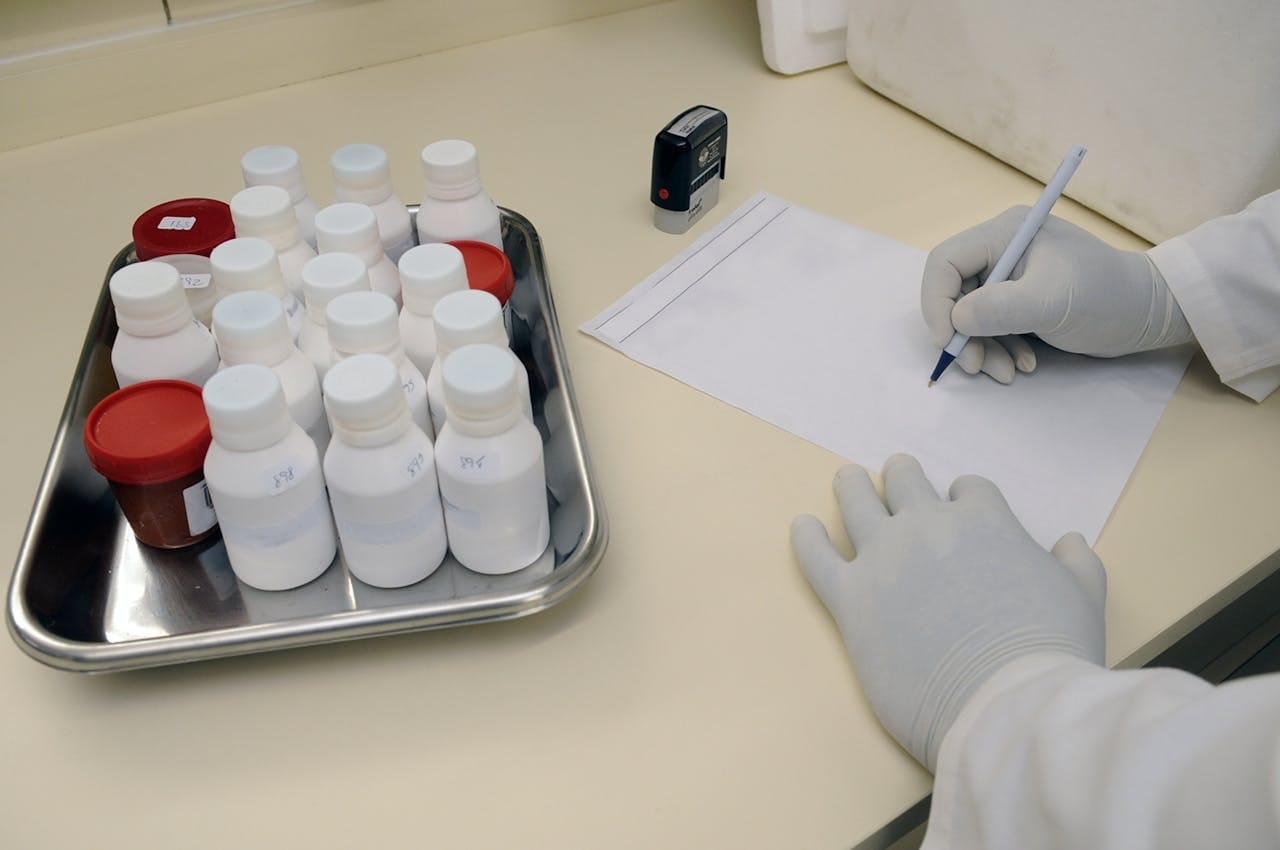
Available Features and Clinical Modules
- Registration/Patient
- Appointment
- Billing Module
- Accounting Module
- Inventory Management
- Pharmacy Module
- Laboratory Management
- User Module
- Admission Discharge and Transfer (ADT)
- Nursing Module
- Sub-store Module
- Radiology Management
- Medical Record
- Emergency
- Reporting and Dashboard
- Doctors
Dozens more!
 Hazem Abbas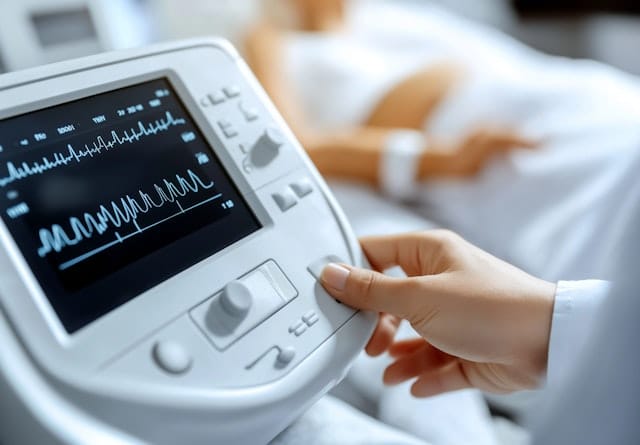
Seamless on Any Device: A Responsive UI That Works Everywhere
Danphe EMR isn’t just powerful, it’s accessible. With a fully responsive, mobile-first design, the platform works flawlessly across desktops, tablets, and even smartphones.
Whether you're a nurse checking patient status on a tablet in the ward, a doctor reviewing lab results on a mobile device during rounds, or an admin managing inventory from a tablet at the pharmacy counter, Danphe adapts instantly to any screen size.
The clean, intuitive interface ensures fast navigation, clear visuals, and zero lag, no matter where you are or what device you’re using. This means real-time access to critical data, anytime, anywhere, turning every device into a tool for better, faster, and more connected patient care.
Try the Demo, It is fun!
You can try the demo here, using the following credentials to login:
   Username  : admin
   Password  : pass123
Developer-Friendly, User-First Design
What makes Danphe special? It’s built on modern tech, clean architecture, RESTful APIs, and modular design, making it easy for developers to extend, customize, or integrate.
But don’t worry, it’s just as easy for nurses, admins, and doctors. The interface is intuitive, fast, and designed with actual workflow logic in mind. No confusing menus. No endless clicks. Just smooth, efficient care delivery.
A Movement, Not Just Software
Danphe EMR proves that open source can thrive in healthcare, especially where expensive enterprise systems fail. By being free, self-hostable, and community-driven, it empowers hospitals to own their data, avoid subscription traps, and innovate at their own pace.
It’s not about replacing humans, it’s about giving them the tools to do more, faster, and better.
50+ hospitals trust it. Thousands of patients benefit. And the best part? It’s yours to use, improve, and share.
Multilingual Support by Default
Danphe EMR offers excellent multilingual support, seamlessly integrating English with key local Asian languages like Hindi, Nepali, Bengali, and Tamil.
This ensures smooth usability across diverse clinics in India, Nepal, Bangladesh, and beyond, empowering staff to work efficiently in their native language while maintaining accurate, consistent patient records and system access for all users.
 Hazem Abbas
Danphe EMR – Developer Setup & Installation Guide
For developers who want to clone, run, extend, or improve Danphe EMR, Here is how to do that:
Prerequisites
Before you begin, ensure you have the following installed:
- Visual Studio 2017/2019 (or later): For building the .NET backend
- VS Code: For frontend (Angular) development
- Microsoft SQL Server 2017 (v14.0.202 or later), Required for database
- Node.js (v16+) & npm: For Angular build
- 7-Zip / WinRAR – To extract
.rarfiles
Important:
Always clone the project into a dedicated drive likeC:\DanpheorD:\Danphe.
Avoid using Desktop, Downloads, or OneDrive folders — these may cause permission issues due to restricted access.
Step 1: Clone the Repository
git clone https://github.com/danphe/danphe-emr.git
cd danphe-emr
Make sure the full path is clean and doesn’t contain spaces or special characters.
Step 2: Build the Angular Frontend
Navigate to the frontend directory:
cd Code\Websites\DanpheEMR\wwwroot\DanpheApp
Open this folder in VS Code.
In the terminal, run:
npm install
Then start the build process:
ng build --watch
This compiles the Angular app and watches for changes. Keep this running during development.
Step 3: Set Up the Database
1. Create the Admin Database
Go to the Database folder and run:
1. DanpheAdmin_CompleteDB.sql
This creates the DanpheAdmin database used for system configuration.
2. Restore the Main EMR Database
Extract 2.DanpheEMR_OS.rar (use 7-Zip or WinRAR).
Restore the .bak file into your SQL Server instance using SQL Server Management Studio (SSMS):
- Right-click Databases → Restore Database
- Select the
.bakfile - Name the restored database:
DanpheEMR_OS
3. Apply Incremental Updates
Run the script:
👉 3.Increamental_DBScript.sql
on the DanpheEMR_OS database to apply latest schema updates.
Step 4: Update Connection Strings
Open the backend config file:
Code\Solutions\DanpheEMR\DanpheEMR\appsettings.json
Update all three connection strings with your local SQL Server details:
"ConnectionStrings": {
  "DefaultConnection": "Server=localhost;Database=DanpheEMR_OS;User Id=sa;Password=your_password;",
  "AdminDbConnection": "Server=localhost;Database=DanpheAdmin;User Id=sa;Password=your_password;",
  "ReportDbConnection": "Server=localhost;Database=DanpheEMR_OS;User Id=sa;Password=your_password;"
}
Replacelocalhost,your_password, andDatabasename as needed.
Step 5: Build & Run the Project
- Open
Code\Solutions\DanpheEMR.slnin Visual Studio. - If the project fails to load:
- Install .NET Core SDK 3.1.301 (or update the version in
Solution Items\global.json)
- Install .NET Core SDK 3.1.301 (or update the version in
- Right-click the solution → Rebuild Solution
All projects should compile successfully.
Step 6: Run the Application
- Press F5 or click Start Debugging in Visual Studio.
- The app will launch at:
https://localhost:5001
Login Credentials (Demo)
Use these to access the admin panel:
- Username:
admin - Password:
pass123
After first login, change the password immediately.
Danphe EMR isn’t just code, it’s a community. And you’re welcome to join.
License
The project is an open-source project that is released under the open-source MIT License.
Resources & Downloads
 opensource-emr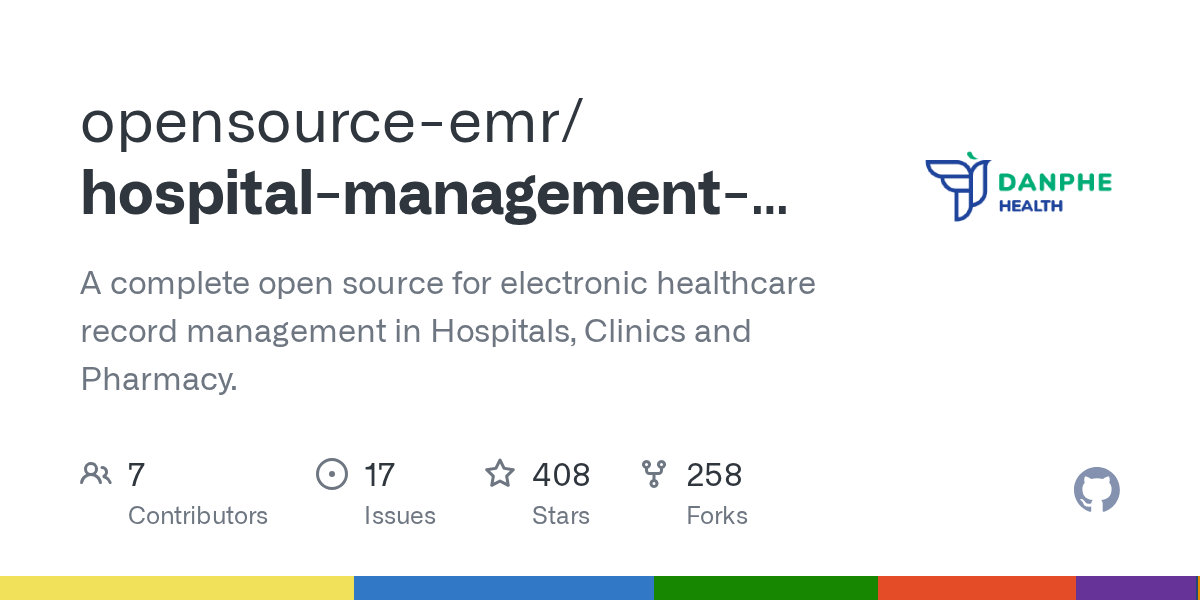
Looking for more Open-source Free EMR, EHR and HIS?
Checkout our posts archive!
 Hazem Abbas
 Hazem Abbas
 Desoky Mo
 Hazem Abbas
 Hazem Abbas
 Hazem Abbas