Do not blame AI for your Bad Results if You do not know how to Speak to It (Prompt)!


Open source AI models and proprietary chatbots are special software that allow you to generate text, code, and images based on the instructions you provide.
These instructions could be anything from emails that are set up to handle your business clients, or code snippets to fix what's happening in your application, or creative stories to entertain your readers.
Proprietary AI models may require you to have a monthly or yearly subscription in order to access their smartest versions. They may also charge you based on how many tokens you are going to use according to the complexity of the tasks you want to solve.
Luckily for us, the skill of "Prompt Engineering" exists and you can learn it on your own and avoid whatever frustrations that could be imposed on you by bad results.
A note of caution, though, to secure your prompt structures so that the AI doesn't hallucinate; you have no idea how many users leave their prompts hazy and undefined in the wild, and anyone from anywhere around the world could be getting better results than them simply because they know how to speak the language.
To secure your AI results, make sure to:
- Make your context accessible and clear.
- Secure your instructions with strong constraints.
- Log your iterations so that you know if the AI is drifting.
- Update your prompt style to the latest models whenever they are released.
My post here, will explore how AI actually reads and "understand" your inputs and what secure, maintained, and feature-rich prompting techniques are out there for monitoring such types of interactions.
Once you find your match, you can use these techniques and start generating!
We made sure to select only the top working, still-maintained and useful examples that belong in this list for our readers.
How AI Understands and Reads Prompts
Before we dive into the list, it is vital to understand how the "brain" of the software works. Unlike humans, AI does not "read" sentences in a continuous flow of thought.
Instead, it breaks your text down into "tokens", chunks of characters that serve as the basic building blocks. It analyzes the statistical relationship between these tokens.
When you send a hazy prompt, the AI is essentially guessing the most probable next token based on billions of parameters it was trained on. So, do not send spaghetti prompts!
It uses a mechanism often called "Attention." It looks at specific parts of your prompt to decide what is important. If you do not emphasize the right parts, the "Attention" mechanism might focus on the wrong detail, leading to a result that looks correct but is actually hallucinated.
 Hamza Emadeed Mousa
1 . The "Act As" Persona
Unfortunately, many people believe the AI knows everything, I have seen some friends typing simple general prompts, then expecting precise results. It is not that simple.
You can try typing 'write me a Python script to do 1, 2, and 3' and then 'act as a professional Python developer and write a script that does 1, 2, and 3' to see the result.
The "Act As" technique is the first solution that comes to mind when talking about directing AI behavior and tone.
It is designed for monitoring and controlling the perspective of the output across various domains including medical, coding, and creative writing.
The software supports an extensive range of personas such as "Senior Python Developer," "Empathetic Therapist," or "Strict Editor."
It can use specific jargon to facilitate the connection between the person asking the question and the answer itself, preventing the AI from giving a generic, wikipedia-style answer while also ensuring that it uses the correct terminology for the field.
Example Use-Case:
Bad Prompt: "Write a code to scan a network." Better Prompt: "Act as a Senior Cybersecurity Engineer. Write a Python script using the Scapy library to scan a local network for active IP addresses. Include comments explaining security risks."
2. Few-Shot Prompting
Few-Shot Prompting is a method that offers a complete solution for capturing, analyzing, and mimicking a specific format or style.
It supports both simple text classification and complex reasoning tasks without locking users into the AI's default formatting.
The platform relies on providing "shots" (examples) inside the prompt. By giving the AI one or two examples of the input and the desired output, you are essentially training it in real-time.
Its features include high accuracy in pattern recognition, reducing the need for long explanations.
Example Use-Case:
Bad Prompt: "Turn these messy names into a list." Better Prompt: "I will give you a list of messy names, and you will format them as 'Last Name, First Name'. Example: 'john DOE' -> 'Doe, John' Example: 'sara smith' -> 'Smith, Sara' Input: 'hazem ABBAS'"
3. Chain of Thought (CoT)
Chain of Thought is a robust reasoning technique developed to help AI handle complex logic, which enables real-time management of multi-step problems.
Its architecture supports breaking down a big problem into smaller steps, allowing the model to "think" out loud before giving a final answer.
Key features that distinguish Chain of Thought include reduced calculation errors and better handling of math or logic riddles. In other words, you force the AI to show its work so you can catch where it might go wrong.
Example Use-Case:
Bad Prompt: "If I have 3 apples, eat one, and buy 5 more, then drop half of them, how many do I have?" Better Prompt: "Solve this word problem step-by-step. First, calculate the total after eating one. Second, add the new apples. Third, calculate the final drop. Show your calculation for each step."
4. Constraint Setting (Define your Limits)
Constraint Setting is a directive method designed for filtering and restricting output, primarily useful when you have strict requirements.
The software leverages negative constraints (what not to do) to execute efficient content generation.
Sadly as we described, AI often likes to be verbose, and short, concise answers are often absent from the default software behavior.
Key features of Constraint Setting include length limits (e.g., "under 280 characters") and format restrictions (e.g., "no introductory text").
Example Use-Case:
Bad Prompt: "Tell me about Open Source CCTV." Better Prompt: "Explain Open Source CCTV software. Constraint: Do not use more than 50 words. Do not mention proprietary brands. Output the answer as a single JSON object."
Hey, note that this is not a negative prompt, it is totally different, while a negative prompt is about the content, Constraint Setting is about the structure and the layout!
5. The "Context Wrapper"
The Context Wrapper is a technique designed to enhance the AI's understanding of the surrounding environment.
It allows you to paste reference material, like a PDF content or a code documentation, before asking your question.
The platform can be deployed on long-context models, allowing it to cater to huge documents as well as small snippets.
Remember that we only cover prompts here that provide the data necessary for the AI to know what you are talking about. If you do not provide the source text, the AI will hallucinate it.
Example Use-Case:
Bad Prompt: "Summarize the meeting." Better Prompt: "Below is a transcript of a team meeting regarding the new 'MOTOID' project. Based only on this text, summarize the three key decisions made by the lead developer." [Paste Transcript Here]
6. Iterative Refinement
Iterative Refinement is a conversational management system designed for polishing and perfecting, primarily developed through back-and-forth dialogue.
The software leverages your previous prompts to provide functionalities such as "Make it shorter" or "Change the tone to professional."
It features a history-aware interface that allows users to access previous context. Users can benefit from treating the AI like a junior intern, you rarely get the perfect draft on the first try, but you can guide it there.
Example Use-Case:
Bad Prompt: (Giving up after one bad result).
Better Prompt: "That code works, but it is not optimized for mobile. Rewrite the function to be asynchronous and add error handling for network timeouts."
This benefits you when you study, code, write, or analyzing documents and events.
 Hamza Emadeed Mousa
7. Delimiter Usage
Delimiter Usage is a syntax-focused method designed for managing and separating distinct parts of your prompt, offering users an intuitive way to tell the AI where data begins and ends.
Developed primarily to stop "prompt injection" or confusion, the application leverages symbols like ###, """, or --- to separate instructions from content.
One distinguishing feature of Delimiter Usage is its ability to prevent the AI from confusing your instructions with the text you want it to process.
Example Use-Case:
Bad Prompt: "Translate this Hello world into Spanish." Better Prompt: "Translate the text delimited by triple quotes into Spanish. Text: """ Hello World """"
 Hamza Emadeed Mousa
8. Negative Prompts
Negative Prompts is a filtering solution designed for image generation and strict text formatting, primarily tailored for users who want to exclude specific elements from the final output.
The software leverages exclusion parameters to push the model away from unwanted concepts, utilizing "negative weights" to ensure that certain tokens are absent from the generated result.
It is designed for monitoring and cleaning the output across various platforms including Stable Diffusion, Midjourney, and text-based LLMs.
Sadly as we described, if you only rely on positive instructions, the AI may hallucinate or include standard boilerplate content that you do not need.
Key features of Negative Prompts include the ability to remove "bad anatomy" or "blurry" artifacts in images, and the exclusion of "verbose explanations" or "comments" in code generation tasks.
In other words, you can force the AI to unlearn specific habits during your session to get a cleaner result.
Use-Case Examples:
- For Image Generation:
- Positive: "A photo of a horse running in a field."
- Negative: "blurry, low quality, extra legs, deformed, watermark, text."
- For Coding:
- Positive: "Write a Python script to scrape a website."
- Negative: "comments, explanation, markdown, introductory text, C++, Java."
- For Text Writing:
- Positive: "Write a professional email to a client."
- Negative: "emojis, slang, hashtags, overly casual tone, apologize."
 Hamza Emadeed Mousa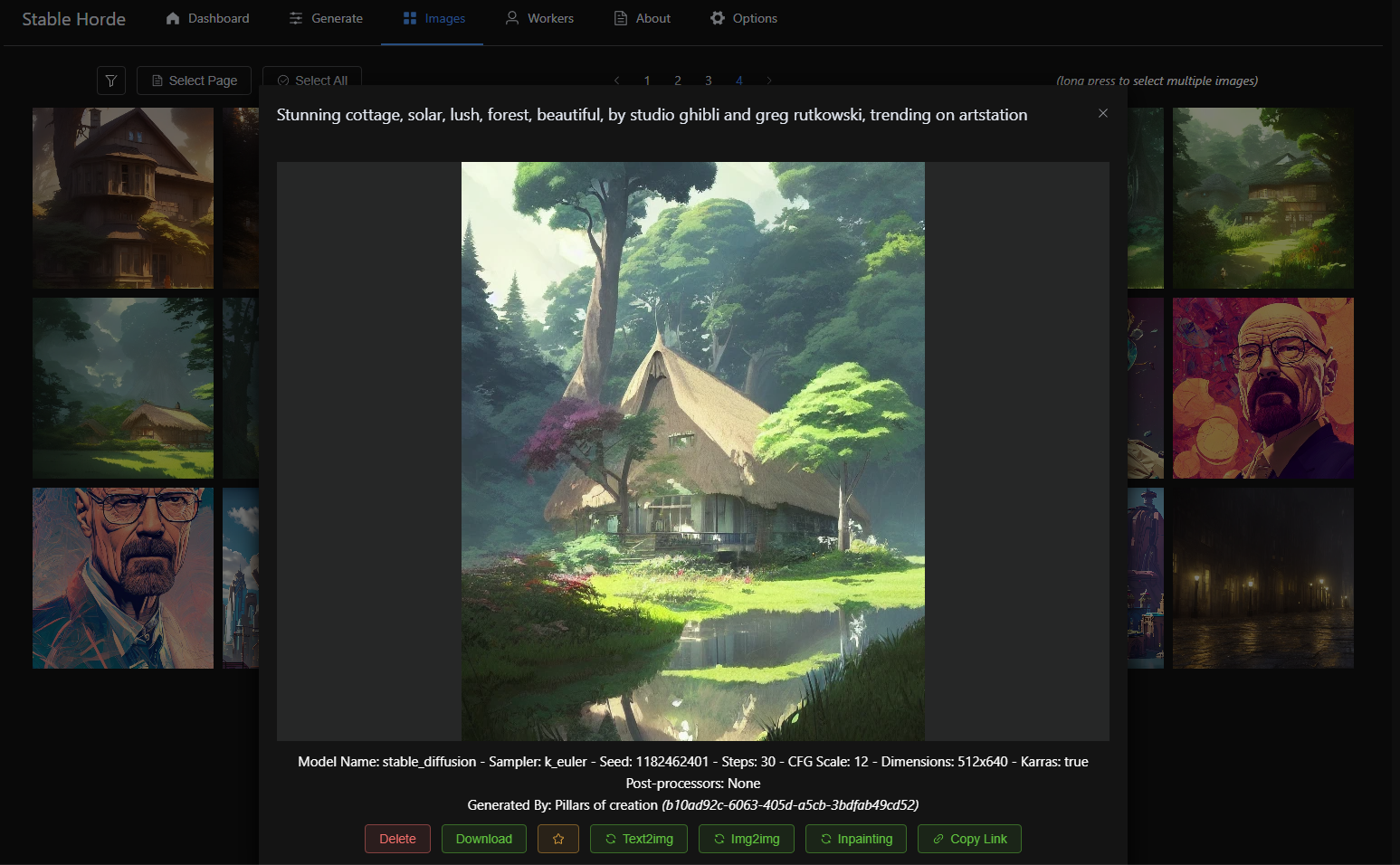
Conclusion
These were the top prompt engineering techniques and instruction methods in the market.
Of course, you may find a lot of other tools and monitoring scripts out there, but they may not be fully-fledged with specific examples like the ones we already described.
As we said earlier in the post, keep in mind that you need to take extra measures to secure your prompts and prevent the AI from misunderstanding your intent. Otherwise, it could give you bad code without you knowing about it.
In terms of support, almost all standardized modern Large Language Models (LLMs) are supported by all of these techniques, and you can just select the best solution that has enough features for your own needs.
If you know about a prompt trick that should be added to this list, then feel free to mention it in the comments.
 Hamza Emadeed Mousa