When Cloudflare Crashed the Internet, Why Your Website Needs a Safety Net

By Dr. Hamza Mousa.
So… you’re not alone if your site went down Tuesday morning. I was mid-sprint on a client project when I saw the red alert: “Medevel.com is unreachable.” Not just for me, for thousands of users worldwide.
The culprit? Cloudflare. Yes, that Cloudflare.
What Actually Happened?
On Tuesday, a massive global outage hit major websites like X (formerly Twitter), ChatGPT, Zoom, Canva, Grindr, and even Downdetector itself, yes, the site people use to check if sites are down.
The root cause? A misconfigured file in Cloudflare’s system meant to handle traffic during cyberattacks. Instead of protecting networks, it crashed them.
Cloudflare admitted it:
“We apologise to our customers and the Internet in general for letting you down today.”
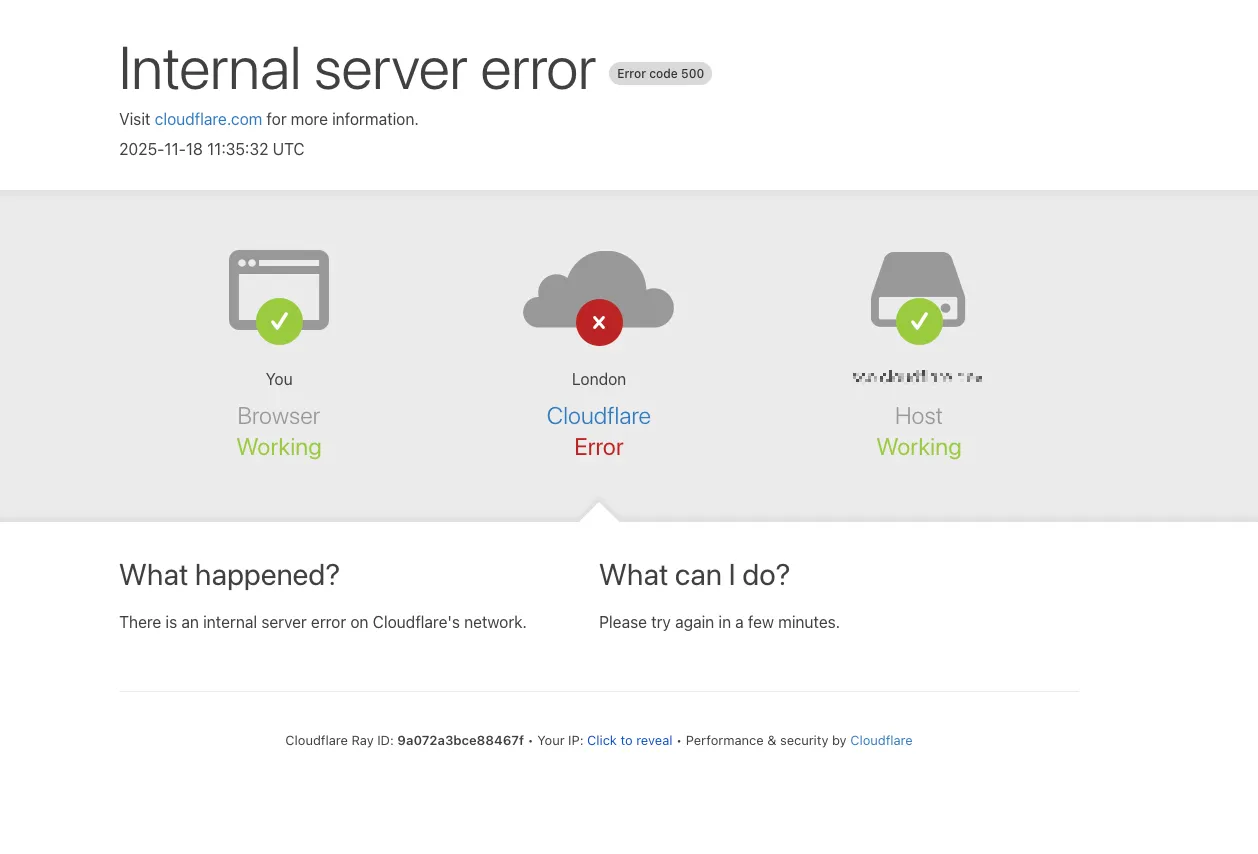
They called it a “significant outage”, and honestly, that understates it. For over an hour, millions couldn’t access services relying on Cloudflare’s infrastructure. Some users got error messages like:
“Please unblock challenges.cloudflare.com to proceed.”
Even OpenAI’s ChatGPT, and X were blocked for many.
 Hazem Abbas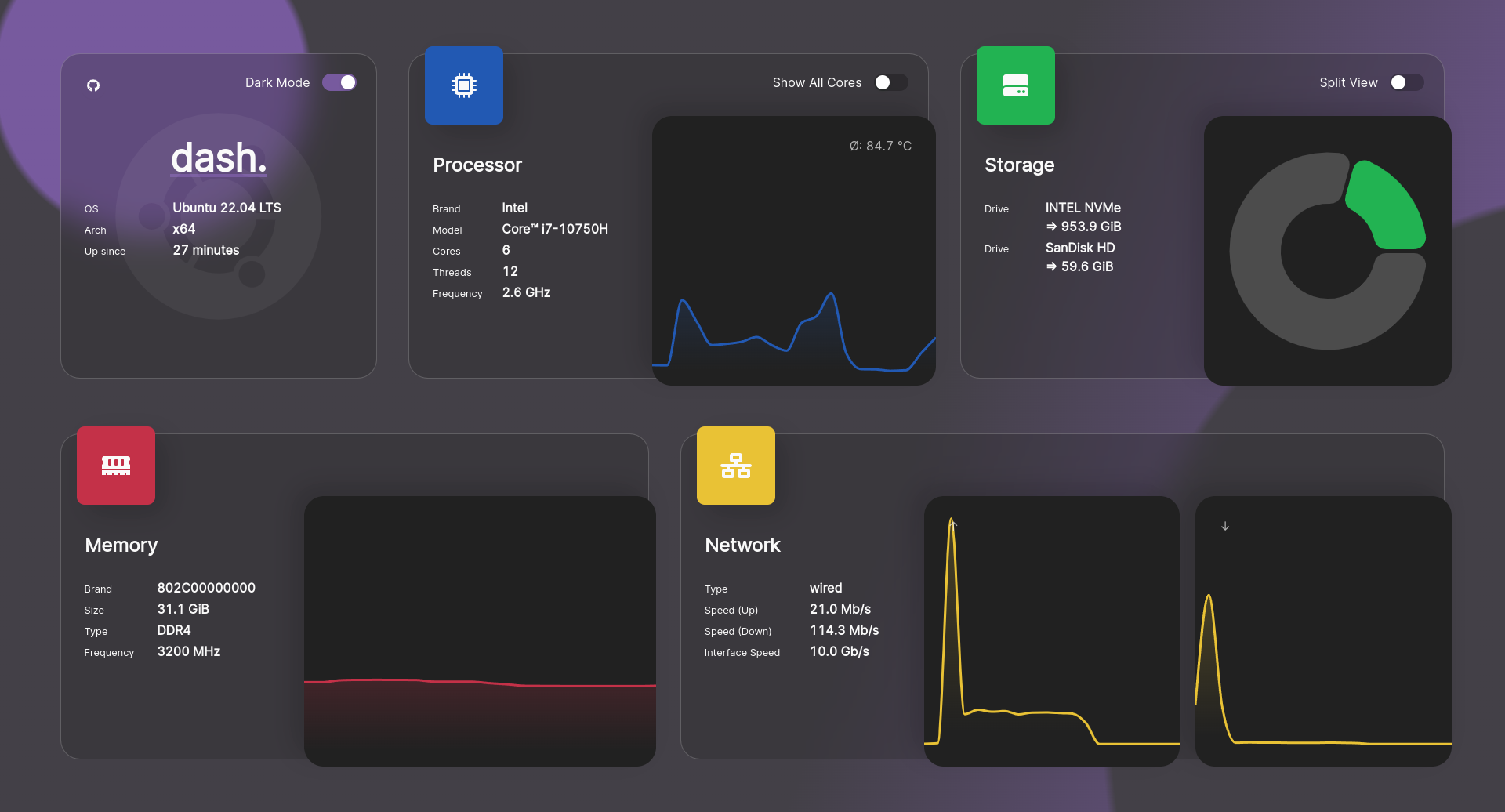
🔍 What Is Cloudflare, And Why Does It Matter So Much?
Cloudflare is like the bouncer and security guard of the internet.
It does three big things:
- Blocks bots and hackers (DDoS protection)
- Speeds up websites (CDN, content delivery network)
- Hides your server’s real IP address (privacy & security)
It’s used by 20% of all websites globally (may be more), including giants like ChatGPT, Shopify, X, Reddit, and smaller websites like mine.
That means when Cloudflare goes down, the whole internet shudders.
And here’s the scary part: the more secure and fast Cloudflare makes websites, the more dependent they become on it.
As cybersecurity expert Jake Moore put it:
“Companies are often forced to heavily rely on the likes of Cloudflare... as there aren’t many other options.”
This outage wasn’t caused by a hack. It was a configuration mistake. But the damage? Massive.
The Personal Impact: When Medevel.com Went Down
I run Medevel.com, my AI-focused platform for healthcare innovation, on Cloudflare. I also use it to draft my daily writing, journals, ideas, and sometimes map my next projects, why because it is distraction free and I can access it from everywhere!
When the outage hit, the site became inaccessible for hours.
My clients couldn’t access their tools. My SEO rankings dropped. My email inbox filled with anxious messages.
And worst of all? I had no way to tell them why or when it would come back, because the monitoring tools themselves were down. This isn’t just a “bad day.” It’s a wake-up call.
What Can You Do? (Seriously, This Isn’t Optional)
You can’t control Cloudflare. But you can protect yourself from being blindsided.
Here’s what every developer, business owner, or freelance creator should do right now:
1. Install a Status Monitoring App (Yes, Really)
A status monitoring app is a tool that constantly checks if your website, web app, or server is online, 24/7.
It doesn’t just ping once. It pings every 60 seconds (or even faster). If your site goes down, it sends you an alert, instantly.
Think of it like a smoke alarm for your website. No more guessing. No more panic emails at 3 AM.
Some developers call it statuspage, others call it Uptime page.
However, we recommend the following tools:
- Uptime: GitHub Actions uptime monitor & status page
- Gatus: Automated developer-oriented status page
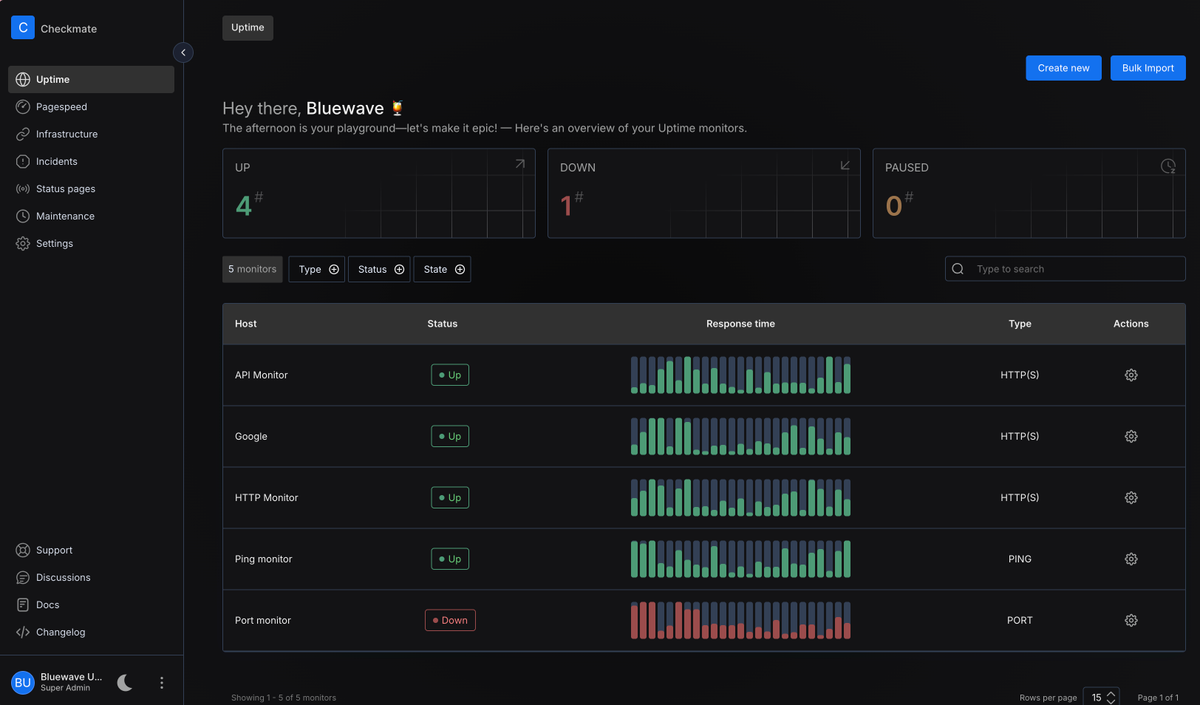
- Checkmate, like the previous ones is a free and open-source self-hosted app that enables you track and monitor your web apps and websites.
- OpenStatus: Monitor your website and APIs globally and receive notifications when they are down or slow. (Website)
- Statping - Status Page & Monitoring Server
- Kener is a sleek and lightweight status page system
 Hazem Abbas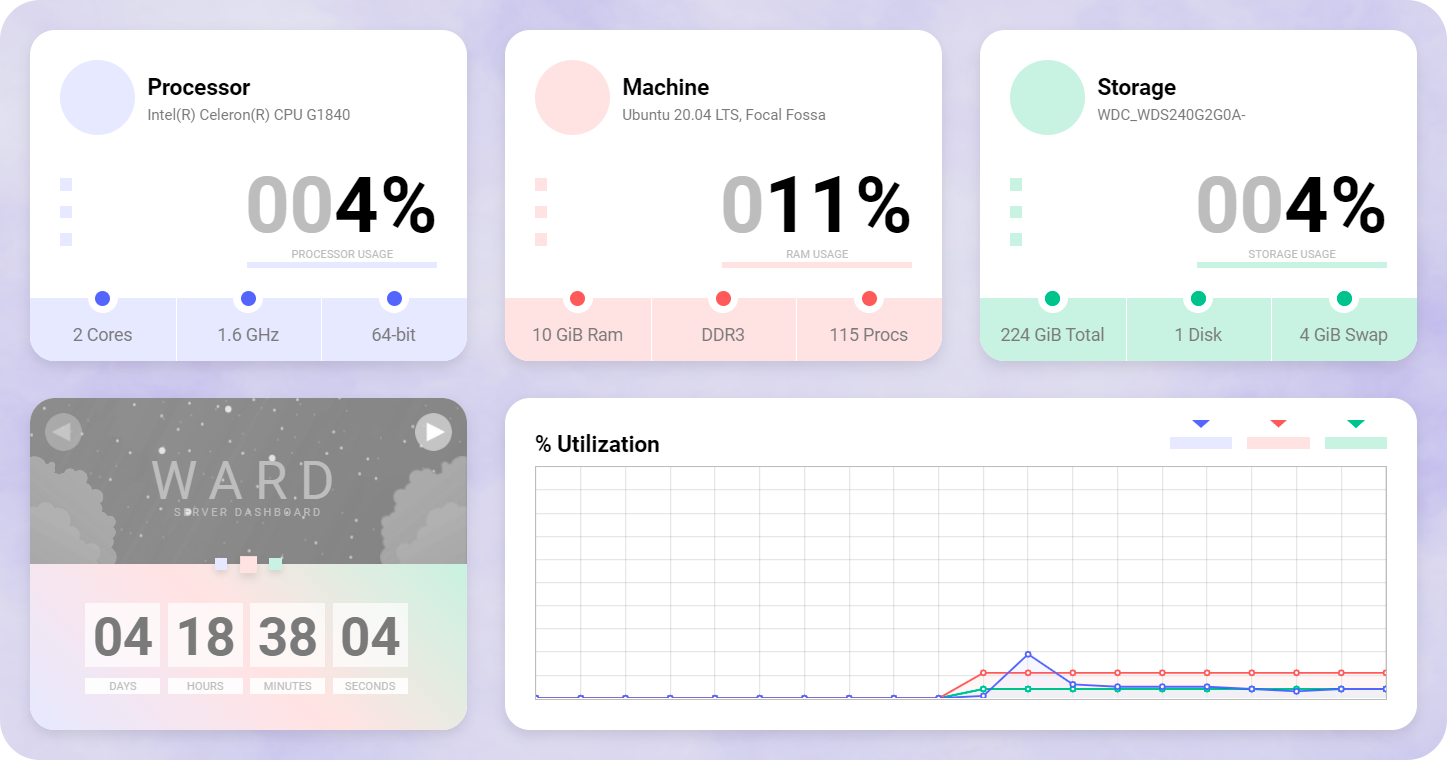
How It Works (Simple Version):
- The app sends a test request to your site every few minutes.
- If it gets a response? Great.
- If it doesn’t? It triggers an alert via:
- SMS
- Slack
- Discord
- Push notification
And guess what? It works regardless of whether your site runs on Cloudflare, AWS, VPS, or even a Raspberry Pi.
It monitors your service, not the provider. Moreover, you can also use it to monitor your API endpoints, either REST or GraphQL API.
Pro Tip: Use Open-Source Tools (Free + Transparent)
I’ve tested dozens of status monitoring apps, some paid, some free. The best? Open-source ones.
Why? They’re transparent, customizable, and you own your data.
In past articles, I’ve written about:
 Hazem Abbas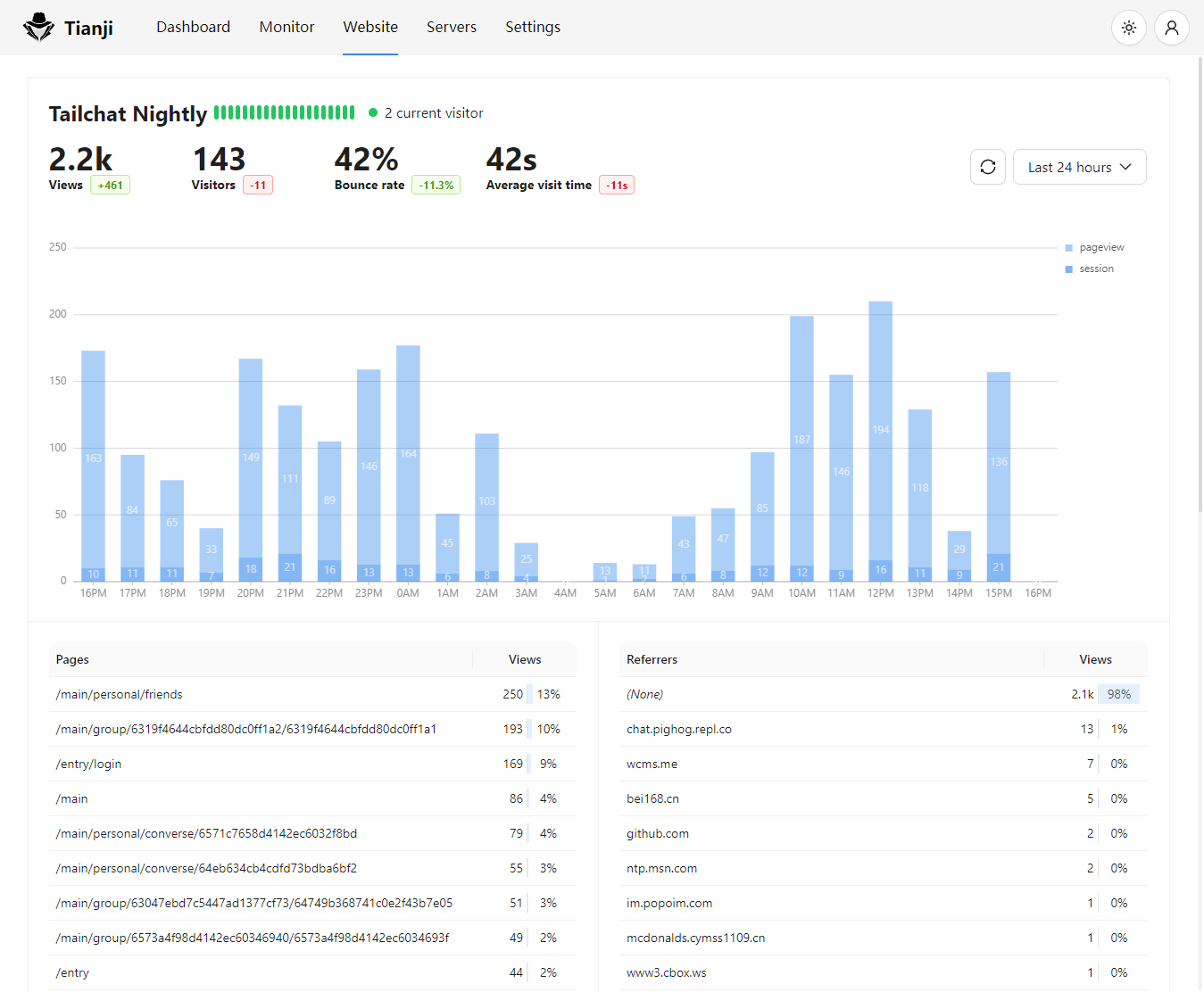
These tools don’t depend on Cloudflare. They work even if Cloudflare fails.
Why This Matters More Than Ever
We’ve seen this cycle repeat:
- AWS outage → hundreds of sites down
- Azure outage → more chaos
- Now Cloudflare → entire ecosystem shakes
Each time, the lesson is the same:
Don’t put all your eggs in one basket, especially one that’s been hacked, misconfigured, or overloaded.
Your website isn’t just code. It’s your income, your brand, your reputation.
If it’s offline, so is your business.
Final Thought: Be the Guardian of Your Own Site
I’ve helped many clients recover from outages, many because they had no monitoring. Now, I have to setup one uptime tool to monitor and track their website activities and uptime.
Now, I never deploy a new site without setting up status monitoring first. It’s not a luxury. It’s a necessity.
So if you're running a website whether it's a portfolio, SaaS product, blog, or e-commerce store, do this today:
- Pick one open-source status monitor (like Uptime Kuma).
- Set it up in under 10 minutes.
- Test it. Break it. Fix it. Then sleep soundly.
Because when the next Cloudflare crash hits, you’ll know before your customers do, and be ready for it.
Want my exact setup guide for Uptime Kuma? Or a checklist to audit your current monitoring? Or choosing the right one for your work (We have tried many).
Drop me a message, I’ll send it to you.
Stay online. Stay safe.
— Hamza
https://blog.cloudflare.com/18-november-2025-outage/
 Lisa Eadicicco