Why ADHD People Should Be Picky About Their Daily Used Apps: A Neurodivergent Designer’s Guide to Digital Sanity


By Dr. Hmza Mu, MD | Open-source Advocate, App Creator, and ADHD-UX Enthusiast
Why ADHD People Should be Picky about their daily used Apps?
Let me start with a confession: I’ve got an ADHD brain. So do my best friends, some of them are developers, designers, and creators who build the very tools we use every day.
One of my closest UI/UX designer friends? Also ADHD. Another developer friend? Spends his days wrestling with code editors, design apps that feel like digital prisons. We’re not alone.
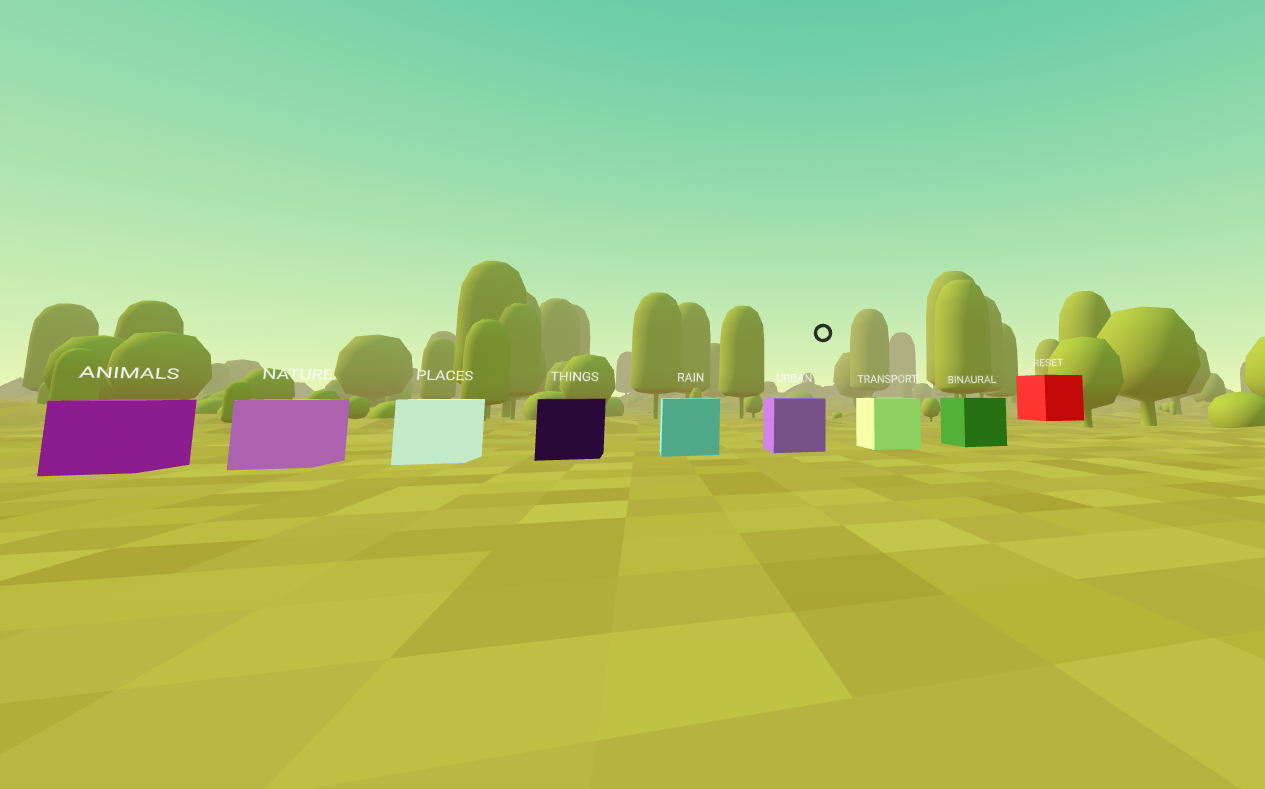
I’ve spent some time building ADHD-friendly VR experiences and productivity apps — not just for others, but for ourselves. And through this journey, one truth became undeniable: Not all apps are created equal, especially for neurodivergent minds.
When you live with ADHD, your brain doesn’t just "focus", it scatters. It seeks novelty, craves stimulation, and hates repetition. That’s why choosing the right app isn’t just about convenience, it’s about survival. Your digital environment either supports your focus or becomes a battlefield of distraction, boredom, and anxiety.
 Hazem Abbas
That’s why ADHD people should be extremely picky about their daily used apps — because from boring to visual torture, the difference is real, measurable, and deeply personal.
The way I see it, many apps are built for enterprise mindset of the 80s, not for the users.
Why ADHD Brains Can’t Tolerate “Average” Basic Apps
Let’s get real for a sec: most apps are built for the mythical “average user.”, (sometimes enterprise users) But for someone with ADHD, average is often unusable.
You know the feeling:
- You open an app to track tasks… only to be hit by a wall of cluttered icons, overlapping text, and endless menus.
- You try to fill out a CRM form… and suddenly you're trapped in a loop of clicking, waiting, scrolling, same steps, over and over.
- You want to jot down an idea… but the note-taking app forces you into rigid templates, color schemes, and auto-suggestions that feel like mental prison bars.
This isn’t laziness. This is cognitive overload. For ADHD brains, repetitive, unstimulating workflows can feel like emotional imprisonment. The mind screams: “What’s next? What’s new? Where’s the exit?”
And when the task feels too mechanical, like filling out ERP systems, CRM dashboards, or internal project trackers, the result? Emotional burnout, avoidance, and creative shutdowns.
While ADHDers are great mostly in pattern recognition, bad workflow design feels like a maze, as they can easily can tell how much time waste for doing some simple action, moreover, click waste.
ADHD ≠ lazy. ADHD = overloaded.
And when the tool adds more friction than value, it’s not just inefficient, it’s harmful.
Overloaded ADHD a Dangerous Consequence
Overloaded ADHD brain results in mental fog, emotional overwhelm, and decision paralysis. The constant influx of stimuli, notifications, cluttered screens, endless tasks, triggers fight-or-flight responses, making focus impossible. What feels like “laziness” is actually cognitive exhaustion.
Without intentional design and digital minimalism, the brain shuts down, leading to avoidance, burnout, and creative collapse. Simple solutions? Clarity, customization, and calm interfaces.
Let me say this: many times, I start working on a project using a framework I’m really good at, and yet, I feel overwhelmed before I’ve even begun. I know my way around it; the structure is already in my head. I’ve written dozens of drop-in libraries to speed up development and even make my clients think everything runs smoothly. But at the end of the day, I’m exhausted.
 Hazem Abbas
moSo I tend to switch, learning and working with new frameworks instead. Not because I don’t like the old ones, but because the mental weight of familiarity becomes too heavy. The pressure to perform, to be flawless, to maintain that seamless illusion… it drains me. And sometimes, starting fresh, with uncertainty, not mastery, is the only way to actually get started without burning out.
The 5 Red Flags That Signal an ADHD-Unfriendly App
Here’s what to watch for when picking apps:
- Too Many Clicks, Too Little Reward
If it takes more than 3 clicks to complete a simple action, your brain will disengage. ADHD thrives on immediate feedback. Delayed gratification? Not a thing. Unnecessary clicks from top left of the page to the end bottom right (ex. inspector area), is another story! - Cluttered Visual Design (aka “Visual Torture”)
Overuse of animations, neon colors, pop-ups, and floating elements? That’s sensory chaos. For ADHD users, this isn’t “fun”, it’s overwhelming. We don’t need flashy; we need clear. - No Customization Options: The Hell Maze for ADHDers
If you can’t change the layout, hide distractions, or adjust the color scheme, it’s not designed for you. Personalization isn’t luxury, it’s necessity. - Repetitive, Monotonous Workflows
ERP systems, time-tracking tools, inventory logs, these are notorious for trapping users in loops. When every day looks the same, the brain rebels. Variety and flexibility are non-negotiable. A good workflow design does not just save time, but also improve the overall performance of the users, poor workflow results in resources waste, and I am not talking here about just time, but also your app users productivity. - Poor Feedback Loops
No progress indicators, no visual rewards, no sense of completion? That’s a recipe for frustration. ADHD brains need visible progress, even if it’s just a green checkmark. A note to UI/UX designers: Think of a game feedback loop design and try to implement it in your work!
 Hazem Abbas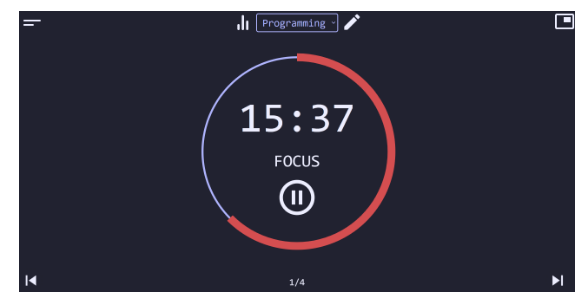
The Power of Simplicity & Customizability
The antidote? Functional design + radical customization.
Think of apps as digital workspaces. Just like a physical desk, your digital workspace should reflect your rhythm, energy, and needs.
- Customizable layouts: Move widgets, hide unused panels, resize windows, make space for focus.
- Dark mode & minimal themes: Reduce eye strain and cognitive load. Apple’s Dark Mode isn’t just aesthetic, it’s therapeutic.
- Keyboard shortcuts & terminal-like interfaces: For those of us who thrive on speed and control (yes, I’m talking to myself, I use Terminal and Linux daily). I even customized macOS and Linux with the same shortcuts to manage virtual workspace, which did not just save time, but also boosted my productivity on both systems that I use daily.
- Clear workflow paths: Step-by-step processes that guide without condescension. Think of it as a GPS for your brain.
Design isn’t just about beauty, it’s about accessibility.
And for ADHD users, a well-designed interface is a lifeline.
Colors, Screens, and Sensory Safety
Let’s talk about color psychology, specifically, how it impacts ADHD brains.
- High-contrast colors (like bright red on yellow) can trigger anxiety or overstimulation.
- Overly saturated palettes scream “look at me!”, which is exhausting when you’re already overwhelmed.
- Flickering animations, blinking buttons, or auto-playing videos? These aren’t features, they’re sensory traps.
Instead, opt for:
- Soft gradients
- Neutral base tones (grays, beiges, muted blues)
- Consistent spacing and alignment
- Predictable transitions
These aren’t “boring”, they’re safe. They create a mental sanctuary where your brain can breathe.
And here’s a secret: Apple’s design principles are among the best for ADHD users.
Apple has long prioritized clarity, simplicity, and consistency. Their Human Interface Guidelines emphasize:
- Minimalist visuals
- Clear hierarchy
- Intuitive navigation
- Predictable behavior
For someone with ADHD, macOS isn’t just a computer, it’s a safe zone. A place where the interface doesn’t fight you. Where everything feels intentional, not chaotic. Where you can work without fear of being overwhelmed.
It’s not magic, it’s thoughtful design.
As someone who uses both Linux terminals and macOS, I’ll say this: macOS gives me structure without suffocation. It’s the digital equivalent of a calm, clean room, perfect for deep focus.
Why UI/UX Designers Must Care About ADHD
Here’s a wake-up call: If you’re designing for everyone, you’re designing for no one, especially not ADHD users.
But here’s the good news: Designing for ADHD means designing better for everyone.
When you remove clutter, simplify flows, add customization, and reduce sensory noise, you’re not just helping neurodivergent users. You’re creating apps that are faster, clearer, and less frustrating for all users.
Benefits of ADHD-Inclusive Design:
- Reduced cognitive load across the board
- Higher engagement and retention
- Fewer errors and user drop-offs
- Greater accessibility and inclusivity
- Stronger brand loyalty (because people feel seen)
Inclusive design isn’t charity, it’s innovation.
And let’s be honest: the future of tech isn’t about doing more, it’s about doing less, but better. Less noise. Less friction. More clarity.
So if you’re a UI/UX designer, ask yourself:
- Does this design help someone stay focused?
- Can it be personalized?
- Is it intuitive, even under stress?
- Does it respect attention span?
If not, redesign it.
Practical Tips: How ADHD Users Can Choose Better Apps
- Start with Core Needs
Don’t download 10 apps. Ask: What do I actually need today? Focus on 1–3 core tools. - Test Before Committing
Use free trials. Try different layouts. Close the app after 5 minutes, did your brain feel calmer? Or more scattered? - Look for Customization
Can you hide tabs? Change fonts? Adjust color schemes? If yes, it’s likely ADHD-friendly. - Avoid “Feature Bloat”
More features ≠ better. Often, they mean more distraction. - Use Tools That Feel Like Extensions of You
Whether it’s a terminal, a minimalist note app, or a custom dashboard, the best tools disappear. You stop noticing them. That’s the goal.
Final Thought: Your Digital Environment Shapes Your Mind
We spend 6+ hours a day in digital spaces. That’s half our waking life. So why would we tolerate environments that drain us?
Choosing apps isn’t just about efficiency, it’s about self-respect. It’s about saying: “My brain matters. My focus matters. My time matters.”
And the best part? You don’t have to suffer. There are tools out there that get it. Tools built with empathy, clarity, and neuroscience in mind.
At Medevel.com, we’ve written extensively about ADHD-friendly tools — from idea organizers and smart note-takers to AI assistants and productivity systems tailored for neurodivergent minds.
Check out our Productivity section, we’ve curated the best apps, frameworks, and strategies for ADHD creators, thinkers, and doers.
Because when the tools fit, the mind can fly.
Dr. Hmza Mu
MD | Medical/ Healthcare Open-source Advocate | Founder of Medevel.com | Creator of some ADHD VR & Productivity Apps
Helping neurodivergent minds thrive, one thoughtful interface at a time.
 Hazem Abbas
 Hazem Abbas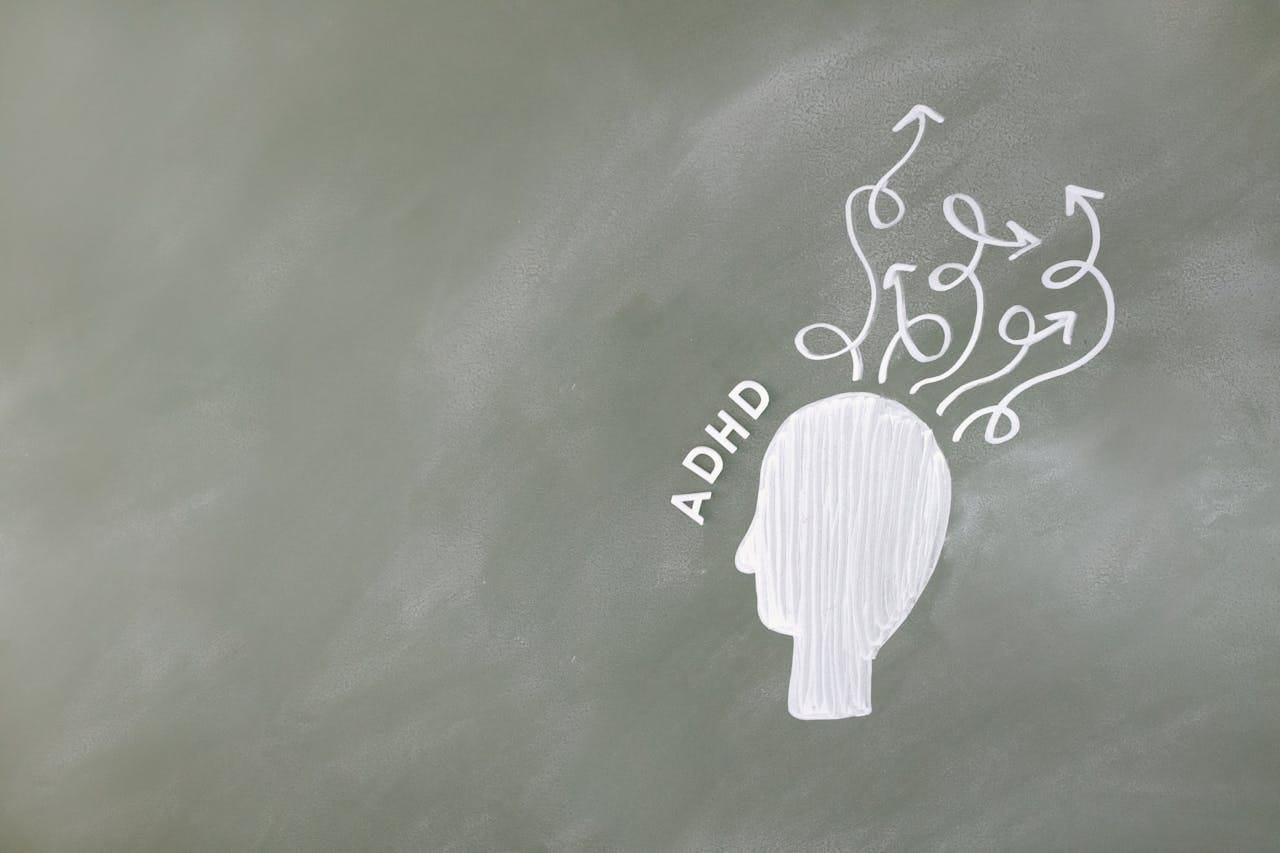
 Hazem Abbas
 Hazem Abbas
 Hazem Abbas