6 Digital ART for ADHD, How Design and Digital Art Help Creative People with ADHD: A Path to Focus, Flow & Freedom

For people with ADHD, the mind is a dynamic playground of ideas, fast-moving, vivid, and often overwhelming. While this can make traditional focus tasks exhausting, it also fuels an unmatched creative spark. That’s where design and digital art become more than just hobbies, they’re powerful tools for ADHD management, emotional regulation, and unlocking flow states.
When you channel restless energy into visual creation, you don’t just make art, you reclaim control, find calm in chaos, and turn neurodivergent traits into superpowers.
The idea behind this post, is how to stay creative without getting bored and having fun at the same time. It was years of tryout and experiance that made me make a list of apps and activities to suggest to my friends with ADHD.
Here’s how specific digital art forms help people with ADHD thrive, and why tools like NodeBox, Processing, Goxel, and others are game-changers.
1- AI Generative Art: Turn Chaos Into Creation
AI-generated art with MidJourney, DALL·E, or Stable Diffusion sparks instant creativity — perfect for ADHD minds craving novelty. Tools like DiffusionBee (Mac-friendly) and ComfyUI (visual node-based workflow) offer fast, flexible, and low-friction creation, turning chaotic ideas into stunning visuals with minimal effort. Ideal for ADHD-friendly, high-energy artistic flow.
- Why it helps: No pressure to “draw perfectly.” Just type a prompt and watch magic unfold.
- ADHD benefit: Sparks curiosity without demanding sustained focus. Great for overcoming creative blocks.
- ADHD management tip: Use AI as a launchpad. Let it generate 5 variations, then pick one to refine — turning endless ideation into productive action.
 Hazem Abbas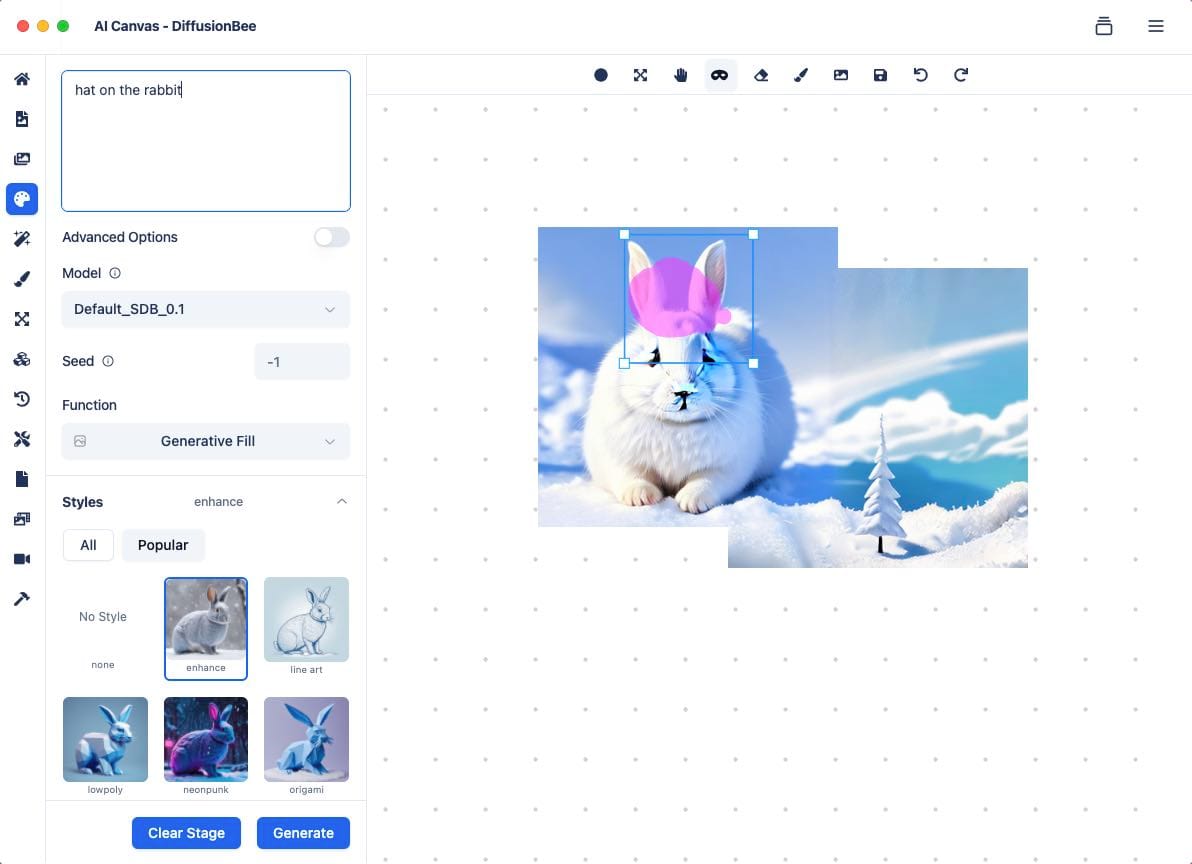
 Hazem Abbas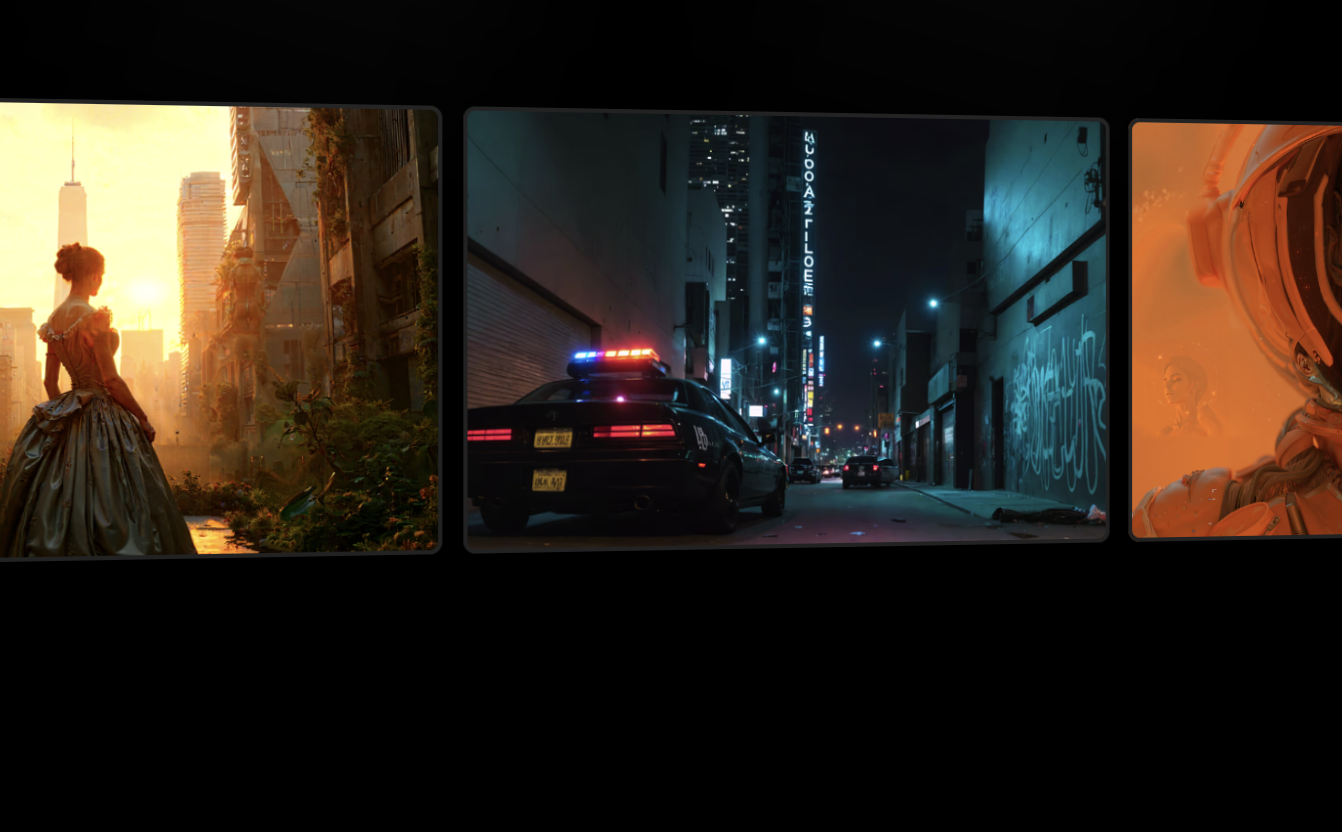
 Hazem Abbas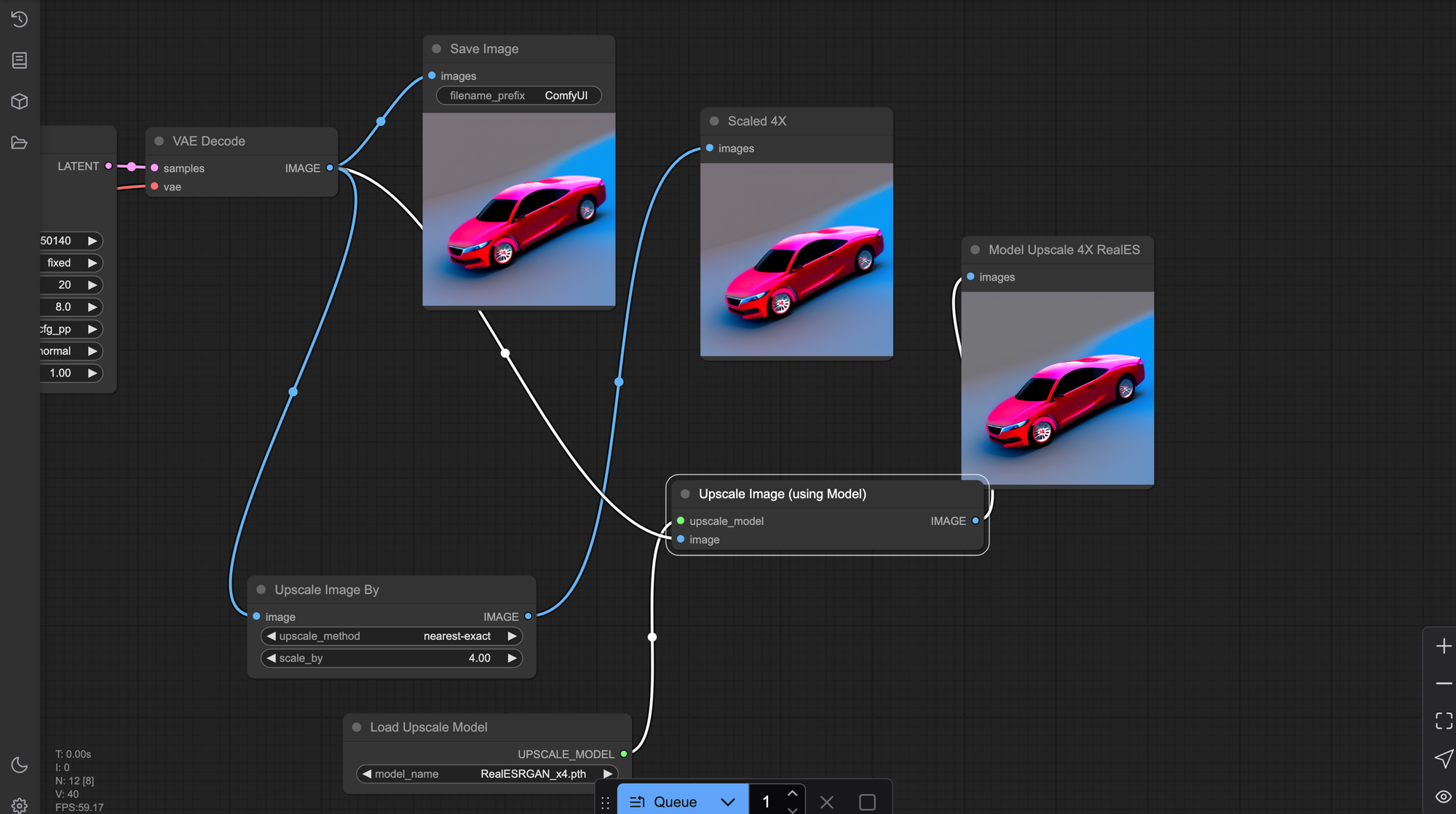
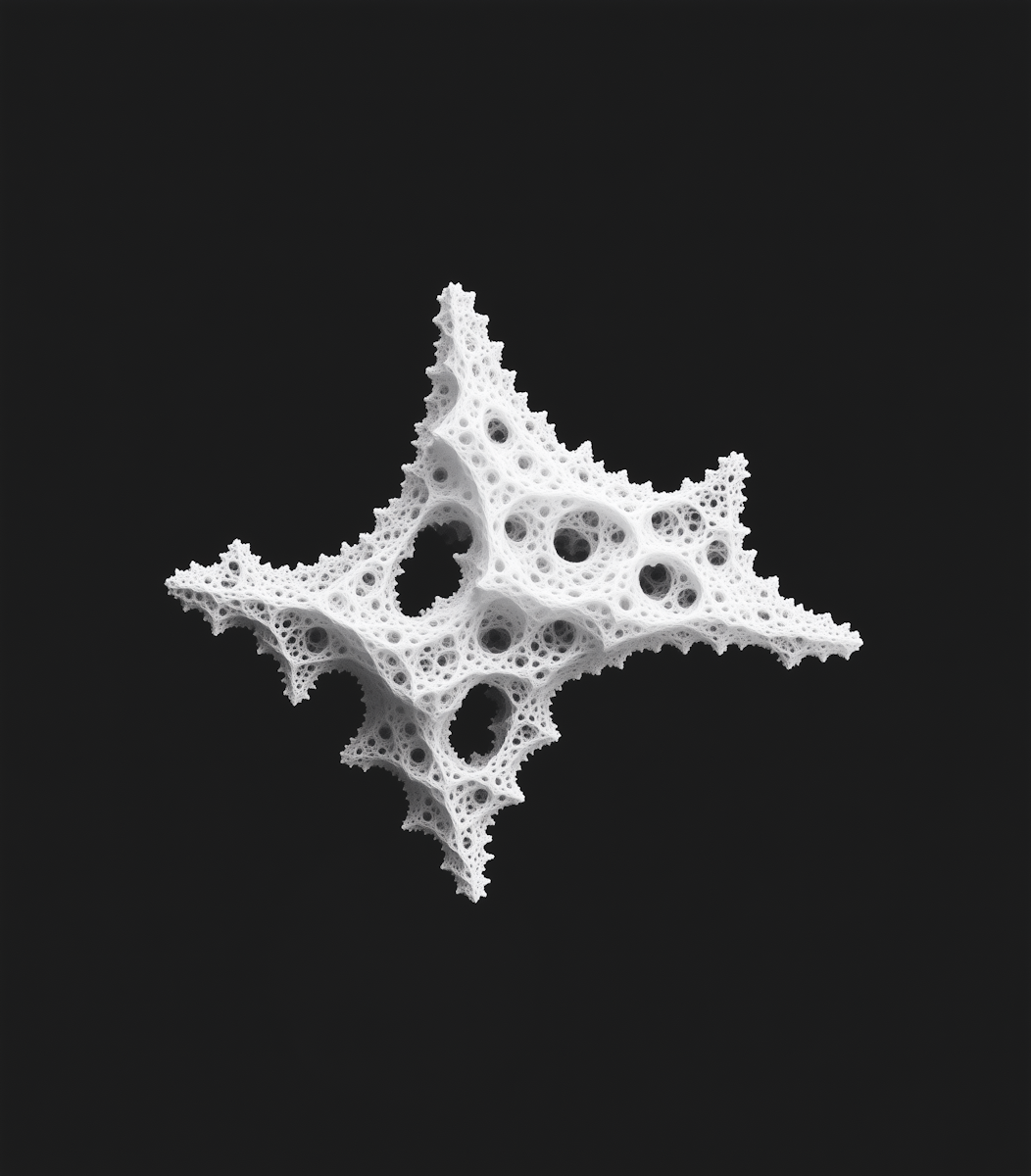
2- Fractal Design: Infinite Patterns, Infinite Focus
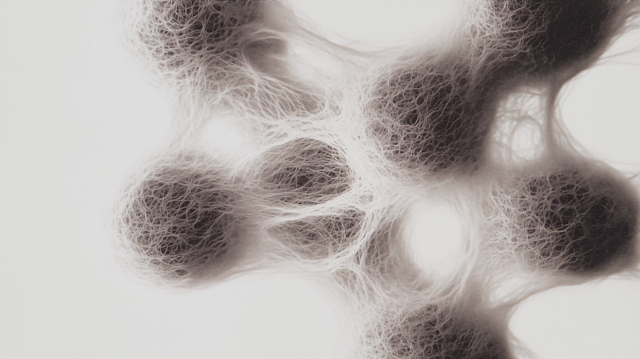
Fractals, self-repeating patterns found in nature, are mesmerizing and deeply engaging. Tools like Apophysis, Ultra Fractal, or even Processing-based fractal generators allow users to tweak parameters and watch intricate designs emerge.
Personally, I love fractal design, I even build my own software to create, organize my creations, it helps me focus and be productive, as also my friends who do some digital art organization work.
- Why it helps: The hypnotic repetition creates a meditative loop, helping ground racing thoughts.
- ADHD benefit: Triggers the "flow state" by focusing attention on small, evolving details.
- Bonus: Low-stakes experimentation, change one slider, see the ripple effect. Perfect for impulse-driven creativity.
 Hazem Abbas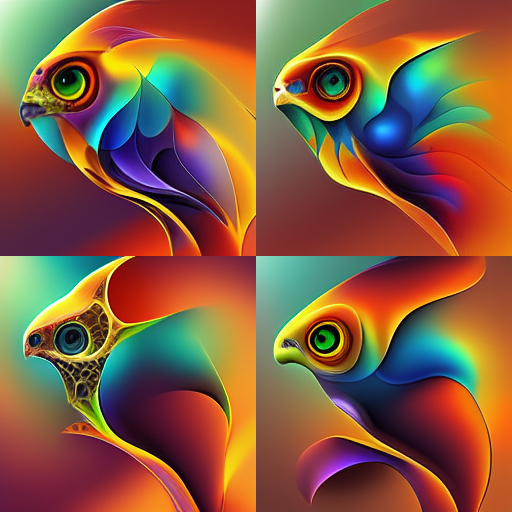
3- Vector Design: Precision Meets Creativity
With tools like Inkscape, Affinity Designer, or Figma, vector design offers clean lines, infinite scalability, and instant feedback — ideal for ADHDers who crave visual results fast.
- Why it helps: You can draw a shape, resize it instantly, and see immediate changes, satisfying the need for quick wins.
- ADHD benefit: Reduces perfectionism. Mistakes are easy to undo. Layers keep projects organized without clutter.
- ADHD management hack: Use templates or presets to jumpstart projects and avoid decision fatigue.
 Hazem Abbas
4- Voxel Art: Playful, Modular Creativity
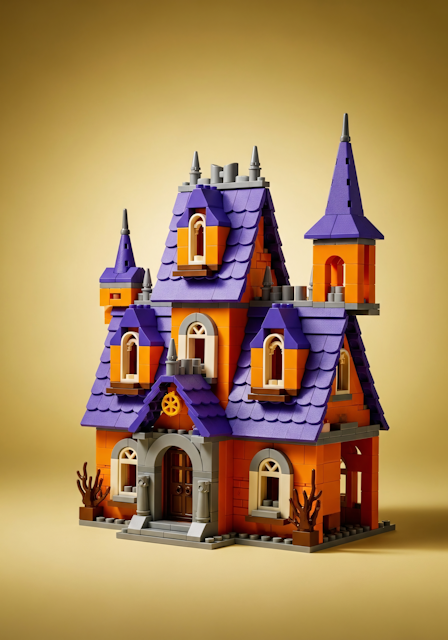
Voxel art (3D pixel art) uses cubes to build characters, environments, and animations. Tools like Goxel, MagicaVoxel, and Blockbench make it accessible and fun.
- Why it helps: Building with blocks feels tactile and intuitive — great for kinesthetic learners.
- ADHD benefit: High engagement with minimal mental load. Easy to switch between scenes or characters.
- Flow trigger: Watching a scene come alive piece by piece is deeply rewarding.
🎮 Ideal for: ADHDers who enjoy gaming aesthetics and hands-on creation.
 Hazem Abbas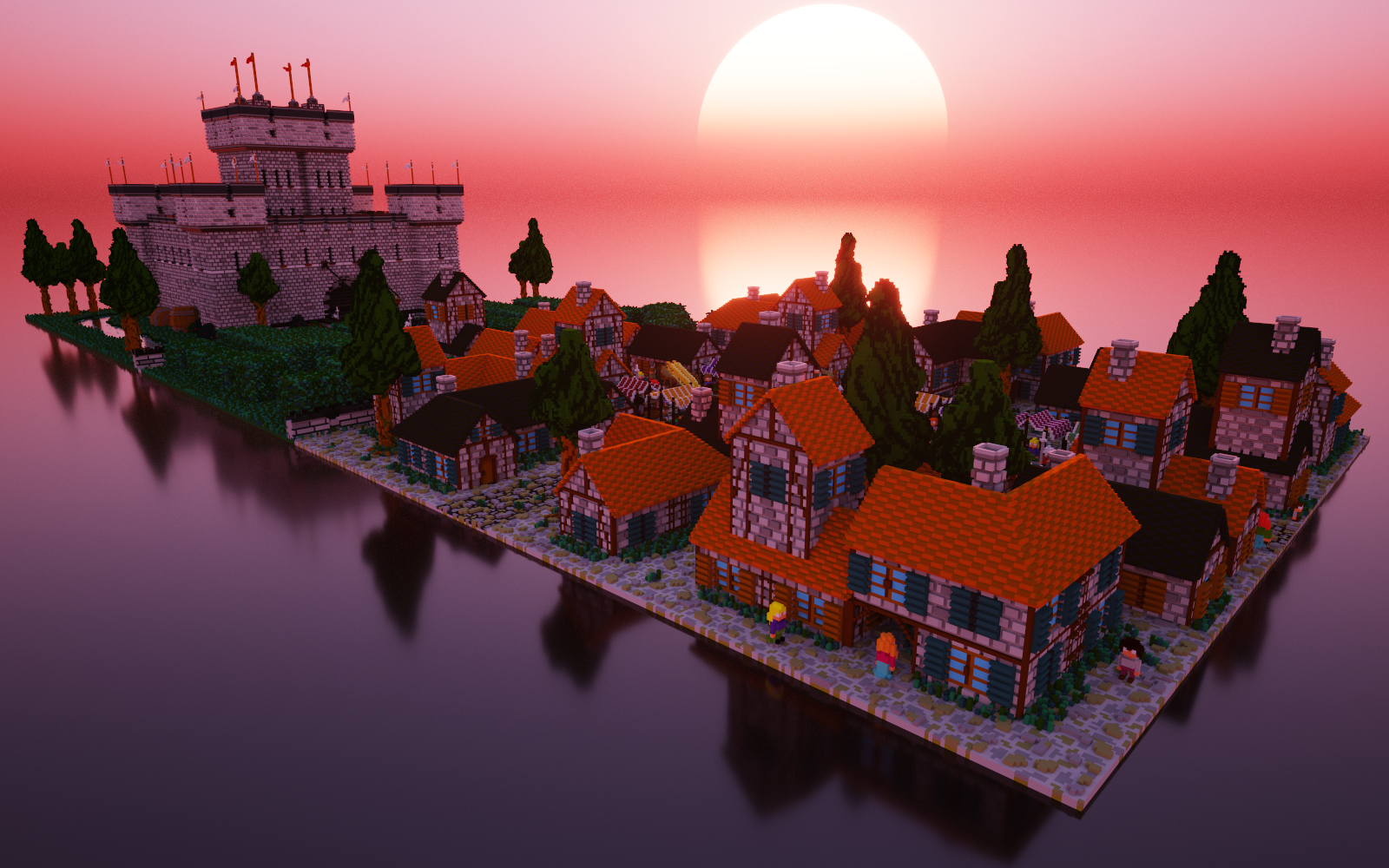
5- Pixel Art: Nostalgia Meets Focus
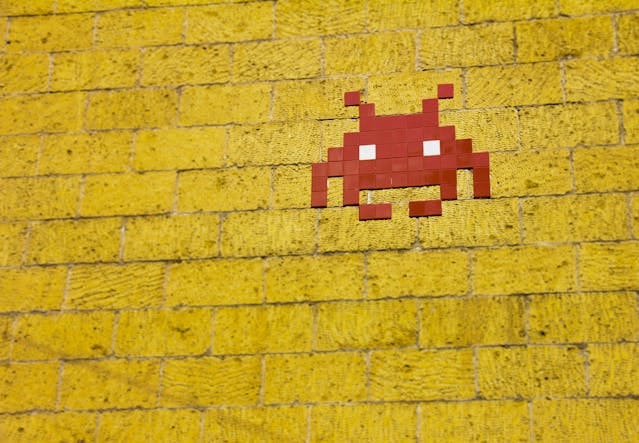
Pixel art forces you to think in grids and colors, a calming, deliberate process that balances ADHD’s impulsiveness with precision.
Pixel art is not just for fun, look for Pixel games and you will find that it has a large community of fans, players, artists and game designers.
- Why it helps: Each pixel matters, but progress is visible fast. Great for short bursts of deep work.
- ADHD benefit: Builds patience through micro-tasks. Satisfying when completed.
- Tool tip: Use Piskel or Aseprite for smooth animation and layer control.
🌟 Bonus: Many ADHDers report feeling “in the zone” while creating pixel sprites — a true flow experience.
6- Programming-Based Art (Processing Language): Code as Canvas
Programming to art, is a fun thing, I often do using several tools as NodeBox, even using Python, and some Game Engines to do this as Godot, LOVE and more, however, my favorite especially when working with my son is Processing.
Processing is a free, open-source environment that turns code into visuals. It’s not just for coders, it’s for dreamers who want to build their imagination.
- Why it helps: Write a few lines of code → see animation, shapes, or interactive art appear instantly.
- ADHD benefit: Offers instant feedback, which satisfies the need for stimulation and reward.
- Creative freedom: Generate art based on music, data, random numbers, or even brainwave input.
🚀 Perfect for: ADHDers who love tech, logic, and playful problem-solving. Turns abstract ideas into real-time visual stories.
 Hazem Abbas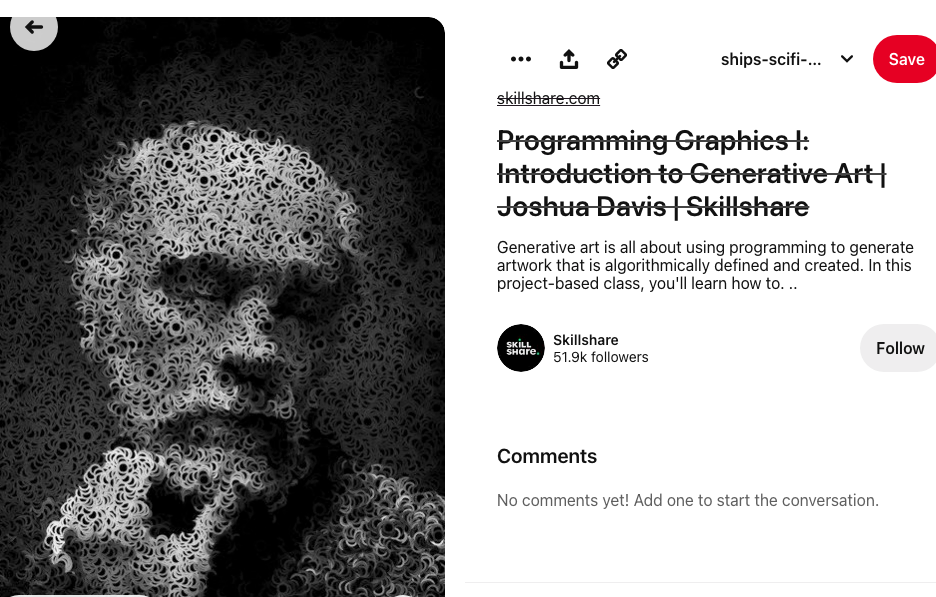
Why Apps Like NodeBox, Processing, Goxel & More Are Game-Changers for ADHD
These tools aren’t just software, they’re ADHD-friendly ecosystems designed to support neurodivergent creators:
| App | Why It Helps ADHD |
|---|---|
| NodeBox | Visual scripting + instant output. Great for brainstorming and prototyping without writing full code. |
| Processing | Encourages experimentation. Fast feedback loops = dopamine hits that sustain motivation. |
| Goxel | Voxel-based, intuitive, lightweight. Ideal for short creative sessions. |
| Piskel | Simple, focused, no distractions. Perfect for micro-projects. |
| Aseprite | Pixel art with timeline animation — keeps ADHDers engaged with rhythm and motion. |
ADHD Management Tip: Use these apps as “focus anchors.” Set a timer (e.g., 20 mins), pick one tool, and go wild. No goal. No pressure. Just creation.
Final Thoughts: Art Isn’t Escape, It’s Empowerment
For people with ADHD, digital art isn’t about being “good” at drawing. It’s about processing emotions, managing energy, and expressing identity in ways that feel authentic and liberating.
Design and digital art become:
- Therapy for overstimulated minds
- Focus tools that replace anxiety with flow
- Self-esteem builders that celebrate unique thinking
When you create, you’re not just making something beautiful — you’re proving to yourself: “I am capable. I am creative. I belong.”
So if your brain races, your attention wanders, or your ideas overflow — grab a tablet, open a canvas, and start building.
You don’t need permission. You just need the courage to begin.
 Omama yahia
 Hazem Abbas
Looking for other ADHD!
Check out our articles and most read posts about ADHD!
 Hazem Abbas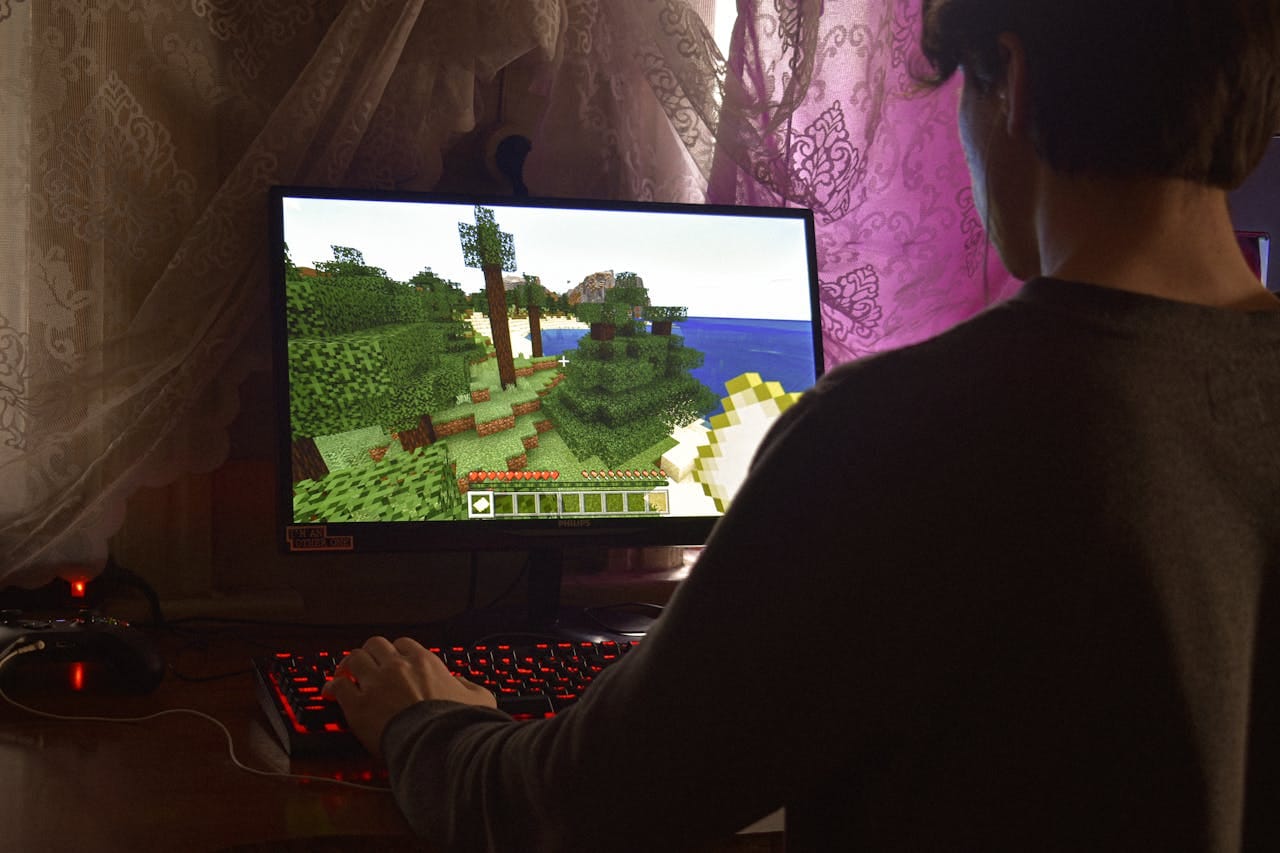
 Hazem Abbas
 Hazem Abbas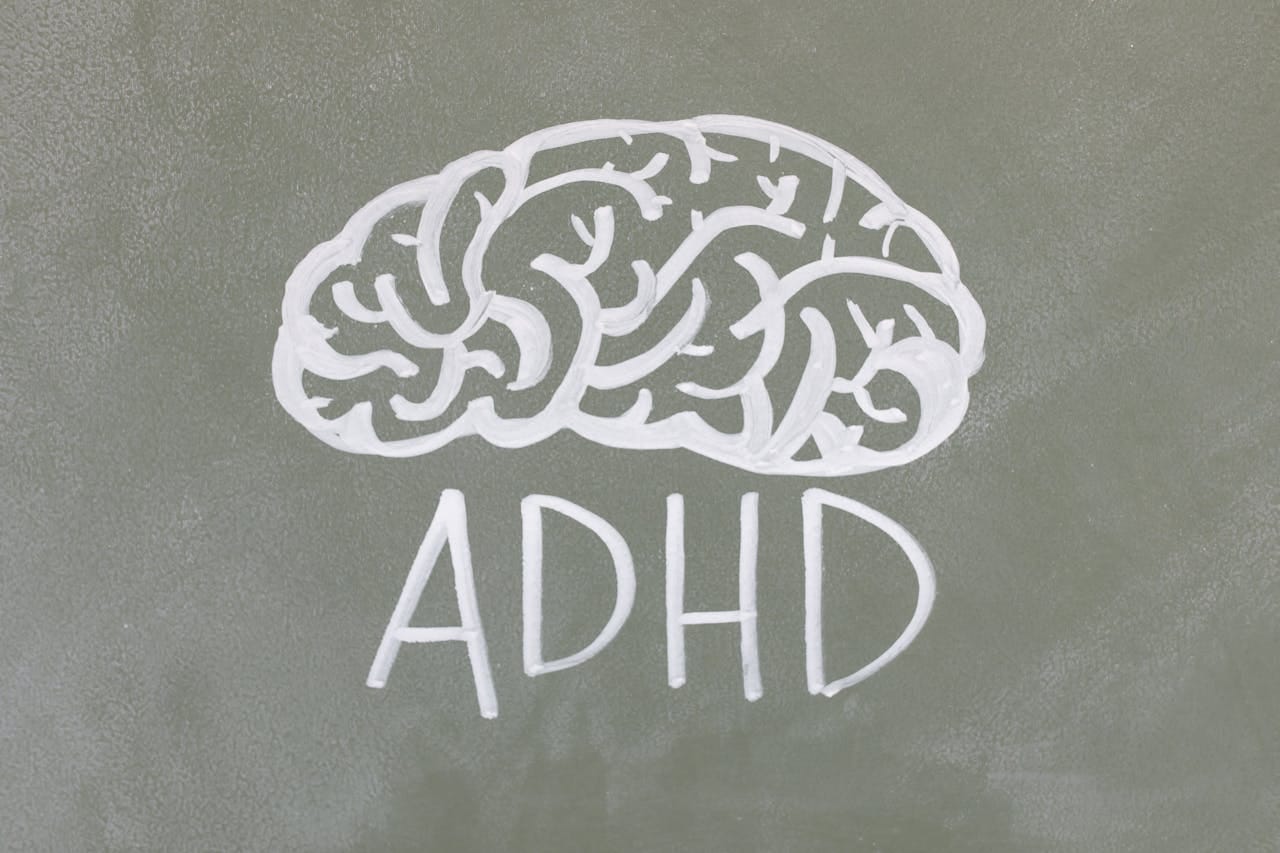
 Hazem Abbas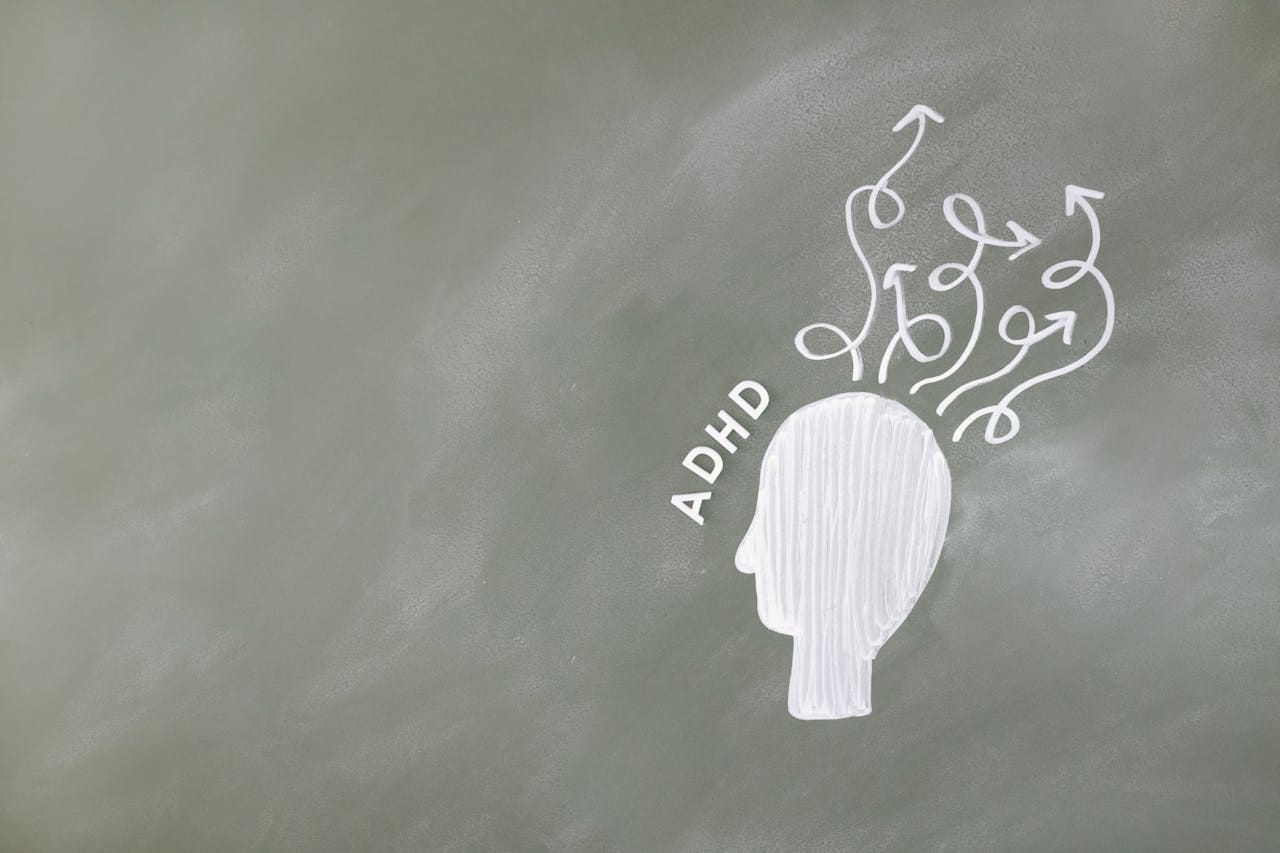
 Hazem Abbas
 Hazem Abbas
 Hazem Abbas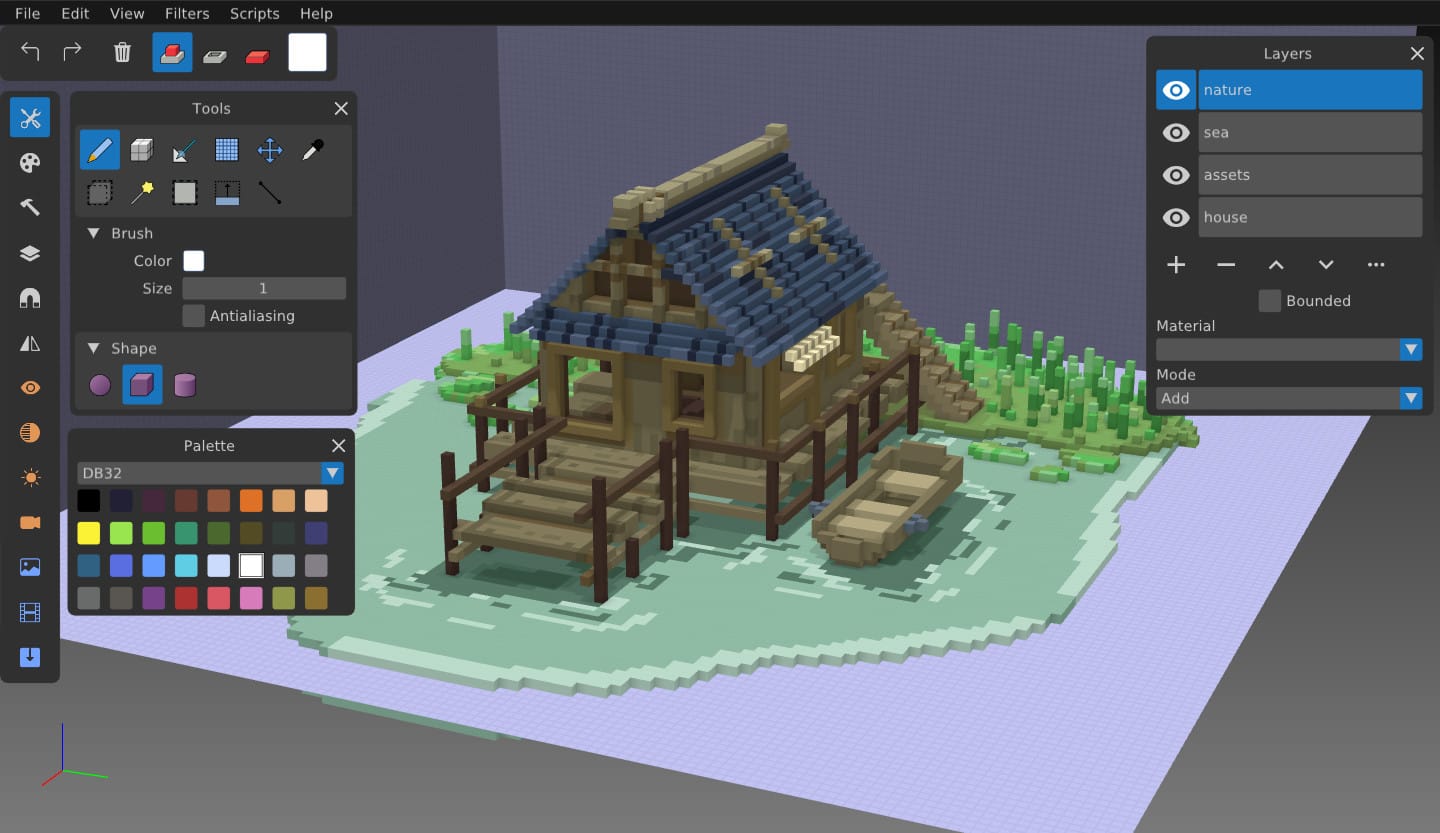
 Hazem Abbas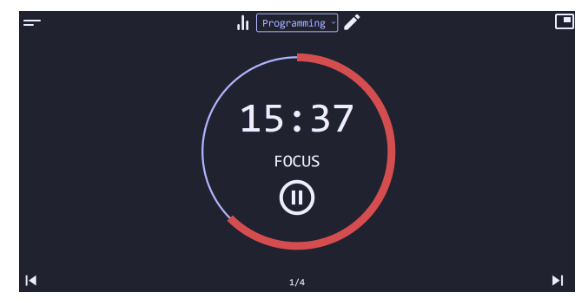
 Hazem Abbas
Start today. Create freely. Be seen. Be you.